Best for · By zone

Best Zone 2 tablets in 2026

Zone 2 is where an explosive gas atmosphere is not likely in normal operation and, if one does form, lasts only a short time. A tablet used there needs Zone 2 certification or higher under your site’s scheme, and the right one depends on how much of your gas and dust the certificate covers and on the work your crews do. We rank tablets rated for Zone 2 only, from Android tablets with scanners to large Windows tablets; if crews also enter Zone 1, or your gases need T6, a Zone 1 tablet is the step up. No Zone 2 iPad is picked here, for reasons explained below.

At a glance

The top 5 compared

The top 5 compared: Best Zone 2 tablets in 2026
RankTabletBest forTemperature classDustCertificationScreenWeight
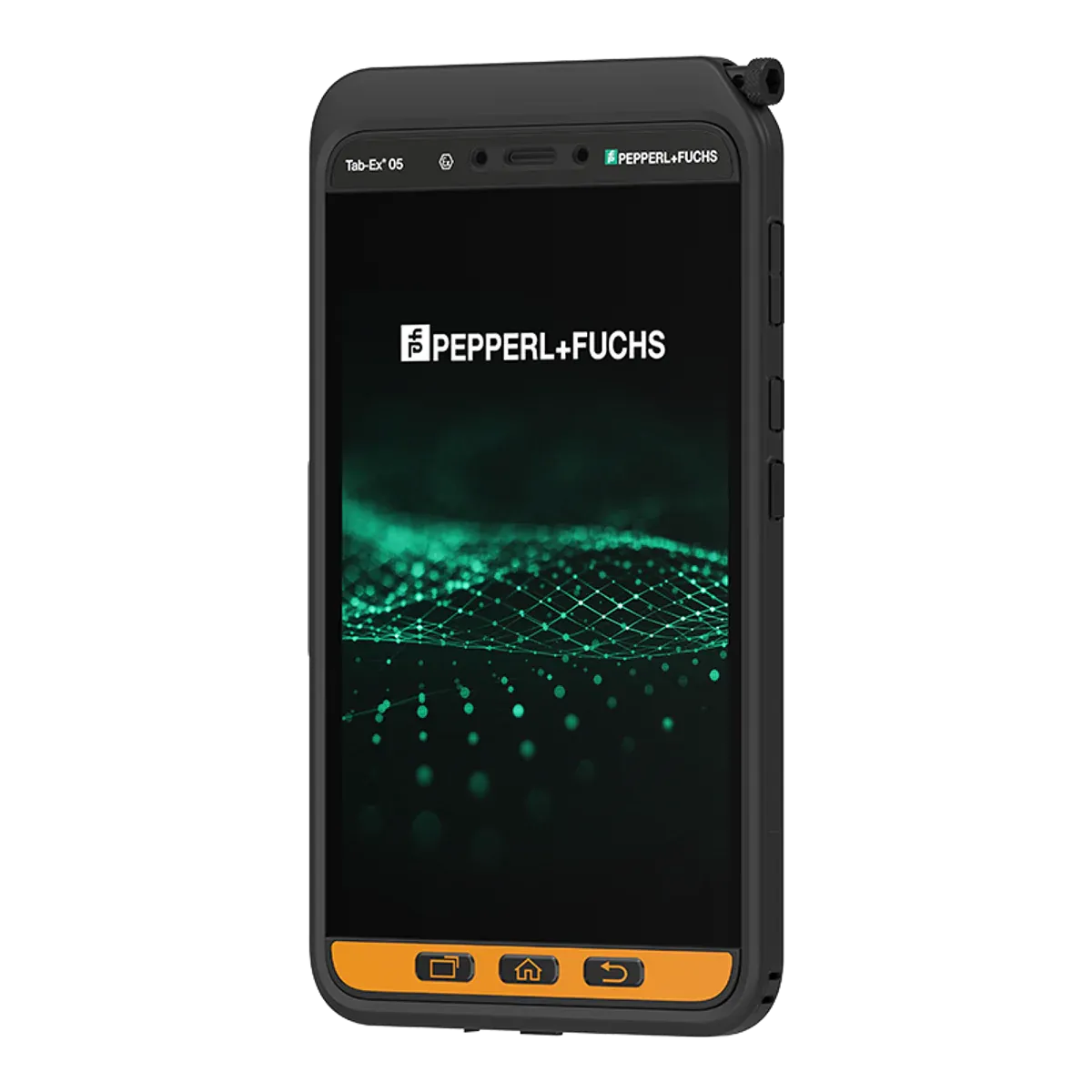
1ecom Tab-Ex 05 DZ2Best overall for Zone 2T5 (≤ 100 °C)IIIC, Zone 22ATEX, IECEx, Class I Div 2, KCs (Korea), South Africa8 inch595 g (unconfirmed)
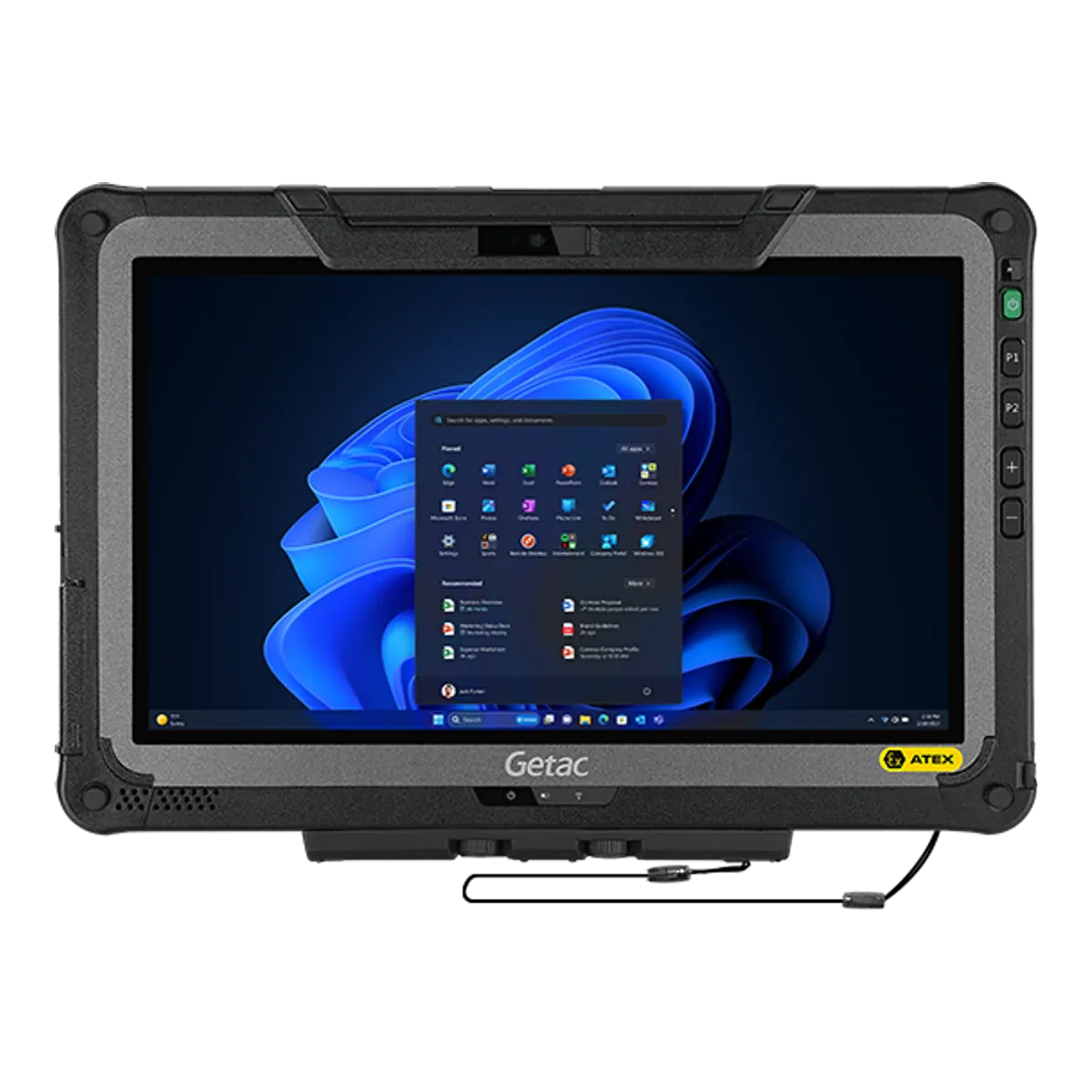
2Getac F110-EX G7Best large-screen Windows tabletT4 (≤ 135 °C)IIIC, Zone 22ATEX, IECEx11.6 inch1680 g
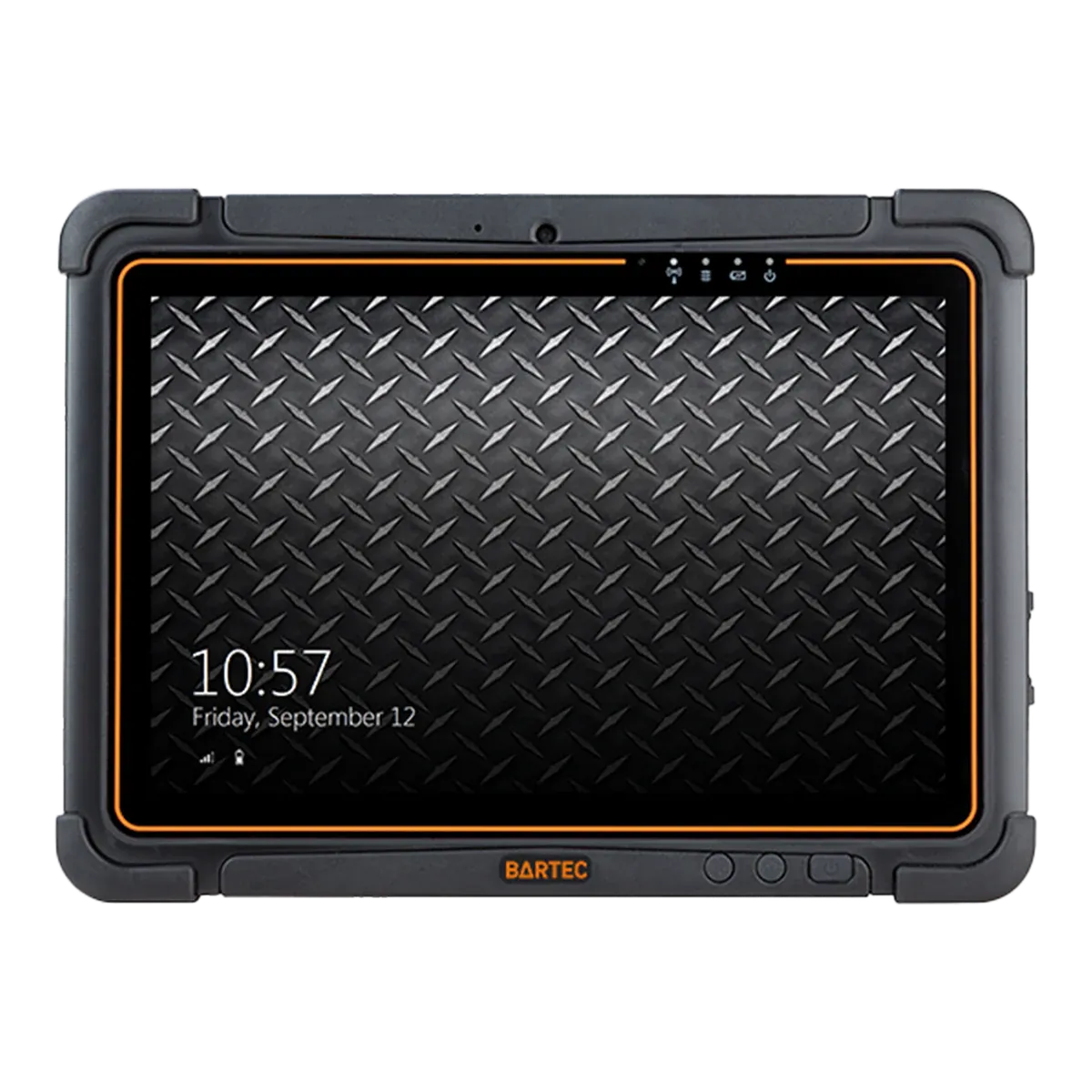
3BARTEC ET60/65EX2 AndroidBest for scanning and hot-swap shiftsT4 (≤ 135 °C)IIIC, Zone 22ATEX, IECEx, Class I Div 210.1 inch1074 g
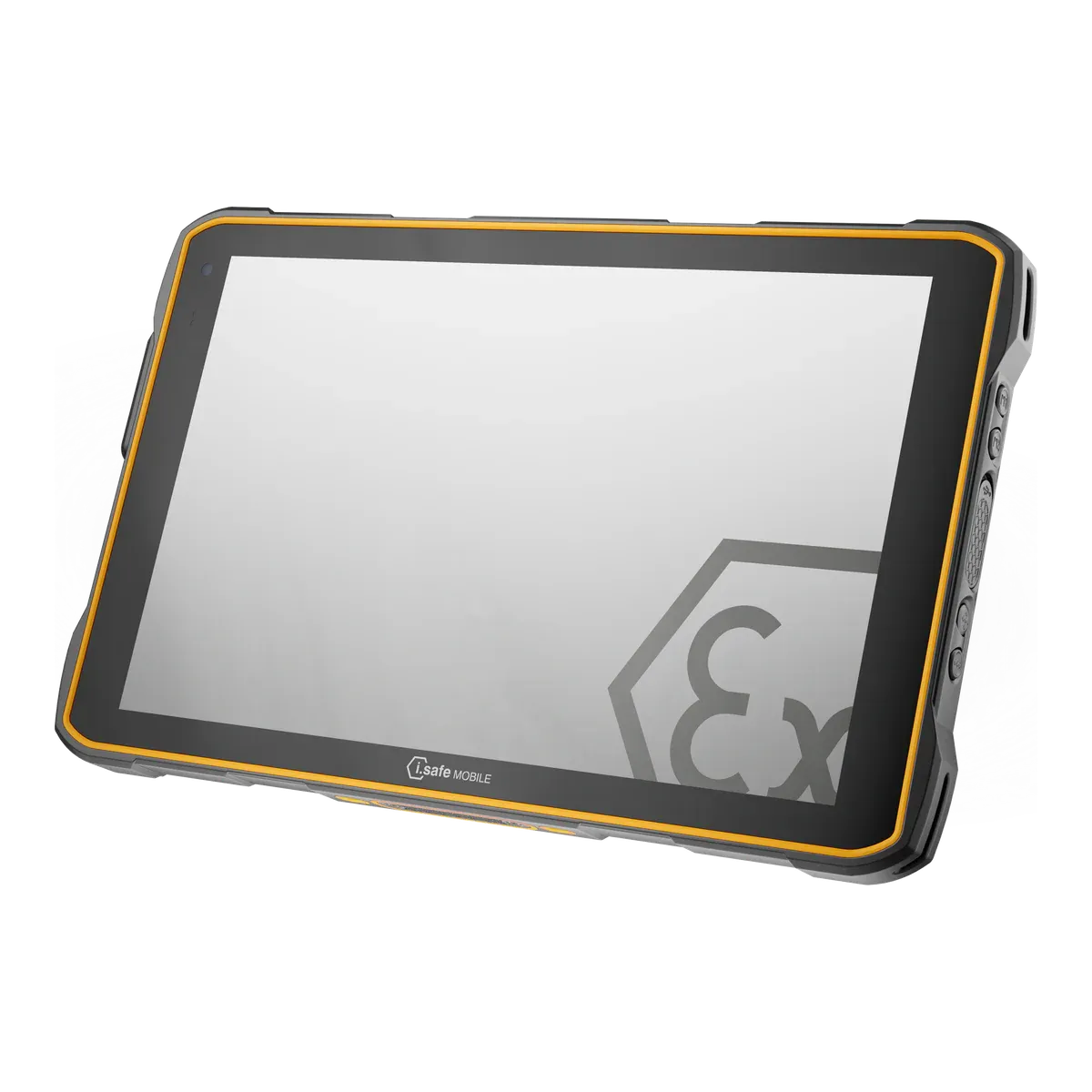
4i.safe MOBILE IS940.2Best if you need to charge in the zoneT4 (≤ 135 °C)IIIC, Zone 22ATEX, IECEx, Class I Div 2, South Africa10.1 inch1059 g
5BARTEC Agile S NIBest for multi-country sitesT4 (≤ 135 °C)IIIB, Zone 22ATEX, IECEx, UKEX, Class I Div 210.1 inch1200 g

All five are certified for Zone 2 and dust Zone 22 in gas group IIC, and none for Zone 1. The BARTEC Agile S NI is dust group IIIB; the others are IIIC. Prices are on request.

The ranking

Our picks for Zone 2

  1. Best overall for Zone 2

    ecom Tab-Ex 05 DZ2

    ecom (Pepperl+Fuchs) · Dedicated Ex tablet

    Certified for
    Zone 2/22
    Marking
    II 3G Ex ic IIC T5 Gc
    Certification
    ATEX + IECEx, Class I Division 2
    Operating system
    Android 16
    Security updates
    Q1 2032 (maker’s statement)
    Weight
    595 g (unconfirmed)

    The Tab-Ex 05 DZ2 takes first place because it carries the widest set of Zone 2 certificates of any tablet we rank. Its Ex ic IIC T5 Gc rating for gas and Ex ic IIIC T85 °C Dc for dust puts it at T5, a 100 °C limit, where every other current Zone 2 tablet with a North American Division listing in our data is T4, and it covers conductive dust. ATEX (a Bureau Veritas certificate of conformity, which category 3 equipment does not strictly need) and IECEx are both held, and the SGS North American certificate lists Class I and II Division 2, Class III Division 1 and 2 and Zone 2 IIC T5. National approvals add Brazil, Korea and South Africa.

    It is a capable 8-inch Android tablet too: IP68 and MIL-STD-810H, glove and wet-hand touch, an included S Pen, a 600-nit screen, an Exynos 1380 with 6 GB, NFC, 5G and a programmable function key for push-to-talk, emergency calls or alarms. A camera-free version suits sites that restrict cameras. ecom quotes up to 14 hours of battery life and states security updates to 2032 (Q1 2032 in our data, a maker’s statement).

    Read the North American conditions: under the NEC and CEC listing the ambient limit is +50 °C and the dust group is IIIB, not the +55 °C and IIIC of the ATEX and IECEx certificates. The weight of 595 g is from a single source and ecom’s own figures vary, the protective case must be fitted before entering a hazardous area, and wired connections (USB-C and POGO pins) and charging are for ordinary areas only.
    View full details
  2. Best large-screen Windows tablet

    Getac F110-EX G7

    Getac · Rugged tablet, Ex version

    Certified for
    Zone 2/22
    Marking
    II 3G Ex ic op is IIC T4 Gc
    Certification
    ATEX + IECEx
    Operating system
    Windows 11 Pro
    Security updates
    Supported while kept on a current Windows 11 version
    Weight
    1680 g

    For crews who need a full Windows tablet with room for drawings and work packs, the F110-EX G7 is the largest-screen option among our Zone 2 picks. It has an 11.6-inch, optically bonded 1,200-nit display, 13th-generation Intel Core i5 or i7 processors with 16 GB of memory (32 GB optional) and a digitizer pen alongside touch. Windows 11 Pro is supported while kept on a current version, and an optional 1D/2D barcode or RFID module is available. It is rated up to +60 °C, the highest of our five, with IP66 and a 1.2 m drop rating.

    The battery is hot-swappable with Getac’s LifeSupport technology, but swaps happen in non-hazardous areas only, and so do all connections: the certificate bars the USB, Thunderbolt, DC-in, docking, LAN and serial interfaces from hazardous areas.

    It is certified Ex ic op is IIC T4 with dust group IIIC under IECEx; Getac’s ATEX certificate is not published and our data has no North American listing for it. The IECEx certificate names the model “F110-Exc” without the generation, which we matched to the G7 by its batteries, dust group and ambient range, so confirm the exact model with Getac. At 1,680 g it is the heaviest of the five.

    View full details
  3. Best for scanning and hot-swap shifts

    BARTEC ET60/65EX2 Android

    BARTEC · Rugged tablet, Ex version

    Certified for
    Zone 2/22
    Marking
    II 3G Ex ic op is IIC T4 Gc
    Certification
    ATEX + IECEx, Class I Division 2
    Operating system
    Android 14
    Security updates
    Until December 2031 (unconfirmed)
    Weight
    1074 g

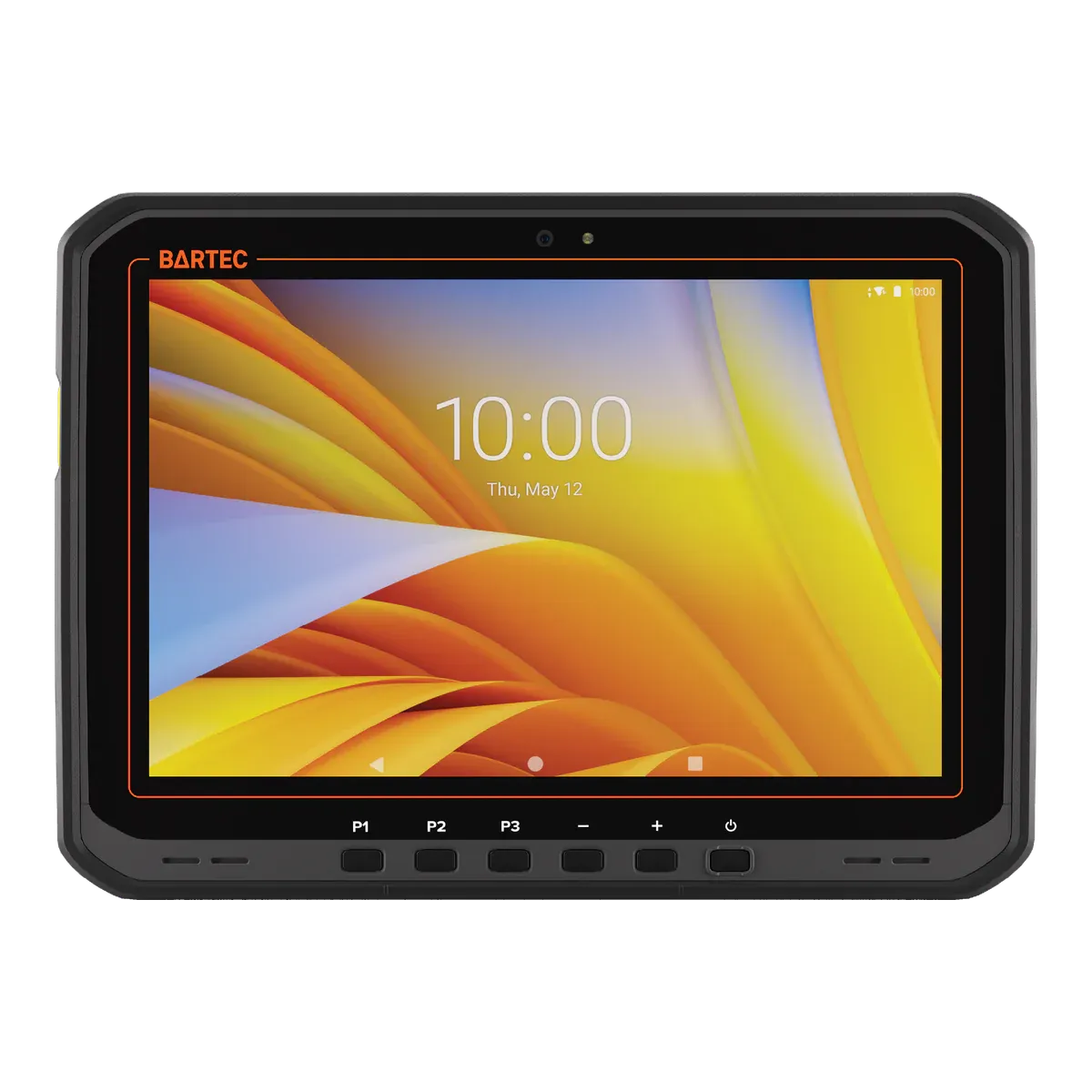
    For stock, tag and equipment scanning across a shift, the ET60/65EX2 Android is the Zone 2 tablet we would choose. An optional SE55 scan engine is built in, the battery can be swapped without losing power (an internal supercapacitor bridges the swap, outside the hazardous area), and the 10.1-inch optically bonded screen runs at 1,000 nits. It takes 1.5 m drops to concrete, exceeding MIL-STD-810H, and adds a 16 MP autofocus camera with flash, NFC and a Wi-Fi 6E or 5G (ET65) radio.

    The certificate is Ex ic IIC T4 with dust group IIIC under ATEX and IECEx, rated to +55 °C, and the UL listing gives Class I Division 2 Groups A to D, Class II Division 2 Groups F and G, and Class III Division 2. That listing covers the North American types B7-T2E1 and B7-T2E3 only, and its Zone 22 dust group is IIIB, not IIIC.

    It ships with Android 14, upgradeable to Android 16 per BARTEC’s datasheet, and security updates run to December 2031 on Zebra’s date, which BARTEC says needs a LifeGuard service contract, so we show it as unconfirmed. The IP rating is IP64, the tablet weighs 1,074 g, and the battery is changed and charged outside the hazardous area only.

    View full details
  4. Best if you need to charge in the zone

    i.safe MOBILE IS940.2

    i.safe MOBILE · Dedicated Ex tablet

    Certified for
    Zone 2/22
    Marking
    II 3G Ex ic IIC T4 Gc
    Certification
    ATEX + IECEx, Class I Division 2
    Operating system
    Android 14
    Security updates
    Until Q4 2032
    Weight
    1059 g

    Long shifts in Zone 2 are where this tablet earns its place: i.safe allows the IS940.2 to charge inside the hazardous area, so it can stay on its docking station between jobs instead of being swapped out. It and its Windows twin, the IS945.2, are the only Zone 2-only tablets in our data with that permission. Charging temperature is limited to 0 °C to +45 °C by the certificate, and the 12-pin dock interface may stay open while the USB-C and 16-pin ISM covers stay closed.

    It is intrinsically safe (Ex ic), IIC T4 with dust group IIIC under ATEX and IECEx, and the NEC 500 listing covers Class I Division 2 Groups A to D, Class II Division 2 Groups F and G, and Class III. The hardware is a 10.1-inch Android tablet with a Qualcomm QCM6490, 8 GB of memory, a 50 MP autofocus camera, 5G, NFC, IP68 and MIL-STD-810H, plus a programmable red key for SOS or lone-worker alarms. i.safe states security updates until Q4 2032.

    The trade-offs are plain: T4, an ambient range to +55 °C, 1,059 g and Android 14. Our data lists no screen brightness figure, the stylus is an optional passive accessory, and the battery is replaced outside the hazardous area only.

    View full details
  5. Best for multi-country sites

    BARTEC Agile S NI

    BARTEC · Dedicated Ex tablet

    Certified for
    Zone 2/22
    Marking
    II 3G Ex ic IIC T4 Gc
    Certification
    ATEX + IECEx + UKEX, Class I Division 2
    Operating system
    Windows 10 IoT Enterprise LTSC
    Security updates
    Until January 2032
    Weight
    1200 g

    Operators with Zone 2 sites in several countries get one of the longest lists of approvals from the Agile S NI, including the only UKEX certificate among the current Zone 2-only tablets in our data. Beyond ATEX and IECEx it holds a UKEX certificate (CML 21UKEX2346X), a CSA-listed Class I Division 2 rating for North America, and approvals for Brazil (Inmetro and UL), Korea (KC), China (CCC) and Japan. It runs Windows 10 IoT Enterprise LTSC 2021 on a Core i5, with security updates to January 2032, so x86 Windows software runs natively.

    It has a built-in Honeywell N6600 1D/2D imager and HF RFID reader, a hot-swap battery with an integrated bridge battery, an 800-nit optically bonded screen and glove-mode touch. At 1,200 g it is a 10.1-inch work tablet for stores, logistics and inspection rounds.

    The limits are age and dust. The model dates from about 2020 (its IECEx certificate was issued in January 2020) and has a 7th-generation Core i5, the battery is rated up to 8 hours, and the dust group is IIIB, which does not cover conductive dust. The ambient range is −20 °C to +50 °C, IP64 in the marking, and the battery change, charging and every port are for outside the hazardous area only.

    View full details

Method

How we ranked them

Rank 1 goes to the tablet whose certificates cover the widest range of Zone 2 conditions. Every current Zone 2 tablet we list is IIC, so we compare the rest: the best temperature class (T5, where most are T4), dust group IIIC, ATEX and IECEx certificates, and a North American Class I Division 2 listing, among tablets that can still be bought. The ecom Tab-Ex 05 DZ2 is the only one that combines all four.

The other four positions each go to the best tablet for one kind of work: a large Windows screen, scanning and hot-swap shifts, charging inside the zone, and multi-country sites. Prices are on request for every brand, so cost does not affect the order. Zone 1 tablets can also be used in Zone 2, but we leave them out here because they are the step up and the usual route to T6.

No Zone 2 iPad is picked. The Zone 2 iPad options on sale are Atexxo’s conversions and Xciel’s XCRiPad cases, whose markings we cannot confirm because the certificates or declarations are not published, and the Armadex Ex UniCase, which is listed for pre-order. We rank only tablets with a confirmed marking and a clear availability, so see the iPad page for those options and their caveats.

The order follows the certificates and would change if one showed another tablet covering more of Zone 2.

Every figure comes from certificates, declarations of conformity and manufacturer datasheets, and the same rules apply to every brand. Read how we rate or see the disclosure.

Before you buy

What a Zone 2 tablet must show

Which of these apply depends on how your site is classified, so start from the area classification your safety engineer has drawn up, then check each tablet’s certificate or declaration for your exact model.

  • Temperature class

    Each class sets a maximum surface temperature: 135 °C for T4, 100 °C for T5 and 85 °C for T6. Most Zone 2 tablets are T4, so if any of your substances ignite below 135 °C look at the T5 ecom Tab-Ex 05 DZ2 or step up to a Zone 1 tablet.

  • Dust zone and group

    For combustible dust, look for a Zone 22 rating alongside the gas one. Dust group IIIC includes conductive dust, while the BARTEC Agile S NI is IIIB. North American listings can differ from ATEX: the ecom Tab-Ex 05 DZ2 and BARTEC ET60/65EX2 Android are IIIB under the NEC and CEC.

  • Ambient temperature

    Every certificate gives an ambient range. The picks here run to between +50 °C and +60 °C, and a North American listing can set a lower top than the ATEX one, so check the highest and lowest temperatures on your sites.

  • Certificates and declarations

    Under ATEX a maker can place category 3 (Zone 2) equipment on the market on its own declaration. Ask for the declaration and any certificate and check they name your exact model, as the Getac F110-EX G7’s IECEx certificate names “F110-Exc”.

  • Zone 2 iPads

    The Zone 2 iPad options on sale have markings we cannot confirm or are on pre-order, so confirm the certificate before you specify one. The iPad page lists them with their caveats.

More choice

Other Zone 2 tablets on sale

Filter Zone 2-only tablets
Other current tablets certified for Zone 2 only, in alphabetical order
TabletTypeScreenGas groupDustTemperature classCertificationWeight
Armadex Ex UniCaseCheck availabilityCertified Ex case11 inchIICIIIC, Zone 22T6 (≤ 85 °C)ATEX, IECEx—
Atexxo Zone 2 Galaxy Tab A9Check availabilityConverted tablet8.7 inchIICIIIB, Zone 22T4 (≤ 135 °C)ATEX780 g
Atexxo Zone 2 Galaxy Tab Active5 ProCheck availabilityConverted tablet10.1 inchIICIIIB, Zone 22T4 (≤ 135 °C)ATEX1200 g (unconfirmed)
Atexxo Zone 2 Galaxy Tab S10 FECheck availabilityConverted tablet10.9 inchIICIIIB, Zone 22T4 (≤ 135 °C)ATEX1090 g
Atexxo Zone 2 Galaxy Tab S9 FECheck availabilityConverted tablet10.9 inchIICIIIB, Zone 22T4 (≤ 135 °C)ATEX1090 g
Atexxo Zone 2 iPad (A16)Converted tablet11 inchIICIIIB, Zone 22T4 (≤ 135 °C)ATEX1050 g
Atexxo Zone 2 iPad 10.9-inchConverted tablet10.9 inchIICIIIB, Zone 22T4 (≤ 135 °C)ATEX1050 g
Atexxo Zone 2 iPad mini 6Converted tablet8.3 inchIICIIIB, Zone 22T4 (≤ 135 °C)ATEX800 g
Atexxo Zone 2 iPad mini 7Converted tablet8.3 inchIICIIIB, Zone 22T4 (≤ 135 °C)ATEX800 g
Atexxo Zone 2 iPad Pro 11-inchConverted tablet11 inchIICIIIB, Zone 22T4 (≤ 135 °C)ATEX1040 g
BARTEC ET60/65EX2 WindowsRugged tablet, Ex version10.1 inchIICIIIC, Zone 22T4 (≤ 135 °C)ATEX, IECEx1200 g
Durabook R8-EXRugged tablet, Ex version8 inchIICIIIB, Zone 22T4 (≤ 135 °C)ATEX880 g (unconfirmed)
Durabook U11I-EXRugged tablet, Ex version11.6 inchIICIIIB, Zone 22T4 (≤ 135 °C)ATEX1490 g (unconfirmed)
ecom Pad-Ex 01 P12 DZ2Dedicated Ex tablet11.6 inchIICIIIB, Zone 22T4 (≤ 135 °C)ATEX, IECEx, Class I Div 21200 g
Getac K120-EX G3Rugged tablet, Ex version12.5 inchIICIIIC, Zone 22T4 (≤ 135 °C)ATEX, IECEx1700 g
Getac UX10-EX G5Rugged tablet, Ex version10.1 inchIICIIIC, Zone 22T4 (≤ 135 °C)ATEX, IECEx1150 g
Getac ZX10-EX G2Rugged tablet, Ex version10.1 inchIICIIIC, Zone 22T4 (≤ 135 °C)ATEX, IECEx1050 g
Getac ZX80-EXRugged tablet, Ex version8 inchIICIIIC, Zone 22T4 (≤ 135 °C)ATEX, IECEx780 g
Getac ZX80W-EXRugged tablet, Ex version8 inchIICIIIC, Zone 22T4 (≤ 135 °C)ATEX, IECEx780 g
i.safe MOBILE IS930.2Dedicated Ex tablet8 inchIICIIIC, Zone 22T4 (≤ 135 °C)ATEX, IECEx, Class I Div 2890 g
i.safe MOBILE IS945.2Dedicated Ex tablet10.1 inchIICIIIC, Zone 22T4 (≤ 135 °C)ATEX, IECEx, Class I Div 2, South Africa1059 g
TouchStar TS3300Dedicated Ex tablet7 inchIICIIIC, Zone 22T5 (≤ 100 °C)ATEX, IECEx800 g
Winmate M101AD-EXRugged tablet, Ex version10.1 inchIICNot in our dataT4 (≤ 135 °C)ATEX, IECEx, Class I Div 2, KCs (Korea)1200 g
Winmate M101S-EXRugged tablet, Ex version10.1 inchIICNot in our dataT4 (≤ 135 °C)ATEX, IECEx, Class I Div 2, KCs (Korea)1250 g
Xciel XCRiPad 11-inchCertified Ex case11 inchIICNot in our dataT6 (≤ 85 °C)ATEX656 g (unconfirmed)
Xciel XCRiPad Air 11-inchCertified Ex case11 inchIICNot in our dataT4 (≤ 135 °C)ATEX642 g (unconfirmed)
Xciel XCRiPad mini 7Certified Ex case8.3 inchIICNot in our dataT4 (≤ 135 °C)ATEX406 g (unconfirmed)
Xciel XCRiPad Pro 11-inchCertified Ex case11 inchIICNot in our dataT4 (≤ 135 °C)ATEX—

This table lists tablets rated for Zone 2 only; Zone 1 tablets can also be used in Zone 2 and are the step up. Discontinued models are left out; Find tablets lists them. A temperature class or marking shown as “Not verified” or “(unconfirmed)” is one we could not confirm from a certificate.

Impartial advice

Need help matching a tablet to your Zone 2 areas?

Your zone, gas groups, dust and temperature class decide which tablets qualify, and the certificate for your exact model is what counts. Tell us about your site and we will help you compare tablets impartially.

FAQ

Zone 2 tablet questions

What is the best tablet for Zone 2 hazardous areas?

We rank the ecom Tab-Ex 05 DZ2 first on certified coverage: Ex ic IIC T5 Gc for Zone 2/22 with dust group IIIC, ATEX and IECEx certificates, and a Class I Division 2 listing. For a large Windows screen the Getac F110-EX G7 is the pick, and for scanning shifts the BARTEC ET60/65EX2 Android.

Is there a Zone 2 iPad?

There are several, but none is picked here. Atexxo’s Zone 2 iPad conversions and Xciel’s XCRiPad cases have markings we cannot confirm because the certificates or declarations are not published, and the Armadex Ex UniCase is on pre-order. The iPad page lists them with their caveats, and the confirmed options there are Zone 1 iPads, which also work in Zone 2.

Do I need a Zone 1 tablet instead of a Zone 2 tablet?

You do if crews work in areas classified Zone 1, because a Zone 2 tablet is not permitted there. You may also need one if your gases ignite below 100 °C: most Zone 2 tablets are T4, the strictest Zone 2 tablet we rank, the ecom Tab-Ex 05 DZ2, is T5, and the T6 Zone 2 options in our data are on pre-order or have unconfirmed markings. A Zone 1 tablet also works in Zone 2.

Does a Zone 2 tablet need a certificate number?

Not always. Under ATEX a maker can place category 3 (Zone 2) equipment on the market on its own declaration of conformity. BARTEC’s declaration for the ET60/65EX2 Android is a category 3 declaration based on internal production control, the ecom Tab-Ex 05 DZ2 has a voluntary Bureau Veritas certificate of conformity, and the Getac F110-EX G7’s ATEX certificate is not published, so its IECEx certificate is the one to check.

Can a Zone 2 tablet be charged inside the hazardous area?

In most cases not. The i.safe MOBILE IS940.2 and its Windows twin, the IS945.2, are allowed to charge inside the zone, within a charging temperature of 0 °C to +45 °C. The ecom Tab-Ex 05 DZ2, BARTEC ET60/65EX2 Android, Getac F110-EX G7 and BARTEC Agile S NI charge outside the hazardous area only.

What does T5 mean for a Zone 2 tablet?

T5 means the surface temperature does not exceed 100 °C, a stricter limit than the 135 °C of T4. It suits gases that ignite at lower temperatures. The ecom Tab-Ex 05 DZ2 is the only current Zone 2 tablet with a Division listing at T5, while most others are T4.

Facts last verified on against certificates, declarations of conformity and manufacturer data. Always check the certificate for your exact model before use. Spotted an error? Tell us.