Best for · By need

Best Windows tablets for hazardous areas in 2026

Some plant software only runs on Windows: engineering viewers, SCADA and historian clients, maintenance and batch-record systems. A Windows tablet in a hazardous area lets a team use that software where the work is, without retyping it from paper. The catch is that very few Windows tablets are certified for Zone 1, so the choice usually starts with the zone, then the processor, because Windows on Arm runs x86 apps through emulation while an x86 tablet runs them natively. Windows 11 Pro has no fixed end date, while LTSC editions have a fixed one. These are our picks for Windows tablets, from Zone 1 and Zone 2 certificates to power users, hot-swap shifts and camera-restricted areas.

At a glance

The top 5 compared

The top 5 compared: Best Windows tablets for hazardous areas in 2026
RankTabletBest forCertified forProtectionOSProcessorBattery
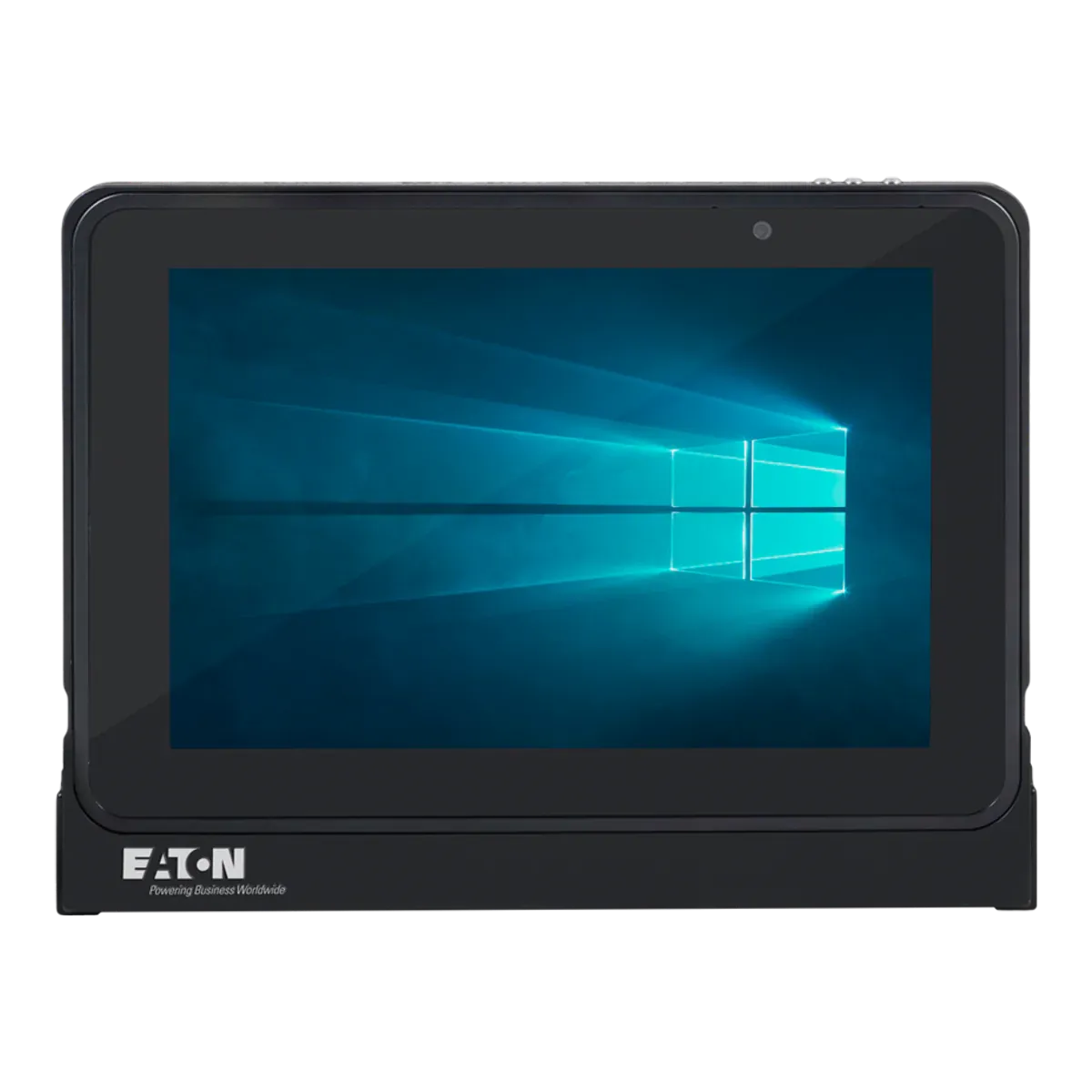
1Eaton MTL GECMA IS Tablet PCBest overall Windows tablet for hazardous areasZone 1/21Intrinsic safety (Ex ia)Windows 11 IoT EnterpriseIntel quad-core Atom (Apollo Lake) 1.6 GHz base, 1.8 GHz burst49.68 Wh
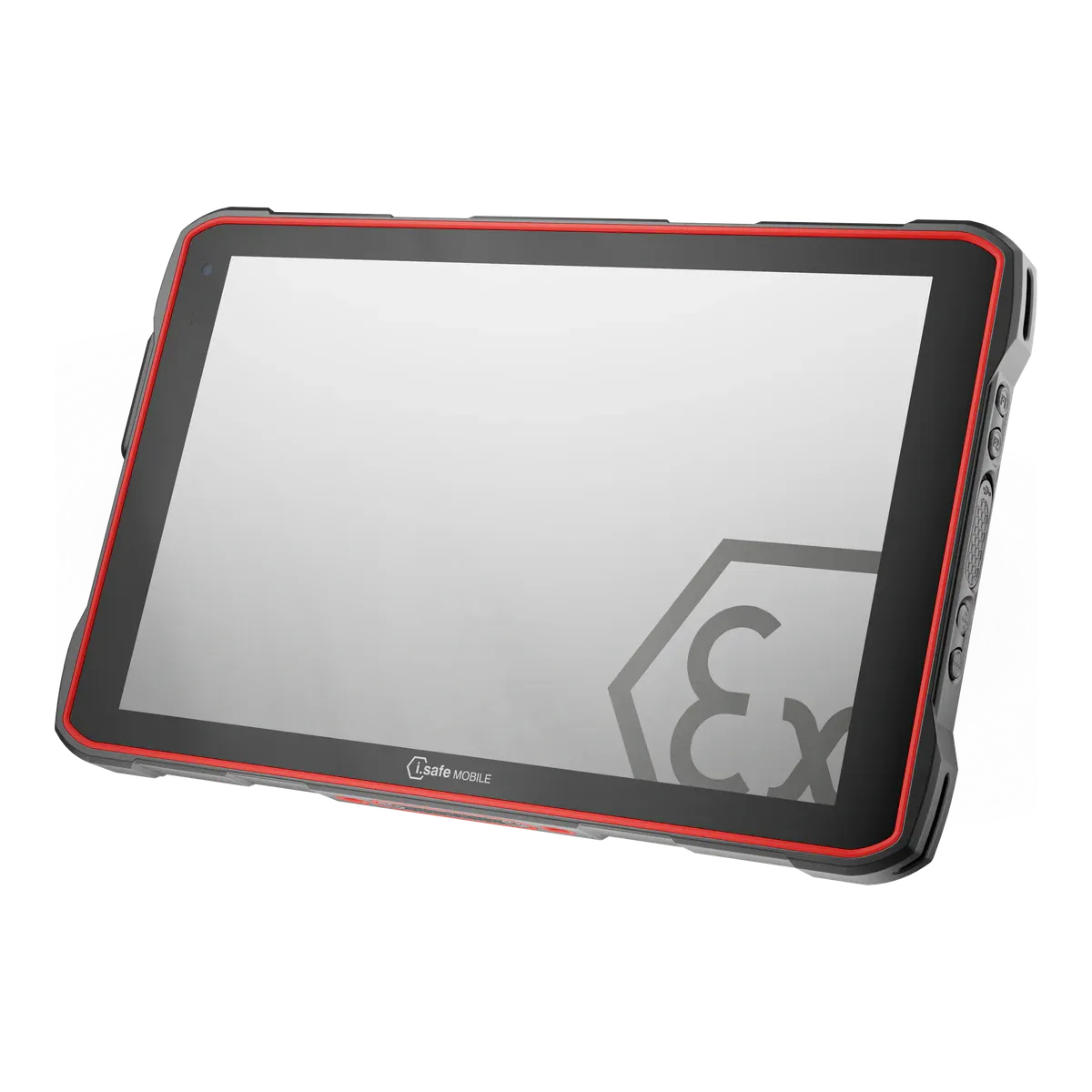
2i.safe MOBILE IS945.1Best for Zone 1 shifts on Arm WindowsZone 1/21Intrinsic safety (Ex ib)Windows 11 IoT Enterprise LTSC for Arm64Qualcomm QCM6490 octa-core30.2 Wh (unconfirmed)
3Getac F110-EX G7Best for power users in Zone 2Zone 2/22Intrinsic safety (Ex ic)Windows 11 ProIntel Core i5-1335U / i5-1345U vPro / i7-1355U / i7-1365U vPro (13th gen)2 x 2680 typical (2 x 2640 min), 11.4 V; optional 2 x 4200 typical (4080 min), 11.1 V
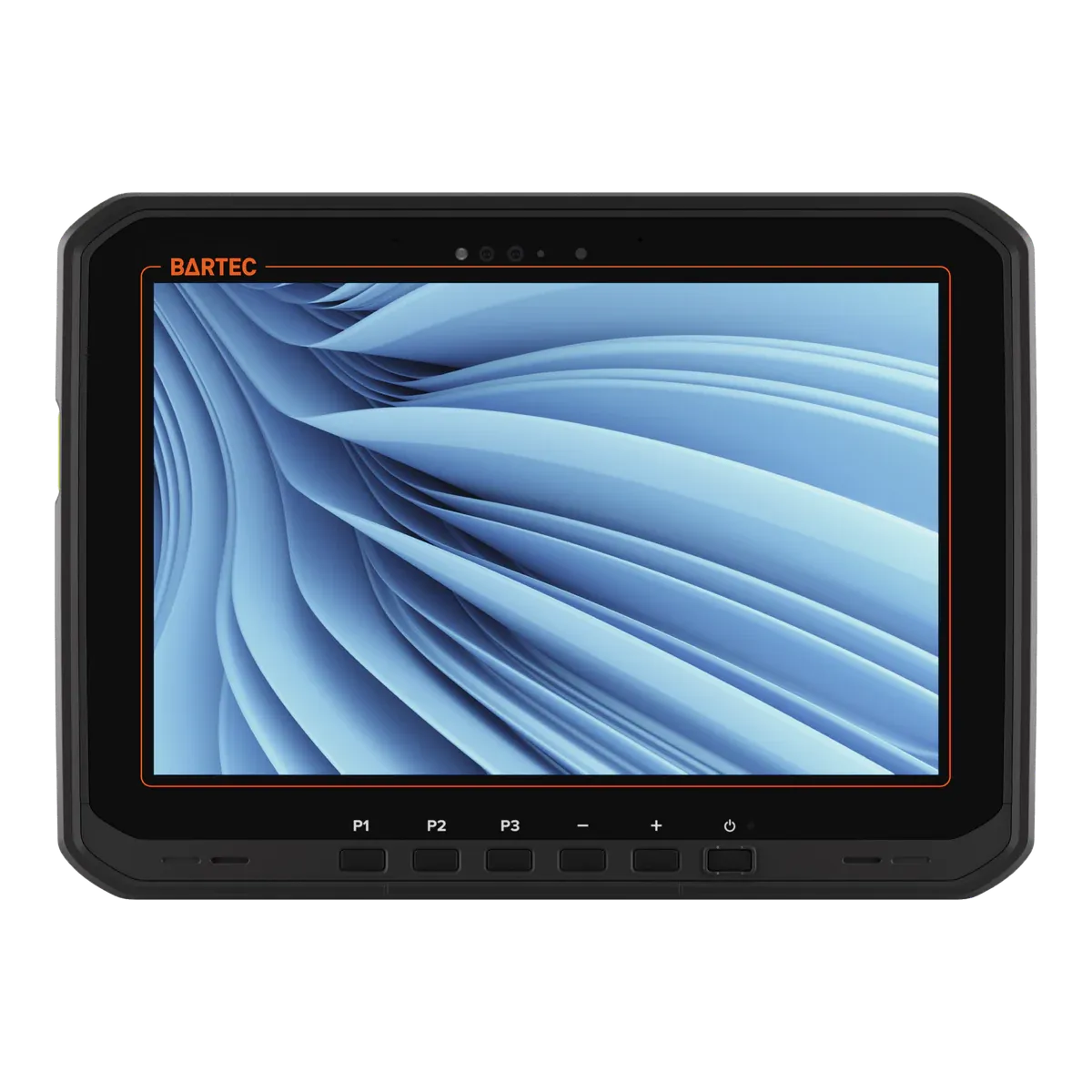
4BARTEC ET60/65EX2 WindowsBest for hot-swap shiftsZone 2/22Intrinsic safety (Ex ic)Windows 11 ProfessionalIntel Core Ultra 5 125U33.9 Wh
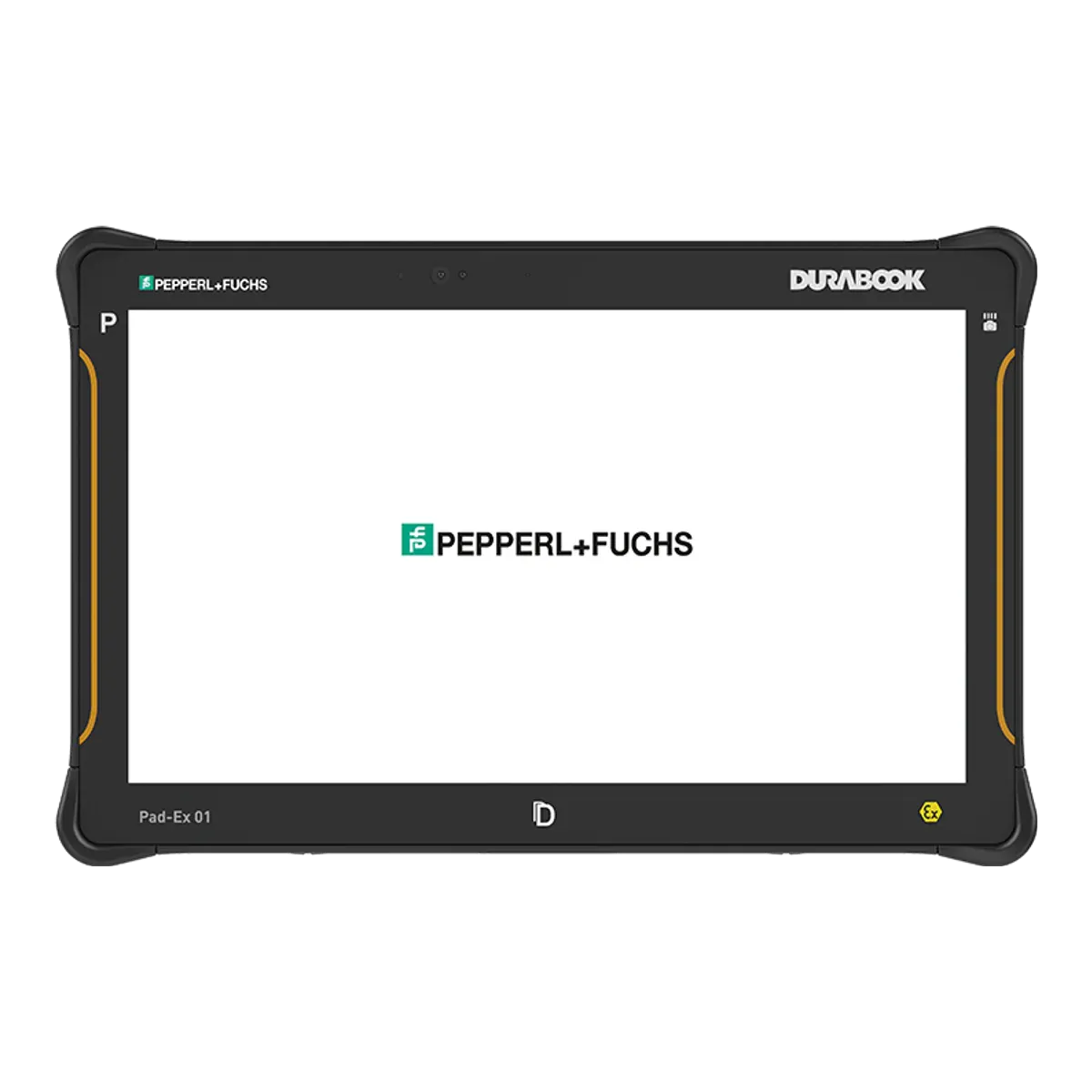
5ecom Pad-Ex 01 P12 DZ2Best for Windows scanning in camera-restricted Zone 2 areasZone 2/22Intrinsic safety (Ex ic)Windows 11 Pro, version 25H2Intel Core i5-1235U (12th gen, vPro); optional Core i7-1255U (DZ2 only)43.29 Wh

All five are intrinsically safe (Ex ia, ib or ic). The Eaton and the i.safe IS945.1 are certified for Zone 1/21; the other three are Zone 2/22 tablets. Updates are shown as the makers state them, and some dates are unconfirmed. Prices are on request.

The ranking

Our picks for Windows tablets

  1. Best overall Windows tablet for hazardous areas

    Eaton MTL GECMA IS Tablet PC

    Eaton · Dedicated Ex tablet

    Certified for
    Zone 1/21
    Marking
    II 1GD Ex ia IIC T4 Ga
    Certification
    ATEX + IECEx, Class I Division 1
    Operating system
    Windows 11 IoT Enterprise
    Security updates
    Until October 2034 (unconfirmed)
    Weight
    1430 g

    The Eaton MTL GECMA IS Tablet PC is the only current Zone 1 tablet that runs Windows on an x86 processor, so Windows desktop software runs natively, with no emulation. It is intrinsically safe to Ex ia, IIC T4 for gas and IIIC T135°C for dust, certified for Zone 1/21 under ATEX and IECEx, and Zone 0 rated only inside the case supplied by Eaton. Its UL certification covers Class I Division 1, but only for Groups C and D at T4, so hydrogen and acetylene are outside its North American certificate.

    It runs Windows 11 IoT Enterprise, with a 10.1-inch 2560 × 1600 screen, 8 GB of memory and 256 GB of storage. The 49.68 Wh battery, a typical 12 hours, is the largest of any current Zone 1 tablet, NFC is built in, a stylus is supplied, a camera-free version is offered, and a docking station is available for the safe area. It is rated from −20 °C to +55 °C, and Eaton’s manual shows IP67, which the IECEx certificate does not state.

    Its processor is a quad-core Intel Atom (Apollo Lake) at 1.6 GHz (1.8 GHz burst), where the Getac, BARTEC and ecom picks use 12th or 13th-generation Intel Core or Core Ultra chips, and the 540-nit screen is the dimmest of the picks that state a figure. At 1,430 g it is the second heaviest of our five, after the Getac F110-EX G7 at 1,680 g, it is T4, the battery is not user-replaceable, and charging and connecting are for safe areas only. Eaton does not state which release of Windows 11 IoT Enterprise it ships, so ask for the edition and its support date before you plan a replacement cycle.
    View full details
  2. Best for Zone 1 shifts on Arm Windows

    i.safe MOBILE IS945.1

    i.safe MOBILE · Dedicated Ex tablet

    Certified for
    Zone 1/21
    Marking
    II 2G Ex ib IIC T4 Gb
    Certification
    ATEX + IECEx, Class I Division 1
    Operating system
    Windows 11 IoT Enterprise LTSC for Arm64
    Security updates
    Until October 2034 (unconfirmed)
    Weight
    1059 g

    If the Windows software you need runs on Arm, or in emulation, the IS945.1 is the Zone 1 alternative that can charge in the zone. Charging in the hazardous area is permitted through its IS-DS940.1 docking station within the certificate’s limits, a freely programmable red key can be set up for SOS or lone-worker alarms, and an Ex-rated push-to-talk button is available as an accessory. A mining version, the IS945.M1, is offered.

    It is intrinsically safe (Ex ib), IIC T4 and IIIC T135°C for Zone 1/21 under ATEX and IECEx, with a North American NEC 500 listing for Class I Division 1, Groups A to D, T4. It runs Windows 11 IoT Enterprise LTSC for Arm64 on a Qualcomm QCM6490 with 8 GB, in a 10.1-inch, 1,059 g tablet rated IP68 and MIL-STD-810H, with a range of −20 °C to +55 °C and 5G.

    It is Windows on Arm, so x86 and x64 apps run through emulation and need Arm64 drivers; test your own software before you buy. i.safe does not state the LTSC edition year, so the October 2034 date we show is unconfirmed. It is T4, our data holds no brightness figure for the screen, the certificate asks users to protect it from excessive UV light and high electrostatic charge, and it is not certified for Zone 0.

    View full details
  3. Best for power users in Zone 2

    Getac F110-EX G7

    Getac · Rugged tablet, Ex version

    Certified for
    Zone 2/22
    Marking
    II 3G Ex ic op is IIC T4 Gc
    Certification
    ATEX + IECEx
    Operating system
    Windows 11 Pro
    Security updates
    Supported while kept on a current Windows 11 version
    Weight
    1680 g

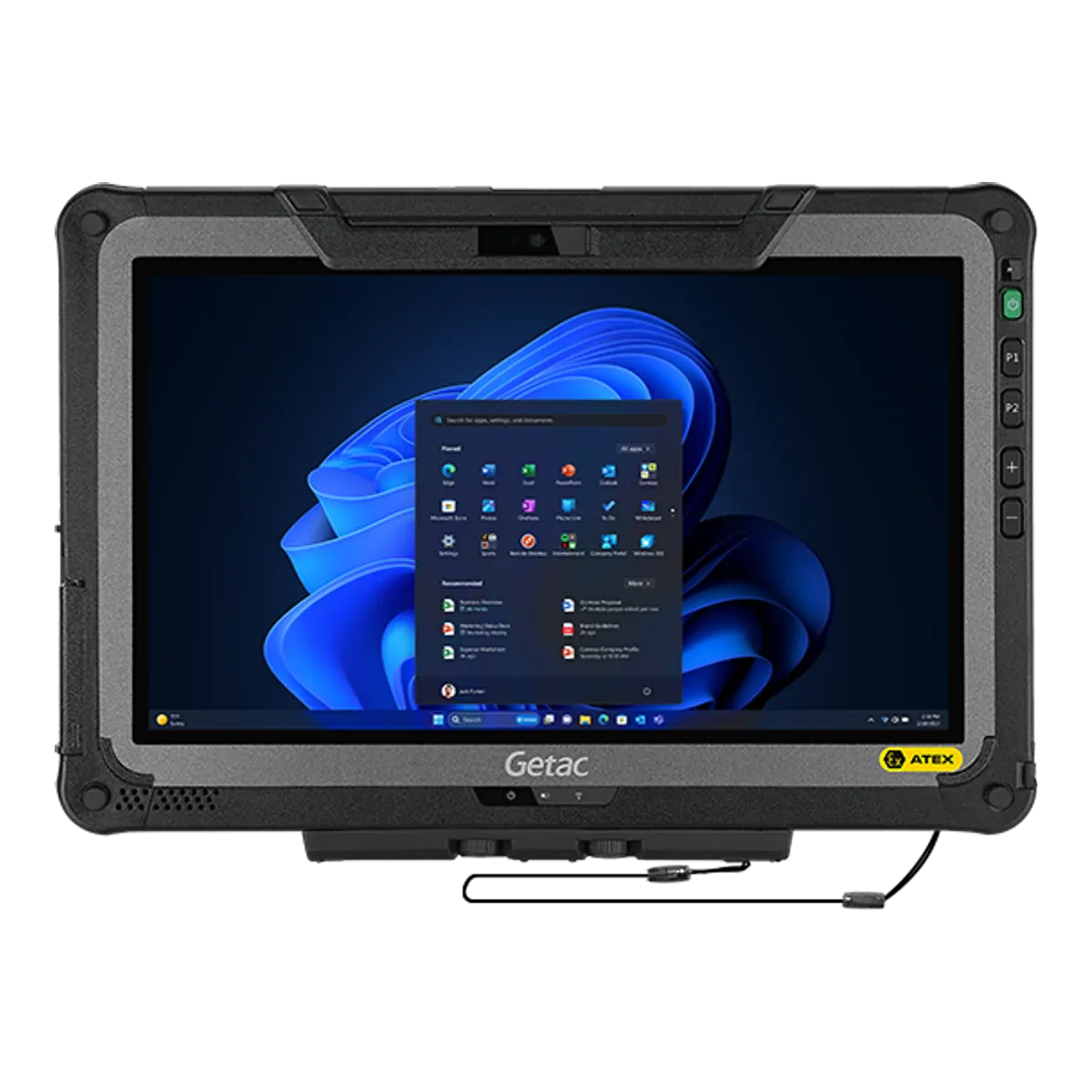
    For engineers and supervisors who need a full Windows machine in Zone 2 areas, the F110-EX G7 has the brightest screen of our five and the largest memory option. It has an 11.6-inch, 1,200-nit screen, a 13th-generation Intel Core i5 or i7 (vPro options) with 16 GB of memory, or 32 GB as an option, Windows 11 Pro, a digitizer pen with tether and IP66. The batteries can be swapped in the field outside the hazardous area, with an optional larger pair, and factory options add a 1D/2D imager and an HF RFID reader.

    It is intrinsically safe (Ex ic op is), IIC T4 and IIIC T130°C for Zone 2/22, with the widest ambient range of the five, −21 °C to +60 °C. Windows 11 Pro is supported while kept on a current version, and it has a 1.2 m drop rating in use.

    We found an IECEx certificate for it but no published ATEX certificate, and the certificate names the model with a “c” suffix and no generation, so we matched it to this one by its batteries, dust group and range; ask Getac for the certificate for your exact model. At 1,680 g it is the heaviest of our Zone 2 picks. It is for Zone 2/22 only, the certificate asks for a controlled environment with reduced pollution, and connection interfaces are never used in hazardous areas.

    View full details
  4. Best for hot-swap shifts

    BARTEC ET60/65EX2 Windows

    BARTEC · Rugged tablet, Ex version

    Certified for
    Zone 2/22
    Marking
    II 3G Ex ic op is IIC T4 Gc
    Certification
    ATEX + IECEx
    Operating system
    Windows 11 Professional
    Security updates
    Supported while kept on a current Windows 11 version
    Weight
    1200 g

    For crews who cannot stop work to change a battery, the ET60/65EX2 Windows is the tablet to look at. It has a true hot swap, with a minimum of 60 seconds, so Windows keeps running while the battery is changed outside the hazardous area. It has an Intel Core Ultra 5 125U with 16 GB, a 1,000-nit, 10.1-inch screen BARTEC describes as easy to see in bright sunlight, a passive stylus included, and Windows 11 Professional, supported while kept on a current version.

    It is intrinsically safe (Ex ic op is) for Zone 2/22, IIC T4 and IIIC T135°C, under ATEX and IECEx, with a range of −20 °C to +55 °C. The 33.9 Wh battery is user-replaceable, NFC is built in, an optional SE55 1D/2D scan engine is available, and the tablet is IP66. The ET65 version adds 5G.

    It is for Zone 2 and 22 only, so it does not go into Zone 1 areas, and our data holds no North American listing for the Windows version. Its Ex marking shows IP64, below the IP66 headline rating. At 1,200 g it is lighter than the Getac, it is T4, and the certificate asks users to protect it from high-energy impacts and high electrostatic charge.

    View full details
  5. Best for Windows scanning in camera-restricted Zone 2 areas

    ecom Pad-Ex 01 P12 DZ2

    ecom (Pepperl+Fuchs) · Dedicated Ex tablet

    Certified for
    Zone 2/22
    Marking
    II 3G Ex ic op is IIC T4 Gc IP64
    Certification
    ATEX + IECEx, Class I Division 2
    Operating system
    Windows 11 Pro, version 25H2
    Security updates
    Supported while kept on a current Windows 11 version
    Weight
    1200 g

    Where cameras are restricted and every container has to be scanned, the Pad-Ex 01 P12 DZ2 offers an optional Honeywell N670X 1D/2D scan engine, certified as part of the unit, and a camera-free version; confirm with ecom that the version you order has both. It runs Windows 11 Pro (version 25H2) on a Core i5-1235U with 16 GB, with an 11.6-inch, 1,000-nit screen and a tethered stylus supplied. Eaton’s Zone 1 tablet also offers a camera-free version, but it has no scan engine.

    It is intrinsically safe (Ex ic op is) for Zone 2/22 under ATEX and IECEx, IIC T4, with a North American listing for Class I Division 2. The 43.29 Wh battery is user-replaceable outside the hazardous area, and its approvals include Japan, South Africa, Brazil, China and Korea.

    Its dust group is IIIB, which covers combustible flyings and non-conductive dust but not conductive dust. It is Zone 2/22 only, the ambient range is −10 °C to +55 °C, IP64 is a splash rating, and at 1,200 g it is a full-size Windows tablet. Windows 11 Pro is supported while kept on a current version.

    View full details

Method

How we ranked them

Rank 1 goes to the widest certificate on full x86 Windows. The Eaton MTL GECMA IS Tablet PC is certified for Zone 1/21 under ATEX and IECEx, is Zone 0 rated inside the case Eaton supplies, is intrinsically safe to Ex ia, has IIC and IIIC coverage, and is UL certified for Class I Division 1 in North America (Groups C and D only). It also has the largest battery of any current Zone 1 tablet, 49.68 Wh with a typical runtime of 12 hours. It is the only current Zone 1 tablet on x86 Windows, because the other Zone 1 Windows tablet, the i.safe IS945.1, runs Windows on Arm, and the three Zone 2 picks are certified for Zone 2/22 only.

We do not rank on the Windows edition or its support date. Eaton does not state which Windows 11 IoT Enterprise edition it uses, and the October 2034 end date we show is Microsoft’s date for the LTSC 2024 edition, so it is unconfirmed; the i.safe date has the same caveat. Windows 11 Pro on the Getac, BARTEC and ecom picks has no fixed end date and is supported while kept on a current version. Positions 2 to 5 are the best choices for four kinds of work: Zone 1 shifts on Arm Windows, power users in Zone 2, hot-swap shifts, and Windows scanning in camera-restricted Zone 2 areas. Prices are on request for every brand, so cost does not affect the order.

The order would change if another Zone 1 tablet on x86 Windows were certified, or if Eaton confirmed its Windows edition. If your software runs on Arm and you need Zone 1 charging, start with position 2; if you work in Zone 2 and want a brighter screen or a hot-swap battery, start with positions 3 and 4.

Every figure comes from certificates, declarations of conformity and manufacturer datasheets, and the same rules apply to every brand. Read how we rate or see the disclosure.

Before you buy

What a Windows hazardous-area tablet must show

Your zone, your software and your support plan decide which of these matter. Test the software on the tablet, and read the certificate for your exact model.

  • Zone and certificate

    Only the Eaton MTL GECMA IS Tablet PC and the i.safe MOBILE IS945.1 are certified for Zone 1/21; the Getac, BARTEC and ecom picks are for Zone 2/22 only. Match the zone to your classification, then check the scheme: the Getac has an IECEx certificate but no published ATEX certificate.

  • x86 or Arm

    The Eaton, Getac, BARTEC and ecom picks run x86 Windows natively. The i.safe IS945.1 runs Windows on Arm, where x86 and x64 apps run through emulation and need Arm64 drivers, so test your own software on it.

  • Windows edition and support date

    Windows 11 Pro has no fixed end date and is supported while kept on a current version. LTSC editions have a fixed end date, but the Eaton and i.safe tablets do not state their edition year, so the October 2034 date is unconfirmed until the maker confirms it.

  • Battery and charging

    Check how the tablet handles a full shift: the BARTEC has a true hot swap of at least 60 seconds, the Getac and ecom batteries are swapped outside the hazardous area, the Eaton’s 49.68 Wh battery is not user-replaceable, and only the i.safe IS945.1 can charge in the hazardous area, through its dock.

  • Dust group, brightness and weight

    Check the dust group (IIIC covers conductive dust, IIIB does not), the screen brightness (540 to 1,200 nits among the picks that state a figure) and the weight (1,059 g to 1,680 g) against where and how long the tablet is carried.

More choice

Other Windows tablets on sale

Filter all Windows tablets
Other current Windows tablets, in alphabetical order
TabletTypeCertified forProtectionOSProcessorWeight
BARTEC Agile S NIDedicated Ex tabletZone 2/22Intrinsic safety (Ex ic)Windows 10 IoT Enterprise LTSCIntel Core i5-7300U (Kaby Lake) 2.6 GHz, turbo 3.5 GHz1200 g
Durabook R8-EXRugged tablet, Ex versionZone 2/22Intrinsic safety (Ex ic)Windows 11 ProIntel Core i7-1250U vPro / i5-1230U vPro (12th gen) or Pentium Gold 8500880 g (unconfirmed)
Durabook U11I-EXRugged tablet, Ex versionZone 2/22Intrinsic safety (Ex ic)Windows 11 ProIntel Core i7-1250U vPro / i5-1230U vPro (12th gen)1490 g (unconfirmed)
Getac K120-EX G3Rugged tablet, Ex versionZone 2/22Intrinsic safety (Ex ic)Windows 11 ProIntel Core i5-1335U / i5-1345U vPro / i7-1355U / i7-1365U vPro (13th gen)1700 g
Getac UX10-EX G5Rugged tablet, Ex versionZone 2/22Intrinsic safety (Ex ic)Windows 11 ProIntel Core Ultra 5 236V / Core Ultra 7 266V (series 2), Intel AI Boost NPU up to 48 TOPS1150 g
Getac ZX80W-EXRugged tablet, Ex versionZone 2/22Intrinsic safety (Ex ic)Windows 11 IoT Enterprise LTSCQualcomm QCS6490 octa-core 1.9 GHz (max 2.7 GHz)780 g
i.safe MOBILE IS945.2Dedicated Ex tabletZone 2/22Intrinsic safety (Ex ic)Windows 11 IoT Enterprise LTSC for Arm64Qualcomm QCM6490 octa-core1059 g
Winmate M101AD-EXRugged tablet, Ex versionZone 2Intrinsic safety (Ex ic)Windows 11 IoT Enterprise LTSCIntel Core i5-1235U (up to 4.4 GHz)1200 g
Winmate M101S-EXRugged tablet, Ex versionZone 2Intrinsic safety (Ex ic)Windows 10 IoT EnterpriseIntel Core i5-7200U (option i5-7300U)1250 g

Discontinued models are left out; Find tablets lists them. A value shown as “Not verified” is one we could not confirm from a certificate or the maker, and update dates marked unconfirmed come from the Windows edition the maker did not state.

Impartial advice

Need help choosing a Windows tablet for your zone?

Your zone, dust group and software decide which tablets qualify, and the certificate for your exact model is what counts. Tell us about your site and we will help you compare tablets impartially.

FAQ

Windows tablet questions

What is the best Windows tablet for hazardous areas?

On our criteria the Eaton MTL GECMA IS Tablet PC ranks first: it is certified for Zone 1/21 under ATEX and IECEx, is intrinsically safe to Ex ia, runs x86 Windows 11 IoT Enterprise natively, and has the largest battery of any current Zone 1 tablet, at 49.68 Wh. Eaton does not state its Windows edition and it uses a quad-core Intel Atom processor, so for a 13th-generation Intel Core processor and a 1,200-nit screen in Zone 2 look at the Getac F110-EX G7.

Which Windows tablets are certified for Zone 1?

Two: the Eaton MTL GECMA IS Tablet PC, which runs x86 Windows 11 IoT Enterprise, and the i.safe MOBILE IS945.1, which runs Windows 11 IoT Enterprise LTSC for Arm64. Both are intrinsically safe and certified for Zone 1/21 under ATEX and IECEx. The other tablets on this page are Zone 2/22 only.

Does a Windows on Arm tablet run my x86 software?

Often, but through emulation, and it needs Arm64 drivers for hardware. The i.safe MOBILE IS945.1 runs Windows on Arm, so x86 and x64 apps are emulated; the Eaton, Getac, BARTEC and ecom tablets on this page run x86 Windows natively. Test your software before you buy.

How long does Windows get security updates on these tablets?

Windows 11 Pro, used on the Getac F110-EX G7, BARTEC ET60/65EX2 Windows and ecom Pad-Ex 01 P12 DZ2, has no fixed end date and is supported while kept on a current version. The IoT Enterprise tablets, the Eaton and the i.safe IS945.1, follow a fixed lifecycle if they are LTSC editions: Microsoft ends support for the LTSC 2024 edition in October 2034, but neither maker states its edition year, so treat that date as unconfirmed.

Can a hazardous-area Windows tablet swap its battery during a shift?

Yes, outside the hazardous area. The BARTEC ET60/65EX2 Windows has a true hot swap of at least 60 seconds, and the Getac F110-EX G7 and ecom Pad-Ex 01 P12 DZ2 have user-replaceable batteries. The Eaton’s battery is not user-replaceable, and only the i.safe IS945.1 can charge in the hazardous area.

Is there a camera-free Windows tablet for restricted areas?

Yes. The Eaton MTL GECMA IS Tablet PC, certified for Zone 1/21, and the ecom Pad-Ex 01 P12 DZ2, certified for Zone 2/22 with an optional Honeywell scan engine, both come in camera-free versions. Confirm the exact version and its accessories with the maker.

Facts last verified on against certificates, declarations of conformity and manufacturer data. Always check the certificate for your exact model before use. Spotted an error? Tell us.