Best for · By industry

Best tablets for oil and gas in 2026

Oil and gas sites mix hazardous areas: Zone 0 inside tanks and vessels, Zone 1 around wellheads, pump seals and loading points, and Zone 2 across much of the surrounding plant. The gases are mostly hydrocarbons such as methane (IIA, T1), with H₂S (IIB, T3) on sour fields and hydrogen (IIC) in refineries, and many North American sites are classified in Divisions rather than Zones, so a tablet needs the certificate for the scheme your site uses. A tablet carries the permit, the P&IDs, the inspection drawings and the work pack, so beyond the certificate the question is how much of that work its screen, processor and camera can handle in the field, and whether its ambient range suits the climate. These are our picks for oil and gas, from inspection and drawing work to hot climates, US sites, Zone 0 areas, turnarounds and Samsung fleets.

At a glance

The top 5 compared

The top 5 compared: Best tablets for oil and gas in 2026
RankTabletBest forScreenBrightnessProcessorLiDARAmbient temperature
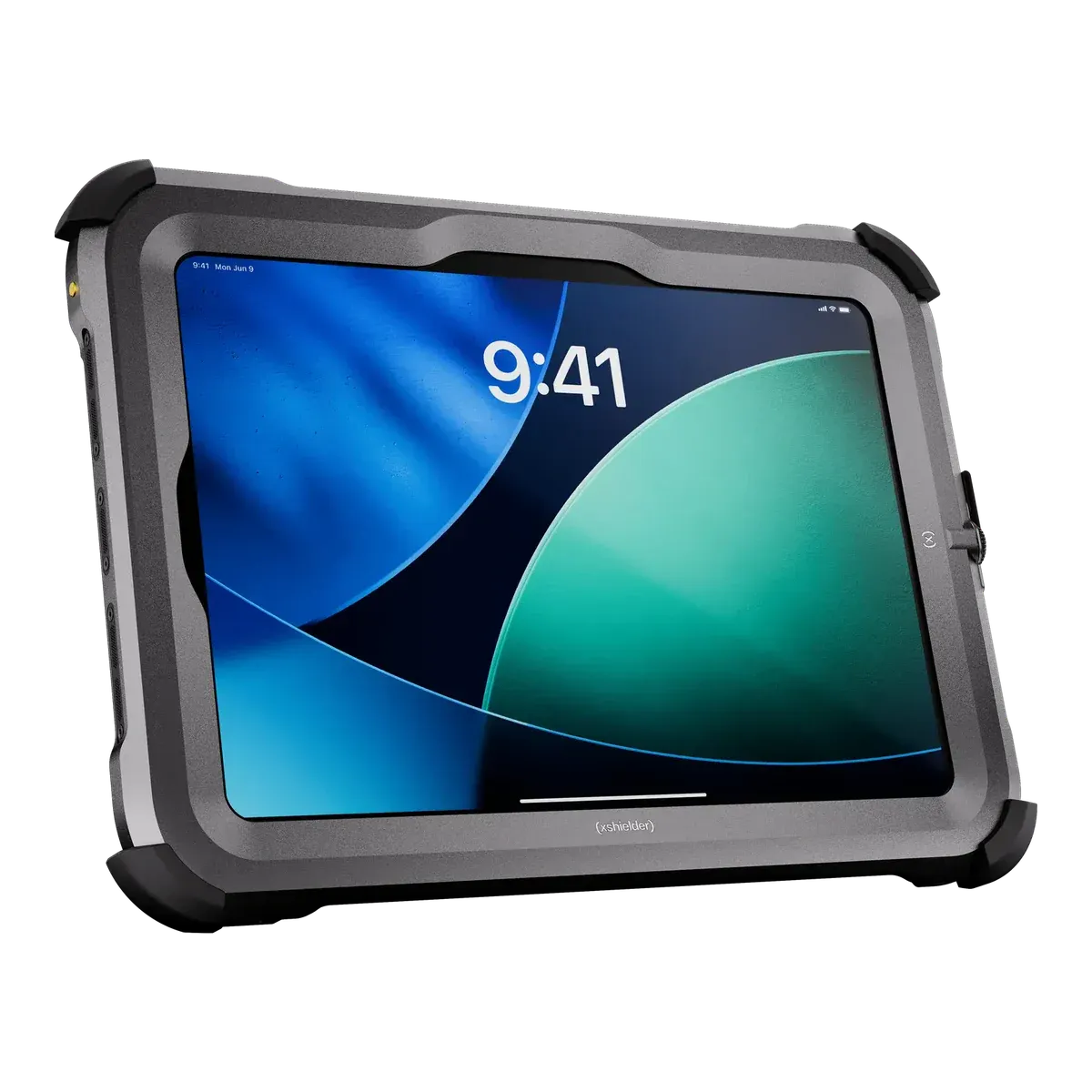
1Xshielder iPad Pro 11-inchBest overall for oil and gas11 inch1000 nits (SDR max)Apple M5 (up to 10-core CPU)Yes−20 °C to +45 °C
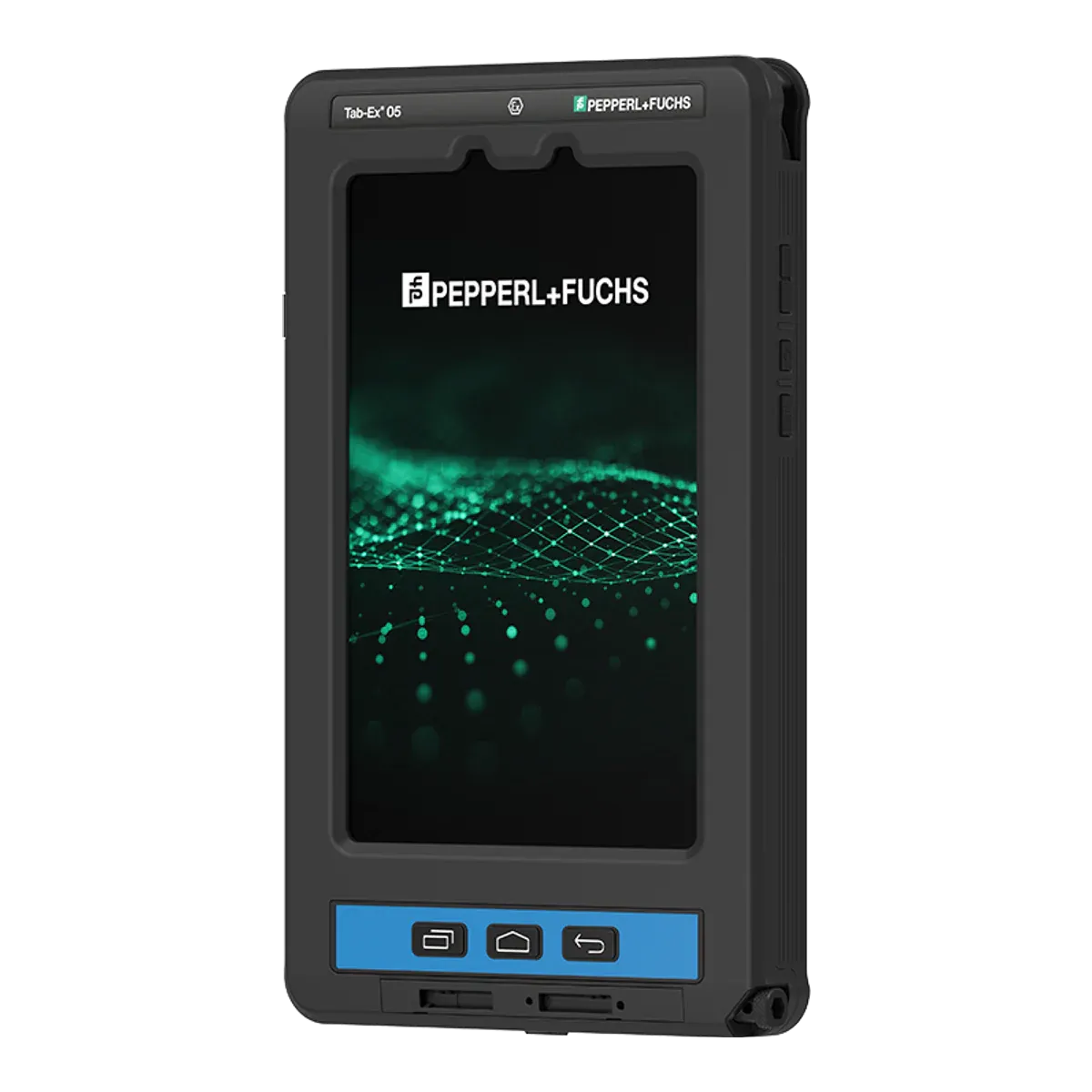
2ecom Tab-Ex 05 DZ1Best for hot climates and US sites8 inch60 nits0 nitsSamsung Exynos 1380 (S5E8835) octa-core, 4 x 2.4 GHz + 4 x 2.0 GHz, 5 nmNo−20 °C to +55 °C
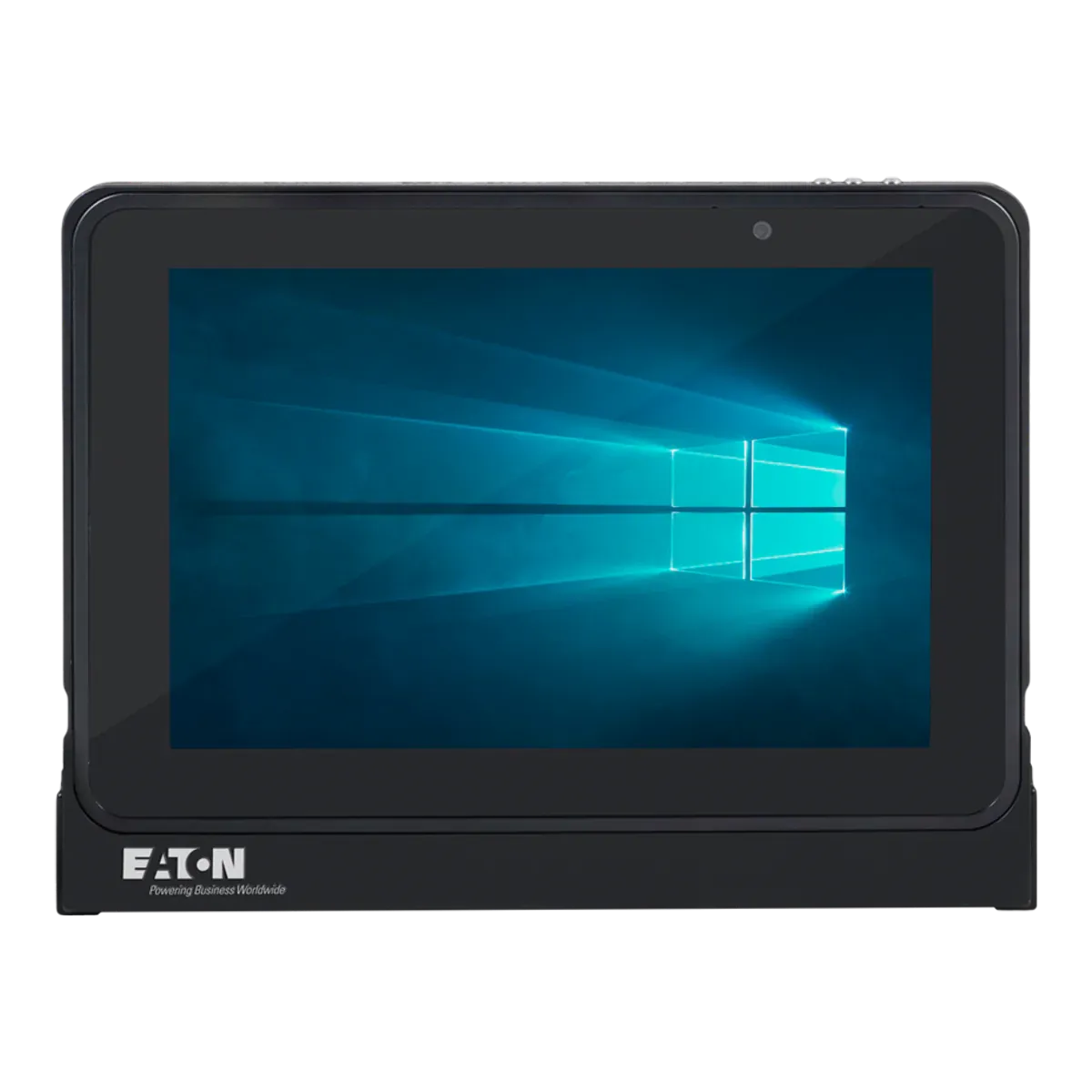
3Eaton MTL GECMA IS Tablet PCBest if your sites have Zone 0 areas, or Windows software10.1 inch54 nits0 nitsIntel quad-core Atom (Apollo Lake) 1.6 GHz base, 1.8 GHz burstNo−20 °C to +55 °C
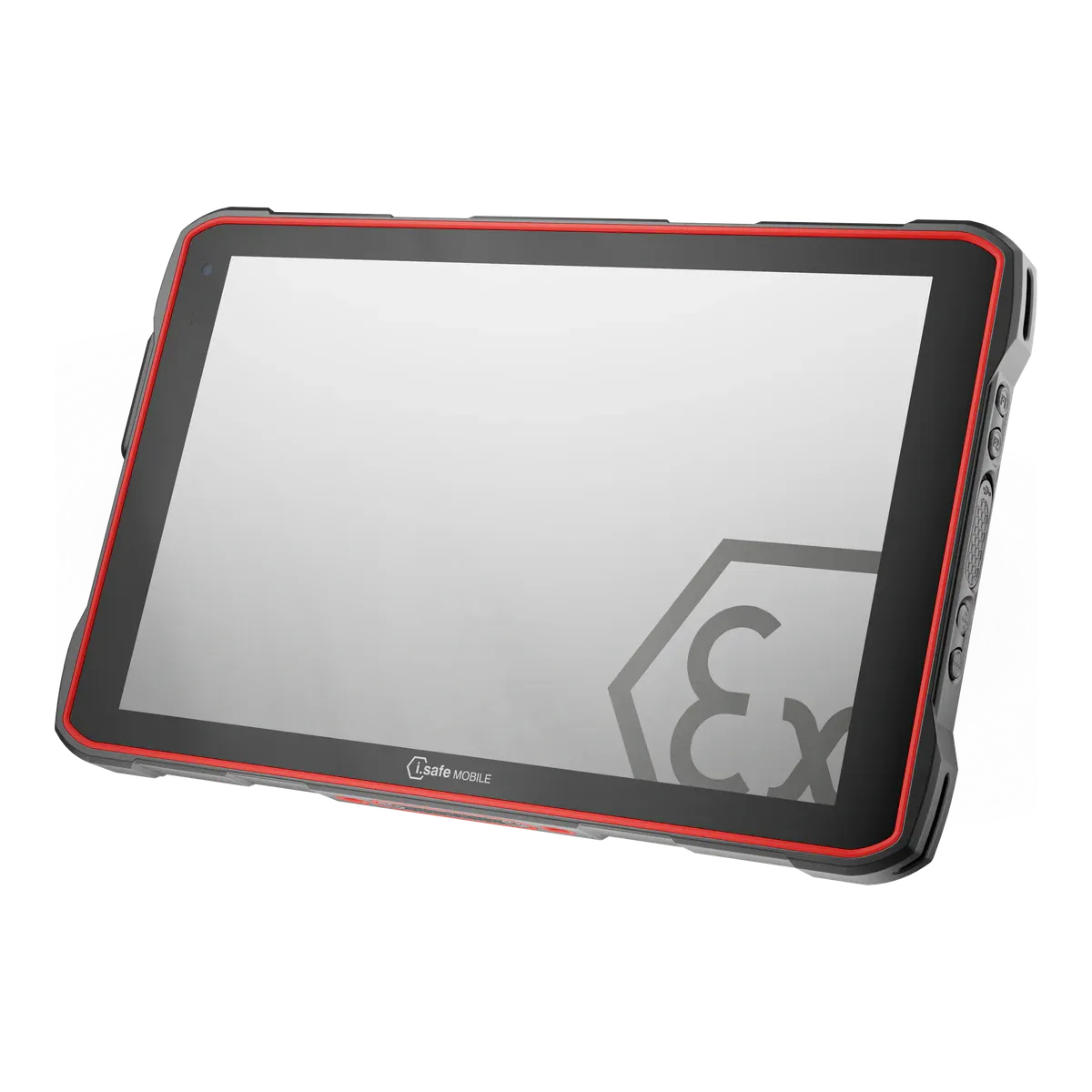
4i.safe MOBILE IS940.1Best for turnarounds and long shifts10.1 inchNot verifiedQualcomm QCM6490 octa-core (long-term support chipset)No−20 °C to +55 °C
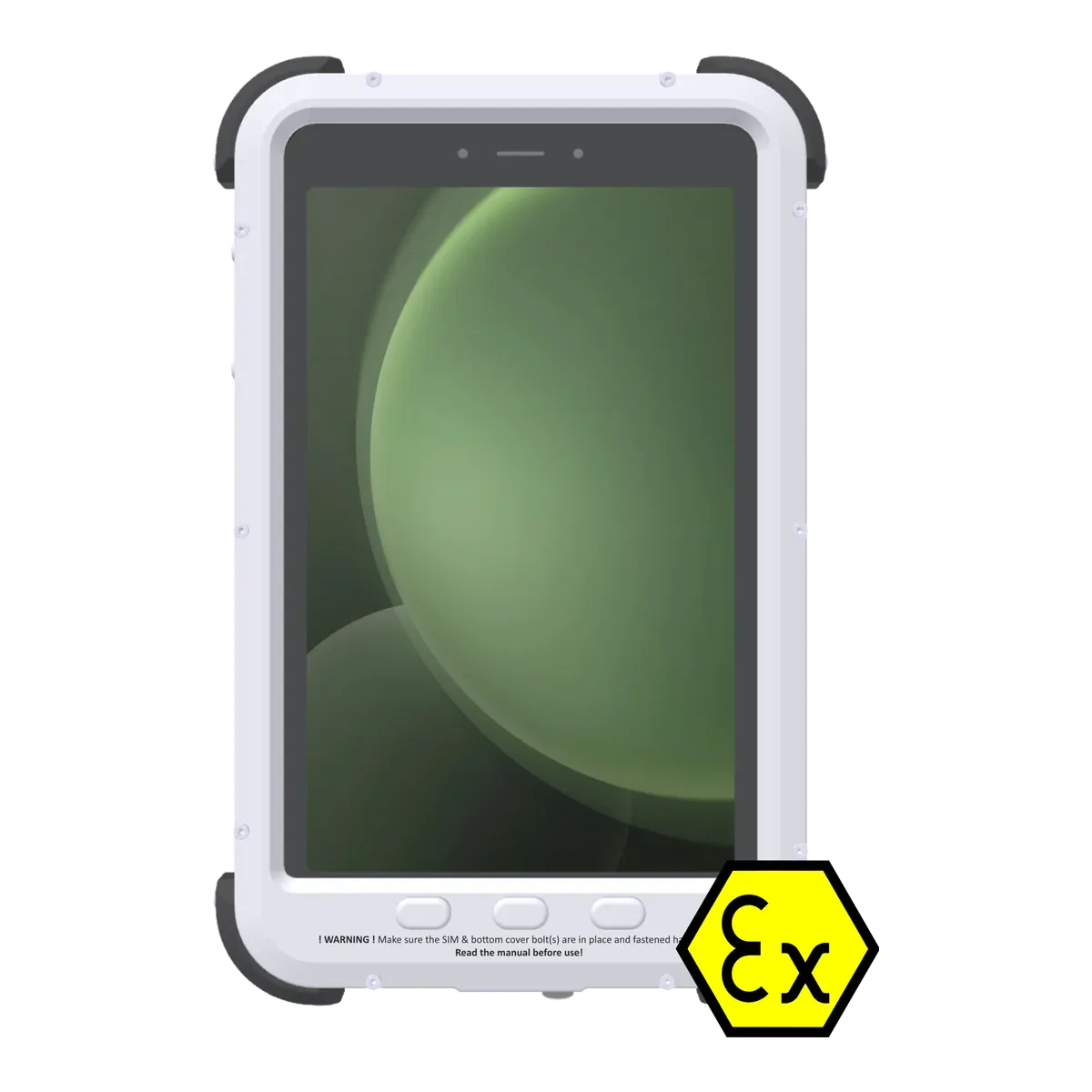
5Atexxo Zone 1 Galaxy Tab Active5Best for Samsung fleets8 inch60 nits0 nitsSamsung Exynos 1380 (octa-core, 2.4 GHz + 2 GHz)No−20 °C to +50 °C

All five are certified for Zone 1/21 in gas group IIC and dust group IIIC, and can also be used in Zone 2 and Zone 22. The i.safe MOBILE IS940.1 states no brightness figure in our data. Prices are on request.

The ranking

Our picks for oil and gas

  1. Best overall for oil and gas

    Xshielder iPad Pro 11-inch

    Xshielder · Certified Ex case for the iPad Pro 11-inch (M5)

    Certified for
    Zone 1/21
    Marking
    II 2G Ex db IIC T6 Gb
    Certification
    ATEX
    Operating system
    iPadOS 27
    Security updates
    7–8 years (based on previous iPad Pro support)
    Weight
    1350 g (including the tablet)

    The Xshielder iPad Pro 11-inch heads our oil and gas list because no other Zone 1 tablet gives inspection, integrity and turnaround teams more to work with on a certificate that covers every gas group and conductive dust. Xshielder’s flameproof (Ex db) cover holds a standard iPad Pro 11-inch (M5), so the team gets an 11-inch Ultra Retina XDR screen at 1,000 nits, the largest of our five and the brightest of those that state a figure, for drawings, permits and work packs. Xshielder confirms that the 12 MP rear camera with 4K ProRes video, the LiDAR scanner, the 12 MP front camera with Face ID, stylus input and audio all work through the cover. A crew can photograph a flange or a corroded support, scan a skid or a pipe run with LiDAR, mark up the drawing with the stylus and attach the results to the job in the inspection or permit app it already runs on iPadOS.

    On certification it is Ex db IIC T6 Gb for gas and Ex tb IIIC T80°C Db for dust, for Zone 1/21 under ATEX. T6 is not the reason to choose it for hydrocarbons, which sit mostly at T1 to T3; it adds headroom only where a substance ignites below 135 °C. The M5 chip with 12 or 16 GB of memory handles heavy PDFs and 3D models, cellular versions add 5G, and because it is a standard iPad Pro inside, it works with the same apps and device management as the rest of an iPad fleet. Security updates are expected for 7–8 years (based on previous iPad Pro support).

    Its limits explain why four other tablets follow. The certificate is ATEX only, with no IECEx or North American listing yet, so it suits sites that accept ATEX, such as Norwegian and EU installations, and not US sites classified in Divisions. The ambient rating tops out at +45 °C where the ecom Tab-Ex 05 DZ1 is rated to +55 °C, it weighs 1,350 g, which is heavy for a long walk-round (only the Eaton is heavier of our five), and its IP65 rating is pending testing. The battery is not user-replaceable, the quoted figure is up to 10 hours of web or video use on Wi-Fi, and charging inside the hazardous area is not confirmed. It is not certified for Zone 0.
    View full details Request a price
  2. Best for hot climates and US sites

    ecom Tab-Ex 05 DZ1

    ecom (Pepperl+Fuchs) · Dedicated Ex tablet

    Certified for
    Zone 1/21
    Marking
    II 2G Ex db ia IIC T6 Gb
    Certification
    ATEX + IECEx, Class I Division 1
    Operating system
    Android 16
    Security updates
    Q1 2032 (maker’s statement)
    Weight
    1122 g

    For desert fields, hot-climate terminals and US sites classified in Divisions, the Tab-Ex 05 DZ1 is the tablet to start with. It is flameproof (Ex db) with an intrinsically safe (Ex ia) circuit, certified IIC T6 and IIIC for Zone 1/21 under ATEX and IECEx, and rated for ambient temperatures from −20 °C to +55 °C. It is the only one of our five with a North American listing at T6: Class I Division 1, Groups A to D, T6, plus Class II Division 1, Class III and AEx Zone 1 and Zone 21, so one tablet can serve both Zone-classified and Division-classified sites. Inmetro (Brazil), KC (Korea) and South Africa approvals are listed too.

    It is also built for people who carry it all shift. IP68 and MIL-STD-810H suit a tablet that gets knocked about between sites, a programmable function key can be set to push-to-talk, an emergency call or an alarm app, and NFC is built in. The S Pen is included and is intrinsically safe for use in the hazardous area, and the USB-C port can carry data in the zone within its entity parameters. ecom’s Ident-Ex 02 wireless scanner is Ex-approved for scanning, a camera-free version is available for sites that restrict cameras, and ecom states security updates until 2032 (unconfirmed).

    The screen is the trade-off. At 8 inches and 600 nits it shares the smallest screen of the five with the Atexxo, it has 6 GB of memory against the Xshielder’s 12 or 16 GB, and there is no LiDAR. It weighs 1,122 g, the battery is not user-replaceable, charging is allowed outside the hazardous area only, and it is not certified for Zone 0. The certificate also asks users to keep it away from processes that generate a high electrostatic charge.

    View full details
  3. Best if your sites have Zone 0 areas, or Windows software

    Eaton MTL GECMA IS Tablet PC

    Eaton · Dedicated Ex tablet

    Certified for
    Zone 1/21
    Marking
    II 1GD Ex ia IIC T4 Ga
    Certification
    ATEX + IECEx, Class I Division 1
    Operating system
    Windows 11 IoT Enterprise
    Security updates
    Until October 2034 (unconfirmed)
    Weight
    1430 g

    On sites where the work reaches Zone 0 areas, or where the software only runs on Windows, the Eaton MTL GECMA IS Tablet PC is the pick. It is intrinsically safe to Ex ia (IIC T4 for gas, IIIC T135°C for dust) under ATEX and IECEx, for Zone 1/21, and it is Zone 0 rated only inside the case supplied by Eaton, which is the only Zone 0 certificate among our five. It runs Windows 11 IoT Enterprise on an x86 processor, so Windows desktop software runs natively, and the 10.1-inch 2560 × 1600 screen suits engineering viewers and plant software.

    The battery is the largest of the five at 49.68 Wh, with a typical runtime of 12 hours, NFC is built in, a stylus is supplied, and a camera-free version is offered for sites that restrict cameras. It is rated to +55 °C and UL certified for Class I Division 1, but only for Groups C and D at T4 (IIB in its North American Zone marking), so hydrogen and acetylene are outside its North American certificate, and a Division site needs that checked. Eaton’s manual shows IP67, which the IECEx certificate does not state.

    It is the heaviest of the five at 1,430 g, and the 540-nit screen is the dimmest of the picks that state a figure. It runs a quad-core Intel Atom (Apollo Lake) processor with 8 GB of memory, against the Xshielder’s Apple M5 with 12 or 16 GB, and it has no LiDAR. Eaton does not state which release of Windows 11 IoT Enterprise it ships, so ask for the edition and its support date before you plan a replacement cycle. The battery is not user-replaceable, charging and connecting are for safe areas only, and it is T4.

    View full details
  4. Best for turnarounds and long shifts

    i.safe MOBILE IS940.1

    i.safe MOBILE · Dedicated Ex tablet

    Certified for
    Zone 1/21
    Marking
    II 2G Ex ib IIC T4 Gb
    Certification
    ATEX + IECEx, Class I Division 1
    Operating system
    Android 14
    Security updates
    Until Q4 2032
    Weight
    1059 g

    On a turnaround, tablets get used from the first shift to the last, and the IS940.1 is the one that does not have to leave the area to charge. Charging in the hazardous area is allowed through its IS-DS940.1 docking station, within the certificate’s limits (a charging temperature of 0 °C to +45 °C), the battery can be swapped outside the hazardous area, and a dedicated, freely programmable red key can be set up for SOS or a lone-worker app. An Ex-rated push-to-talk button is available as an accessory, and a mining version, the IS940.M1, is offered.

    It is intrinsically safe (Ex ib), IIC T4 for gas and IIIC T135°C for dust, for Zone 1/21 under ATEX and IECEx, with a North American NEC 500 listing for Class I Division 1, Groups A to D, T4, plus Class II Division 1 and Class III. The 10.1-inch screen is usable with gloves, a 50 MP camera is the highest resolution of the five, and 5G, IP68, MIL-STD-810H and a rating to +55 °C suit field conditions. i.safe states security updates until Q4 2032 for the Android 14 tablet, and national approvals include South Africa, China, Brazil, Japan, India (PESO) and Korea.

    Our data holds no brightness figure for the screen, so check it against your sunniest sites. At 1,059 g it is the second lightest of the five, it has no LiDAR, and the stylus is a separate accessory, not in the box. The certificate asks users to protect it from excessive UV light and high electrostatic charge, and it is T4, so it does not suit substances that ignite below 135 °C. It is not certified for Zone 0.

    View full details
  5. Best for Samsung fleets

    Atexxo Zone 1 Galaxy Tab Active5

    Atexxo · Converted tablet for the Samsung Galaxy Tab Active5

    Certified for
    Zone 1/21
    Marking
    II 2G Ex db IIC T6 Gb
    Certification
    ATEX + IECEx
    Operating system
    Android 16
    Security updates
    Until January 2029 (unconfirmed)
    Weight
    940 g (including the tablet)

    For fleets already standardized on Samsung, this conversion keeps the Galaxy Tab Active5 and its Knox management inside an explosion-proof housing. It is flameproof (Ex db), IIC T6 for gas and IIIC T85°C for dust, certified for Zone 1/21 under both ATEX and IECEx, so it is the other Android pick here, besides the ecom, with a T6 certificate. At 940 g it is the lightest of the five, which helps on long rounds, and it has a programmable Active Key that can be mapped to apps such as push-to-talk, though Atexxo does not list those.

    The housing keeps the 13 MP rear camera behind a toughened-glass opening, the touchscreen sits under toughened glass, and the side and volume buttons work through the housing. It has an 8-inch, 600-nit display, an Exynos 1380 processor and 5G on the SM-X306B model, and its ambient range is −20 °C to +50 °C. Charging (with the bottom cover removed) and SIM changes happen in a safe area only.

    Support is the weak point. The January 2029 end date for security updates is Samsung’s date for the standard model, and Atexxo does not say whether it uses the Enterprise Edition, which gets longer support, so ask before you plan around it. Our data holds no North American approval for it, it has no LiDAR, and the IP64 rating comes from a single source. The glass window must be protected from impacts above 2 J, and it is not certified for Zone 0.

    View full details

Method

How we ranked them

Rank 1 goes to the Zone 1 tablet that lets a team do the most of its oil and gas inspection, permit and drawing work on a certificate that covers every gas group and conductive dust. All five picks carry IIC and IIIC, so no single figure separates them. We judge a collection of data points: screen size, brightness, processor and memory, camera and LiDAR, and expected support. The Xshielder iPad Pro 11-inch leads on that collection: an 11-inch screen against 8 to 10.1 inches for the others, 1,000 nits against 540 to 600 nits for the three others that state a figure, an Apple M5 chip with 12 or 16 GB of memory against 6 to 8 GB, and a 12 MP camera with 4K ProRes video, LiDAR and Face ID that Xshielder confirms work through its cover. Its support, 7–8 years (based on previous iPad Pro support), also helps but does not decide it, because i.safe states security updates to Q4 2032 for the IS940.1 as well.

A stricter temperature class does not decide it either, because the hydrocarbons are mostly T1 to T3 and every pick here is T4 or stricter. Positions 2 to 5 each pick out the best choice for one kind of oil and gas work: hot climates and US sites, sites with Zone 0 areas or Windows software, turnarounds and long shifts, and Samsung fleets. Prices are on request for every brand, so cost does not affect the order. Zone 0 and Division approvals decide positions 2 and 3 rather than the top spot, because many tasks never take a tablet into Zone 0 and not every site is classified in Divisions.

The Xshielder tablet’s limits are part of the ranking, not a footnote: ATEX only, with no IECEx or North American listing yet, rated to +45 °C, 1,350 g, and an IP65 rating that is still pending testing. If your sites need IECEx, a Division listing or +55 °C, start with position 2. The order would change if another tablet with IIC and IIIC were confirmed to offer a comparable screen, processor, camera and LiDAR in the hazardous area. How we keep the ranking fair is set out in the disclosure linked below.

Every figure comes from certificates, declarations of conformity and manufacturer datasheets, and the same rules apply to every brand. Read how we rate or see the disclosure.

Before you buy

What an oil and gas tablet must show

Each unit, wellsite or terminal has its own area classification, and it decides which of these matter. Have your safety engineer confirm it, then read each tablet’s certificate for your exact model.

  • Zones or Divisions

    Many sites are classified in Zones (ATEX and IECEx), but North American sites often use Class I Divisions. Among our picks, the ecom Tab-Ex 05 DZ1, the Eaton and the i.safe IS940.1 list a Division; the Xshielder and the Atexxo hold none in our data, and the Eaton’s covers Groups C and D only.

  • Gas group and temperature class

    Methane is IIA T1 and H₂S is IIB T3; hydrogen, found in refineries, is IIC. A T4 tablet suits the T1 to T3 hydrocarbons, and T6 adds headroom only where a substance ignites below 135 °C.

  • Zone 0 areas

    Tanks, vessels and other Zone 0 spaces need a tablet certified for Zone 0. A Zone 1 certificate does not extend to them, and among our picks only the Eaton holds one, and only inside its supplied case.

  • Screen, memory and weight

    Decide what the tablet has to open: a P&ID, a 3D model or a permit form. The picks range from 8 to 11 inches, 540 to 1,000 nits where stated and 6 to 16 GB of memory, and from 940 g to 1,430 g, so check the screen and processor against your heaviest file and the weight against a full round.

  • Ambient temperature

    Every certificate gives an ambient range. The picks here are rated from −20 °C up to +45 °C (Xshielder), +50 °C (Atexxo) or +55 °C (ecom, Eaton, i.safe), so check the top of the range against your hottest sites.

  • Charging and conditions of use

    Only the i.safe IS940.1 may charge in the hazardous area, through its dock; the ecom, Eaton and Atexxo charge outside it, and charging in the zone is not confirmed for the Xshielder. Each certificate lists conditions of use, from battery handling to impact and electrostatic limits. Read them with the people who will carry the tablet.

More choice

Other Zone 1 tablets on sale

Filter all Zone 1 tablets
Other current tablets certified for Zone 1, in alphabetical order
TabletTypeCertified forTemperature classScreenAmbient temperatureCertificationWeight
Atexxo Zone 1 iPad mini 6Converted tabletZone 1/21T4 (≤ 135 °C)8.3 inch−20 °C to +50 °CATEX, IECEx, Class I Div 2, INMETRO (Brazil)990 g
Atexxo Zone 1 iPad mini 7Converted tabletZone 1/21T4 (≤ 135 °C)8.3 inch−20 °C to +50 °CATEX, IECEx, Class I Div 2, INMETRO (Brazil)990 g
i.safe MOBILE IS930.1Dedicated Ex tabletZone 1/21T4 (≤ 135 °C)8 inch−20 °C to +60 °CATEX, IECEx, UKEX, Class I Div 1890 g
i.safe MOBILE IS945.1Dedicated Ex tabletZone 1/21T4 (≤ 135 °C)10.1 inch−20 °C to +55 °CATEX, IECEx, Class I Div 1, South Africa1059 g
The Joy Factory aXtion Extreme iPad miniCertified Ex caseZone 1/21T6 (≤ 85 °C)8.3 inch−20 °C to +40 °C (standard range: no Ta is marked on IECEx TPS 25.0016X, so IEC 60079-0 applies)ATEX, IECEx1396 g (unconfirmed)
Xciel XCZ1 iPad mini 5Check availabilityCertified Ex caseZone 1T5 (≤ 100 °C)7.9 inch−20 °C to +45 °CATEX, IECEx1111 g
Xciel XCZ1 iPad mini 6Certified Ex caseZone 1T6 (≤ 85 °C)8.3 inch−20 °C to +50 °CATEX, IECEx1350 g
Xciel XCZ1 iPad mini 7Certified Ex caseZone 1T6 (≤ 85 °C)8.3 inch−20 °C to +50 °CATEX, IECEx1350 g (unconfirmed)

Discontinued models are left out; Find tablets lists them. A value shown as “Not verified” is one we could not confirm from a certificate or the maker.

Xshielder

iPad Pro for oil and gas inspection teams

Xshielder’s flameproof cover fits the iPad Pro 11-inch (M5), rated IIC T6 for Zone 1/21 with ATEX certification. Tell the team about your sites and fleet size to get a quote. See the iPad Pro 11-inch cover.

FAQ

Oil and gas tablet questions

What is the best tablet for oil and gas?

On our criteria the Xshielder iPad Pro 11-inch ranks first: its 11-inch, 1,000-nit screen, M5 chip, 12 MP camera and LiDAR work through its flameproof cover, and it is certified IIC T6 and IIIC for Zone 1/21 under ATEX. It is ATEX only, rated to +45 °C and weighs 1,350 g, so for IECEx, a North American listing or +55 °C the ecom Tab-Ex 05 DZ1 is our pick.

Do oil and gas sites need an intrinsically safe tablet?

Not necessarily. Zone 1 equipment can use intrinsic safety (Ex ia, Ex ib) or a flameproof (Ex db) enclosure, and both appear among our picks: the Eaton and the i.safe IS940.1 are intrinsically safe, while the Xshielder, ecom and Atexxo tablets are flameproof. What matters is the certificate for your zone and gas group.

What gas group and temperature class does an oil and gas tablet need?

Methane is IIA T1 and H₂S is IIB T3, so an IIC tablet covers every gas group you are likely to meet; hydrogen, found in refineries, is IIC T1. A T4 tablet suits those hydrocarbons, and T6 adds headroom only where a substance ignites below 135 °C.

Can an iPad be used on an oil and gas site?

Yes, in a certified Ex cover or conversion, because a standard iPad has no Ex certificate of its own. The Xshielder iPad Pro 11-inch has a Zone 1/21 flameproof cover with an ATEX certificate and Xshielder confirms its cameras, LiDAR and stylus work through it, but it has no IECEx or North American listing yet, so check acceptance on Division-classified sites.

What is the difference between Zones and Divisions?

Zones (0, 1 and 2) are used under ATEX and IECEx, while the US and Canada also classify areas as Class I Division 1 or 2. Division 1 roughly matches Zones 0 and 1 together, and Division 2 roughly matches Zone 2. Of our picks, the ecom Tab-Ex 05 DZ1, the Eaton MTL GECMA IS Tablet PC and the i.safe MOBILE IS940.1 list Class I Division 1.

Which of these tablets can be used in Zone 0?

Only the Eaton MTL GECMA IS Tablet PC among our picks is certified for Zone 0, and only inside the case Eaton supplies. The other four are Zone 1 tablets, so check the zone before a tablet goes into a tank or vessel.

Facts last verified on against certificates, declarations of conformity and manufacturer data. Always check the certificate for your exact model before use. Spotted an error? Tell us.