Best for · By need

Best tablets for barcode scanning and inventory in 2026

Scanning is the daily job of a tablet in stores, goods-in, production and maintenance: parts, stock, tags and work orders all pass under a scanner. In a hazardous area the scanner has to be certified too, so what matters is how a tablet scans. A scan engine inside the unit needs no camera app and no extra device, an Ex-rated accessory adds a second device to carry, and a camera with an app is the simplest but not a dedicated scanner. Beyond the way it scans, the certificate, battery and software decide whether a tablet suits a warehouse, a factory floor or a plant. These are our picks, from built-in scan engines to the scanner accessory that Zone 1 areas need.

At a glance

The top 5 compared

The top 5 compared: Best tablets for barcode scanning and inventory in 2026
RankTabletBest forBarcode scanningCertified forDustBattery swapNorth America
1BARTEC ET60/65EX2 AndroidBest overall for scanningBuilt in (optional SE55 1D/2D Advanced Range scan engine; changes the Ex marking to 'op is')Zone 2/22IIIC, Zone 22YesClass I Division 2
2ecom Tab-Ex 05 DZ1Best for scanning in Zone 1Via accessory (ecom Ident-Ex 02 wireless 1D/2D scanner; Ex-rated? yes) or camera-based via appZone 1/21IIIC, Zone 21Not verifiedClass I Division 1
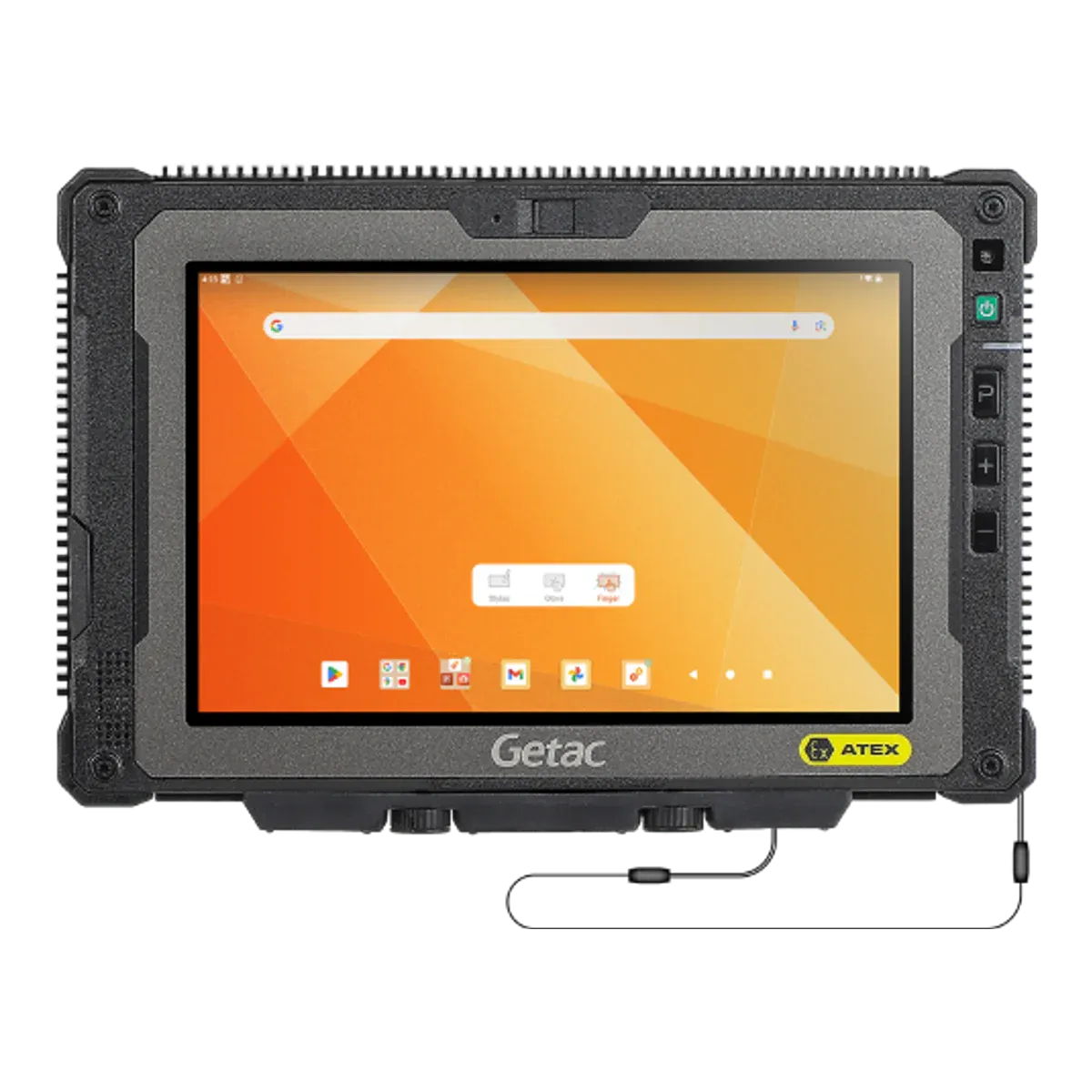
3Getac ZX80-EXBest compact scanner tabletBuilt in (optional 1D/2D imager)Zone 2/22IIIC, Zone 22OptionalNot in our data
4ecom Pad-Ex 01 P12 DZ2Best for Windows warehouse softwareBuilt in (optional Honeywell N670X 1D/2D scan engine; Ex-certified as part of the unit)Zone 2/22IIIB, Zone 22Not verifiedClass I Division 2
5BARTEC Agile S NIBest scanning tablet for multi-country sitesBuilt in (Honeywell N6600 1D/2D imager)Zone 2/22IIIB, Zone 22YesClass I Division 2

All five are certified for gas group IIC. Four are Zone 2/22 tablets; the ecom Tab-Ex 05 DZ1 is certified for Zone 1/21 and scans with an accessory. Prices are on request.

The ranking

Our picks for scanning

  1. Best overall for scanning

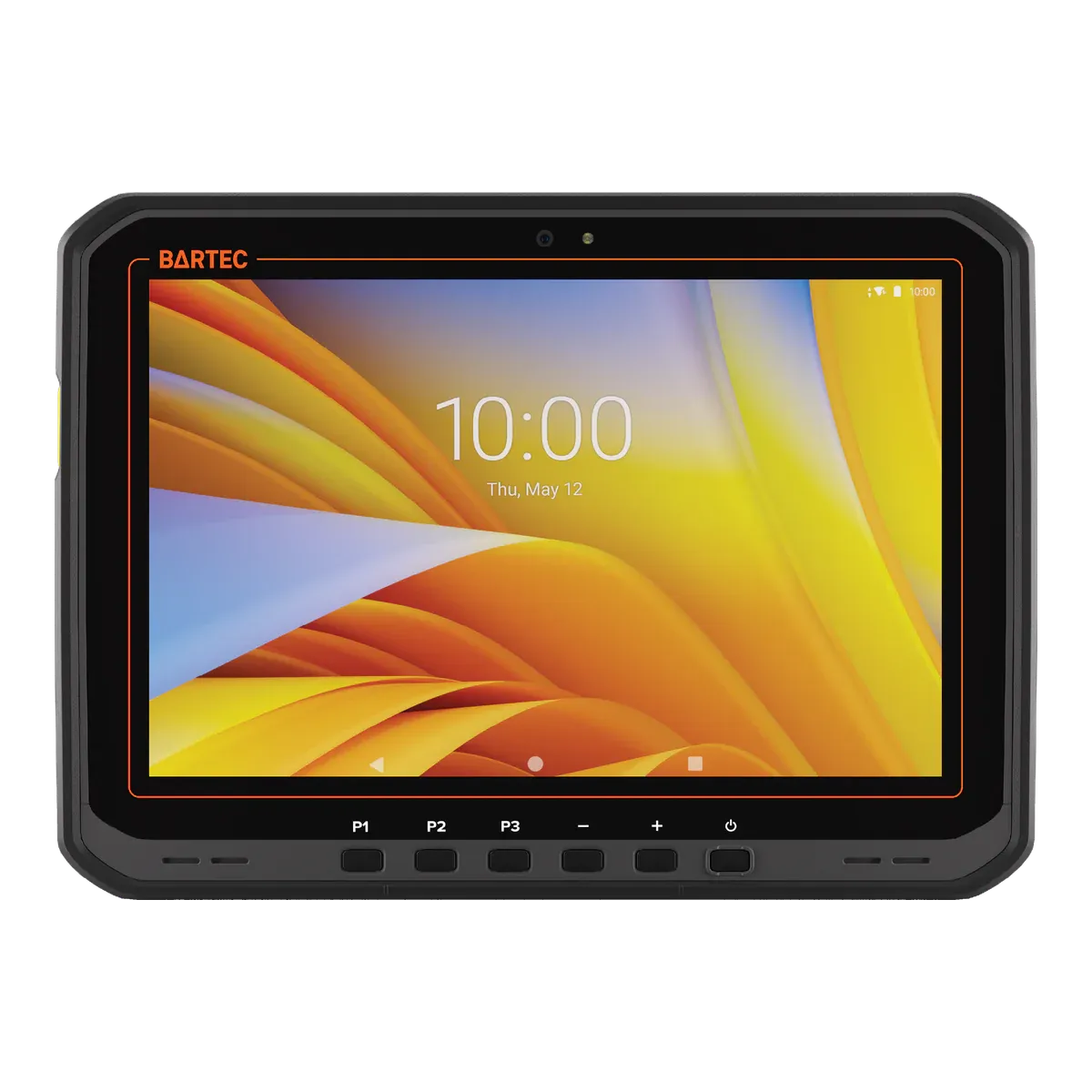
    BARTEC ET60/65EX2 Android

    BARTEC · Rugged tablet, Ex version

    Certified for
    Zone 2/22
    Marking
    II 3G Ex ic op is IIC T4 Gc
    Certification
    ATEX + IECEx, Class I Division 2
    Operating system
    Android 14
    Security updates
    Until December 2031 (unconfirmed)
    Weight
    1074 g

    When a team scans all day, in stores, at goods receipt and at the line, a scan engine inside the tablet beats a camera. The BARTEC ET60/65EX2 Android can be ordered with an SE55 1D/2D Advanced Range scan engine, and a dedicated scan key sits beside three programmable keys, so a scan is one press. An internal supercapacitor keeps the tablet running while the battery is changed, so a shift does not stop for a reboot, and BARTEC quotes up to 10 hours indoors on the standard battery. The 10.1-inch display reaches 1,000 nits and works with gloves or a stylus, NFC is built in for tags, and it survives a 1.5 m drop to concrete.

    It is intrinsically safe to Ex ic IIC T4 with dust group IIIC, which covers conductive dust, for Zone 2/22 under ATEX and IECEx. The North American types add Class I Division 2 (Groups A to D) and Class II Division 2 (Groups F and G); the Division listing applies to those part numbers only. It runs Android 14 with an upgrade path to Android 16.

    The limits: it is certified for Zone 2/22 only, and the scan engine changes the Ex marking (“op is”, inherently safe optical radiation), so check the certificate for the version you buy. The battery is changed and charged outside the hazardous area, and its Ex dust marking includes IP64 (dust-tight, protected against splashing water). It weighs 1,074 g. The December 2031 security-update date is Zebra’s date for the ET60/ET65 the tablet is built on, and BARTEC says it needs a LifeGuard service contract, so we treat it as unconfirmed and do not rank on it.
    View full details
  2. Best for scanning in Zone 1

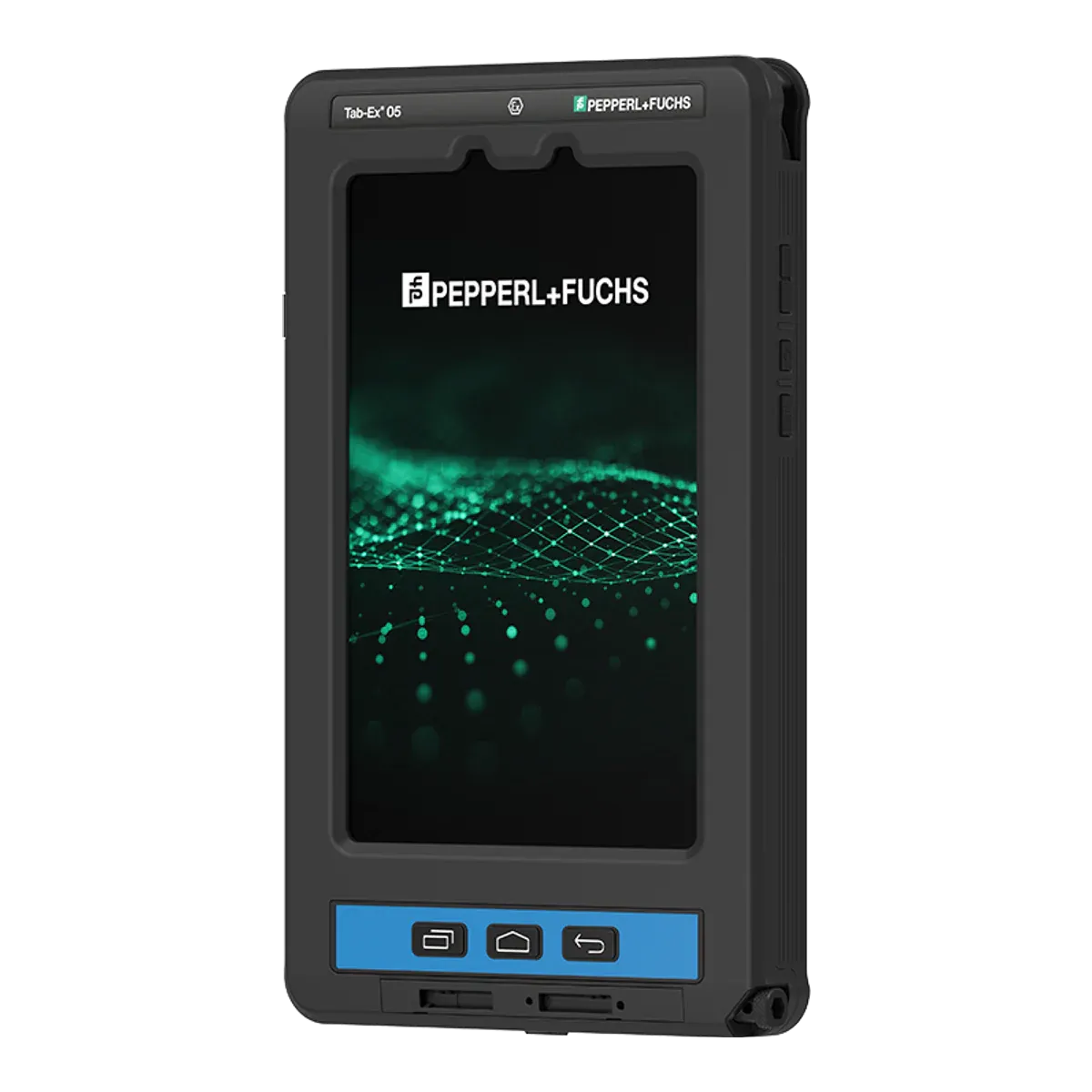
    ecom Tab-Ex 05 DZ1

    ecom (Pepperl+Fuchs) · Dedicated Ex tablet

    Certified for
    Zone 1/21
    Marking
    II 2G Ex db ia IIC T6 Gb
    Certification
    ATEX + IECEx, Class I Division 1
    Operating system
    Android 16
    Security updates
    Q1 2032 (maker’s statement)
    Weight
    1122 g

    Where the area is classified Zone 1/21, the ecom Tab-Ex 05 DZ1 is the tablet to start with, with one caveat that decides how you use it: it has no scan engine inside. It scans with the ecom Ident-Ex 02 wireless 1D/2D scanner, an accessory that carries its own Ex approval for Zone 1/21 and Division 1, or with its 13 MP autofocus camera and an app. The scanner is a second device to carry, so teams that scan all day should trial the two-device set-up first.

    The tablet itself is a flameproof (Ex db ia) design certified for IIC T6 with dust group IIIC under ATEX and IECEx, with Class I and II Division 1 and Class III listings and national approvals including Inmetro (Brazil), KC (Korea) and South Africa. It is an 8-inch Android tablet with IP68, MIL-STD-810H, glove and wet-hand touch, a programmable function key and an S Pen, and ecom lists a camera-free version for sites that restrict cameras. ecom states security updates until 2032, a date our data flags as unconfirmed.

    The limits: the battery is not user-replaceable and there is no hot swap, the certificate allows charging only outside the hazardous area, and the screen is 600 nits. It weighs 1,122 g. The certificate says not to use it near processes that generate high electrostatic charges.

    View full details
  3. Best compact scanner tablet

    Getac ZX80-EX

    Getac · Rugged tablet, Ex version

    Certified for
    Zone 2/22
    Marking
    II 3G Ex ic op is IIC T4 Gc
    Certification
    ATEX + IECEx
    Operating system
    Android 15
    Security updates
    Until February 2029 (unconfirmed)
    Weight
    780 g

    For scanning on the move in tight spaces, along racking, up ladders and across a site, the Getac ZX80-EX is the compact choice. At 780 g it is the lightest of the five, and the 8-inch display reaches 1,000 nits. A 1D/2D imager and NFC are factory options, and it adds a 16 MP rear camera, 12 GB of memory on a Qualcomm QCS6490 running Android 15, IP67 and a 1.8 m drop rating, the highest stated drop height on this page.

    It is intrinsically safe to Ex ic op is IIC T4 with dust group IIIC (T130 °C) for Zone 2/22 under IECEx, rated from −21 °C to +55 °C.

    The limits: it is certified for Zone 2/22 only, and our data holds an IECEx certificate but no published ATEX certificate and no North American listing. Hot swap is not stated for the EX version and the battery is changed outside the hazardous area, so shift-long scanning needs a spare battery plan. Getac’s security-update date of February 2029 is for the standard ZX80, and Getac lists no separate date for the EX version, so we treat it as unconfirmed. The IECEx certificate names the model with a “c” suffix and not the generation, so we matched it to this version ourselves, and that match is unconfirmed.

    View full details
  4. Best for Windows warehouse software

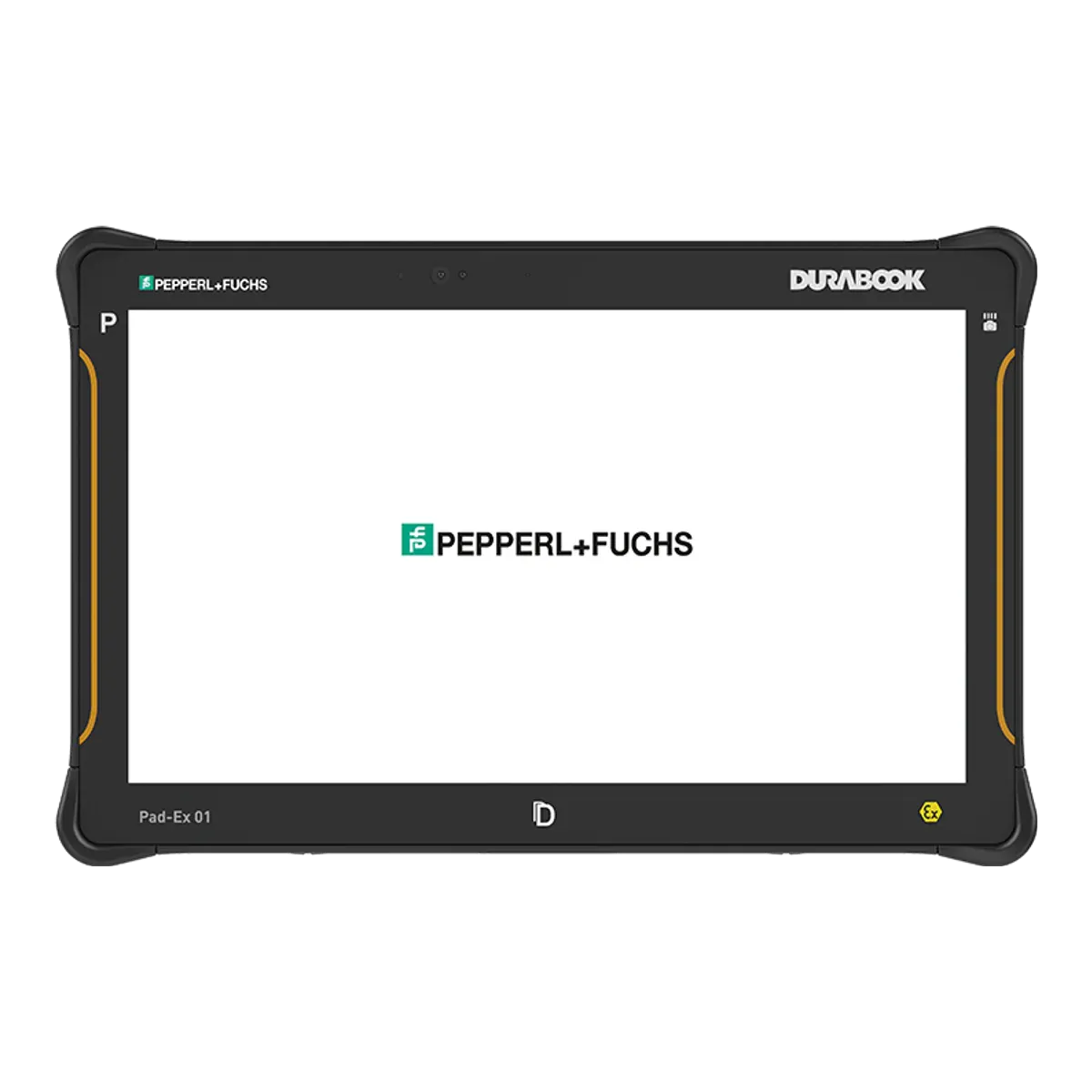
    ecom Pad-Ex 01 P12 DZ2

    ecom (Pepperl+Fuchs) · Dedicated Ex tablet

    Certified for
    Zone 2/22
    Marking
    II 3G Ex ic op is IIC T4 Gc IP64
    Certification
    ATEX + IECEx, Class I Division 2
    Operating system
    Windows 11 Pro, version 25H2
    Security updates
    Supported while kept on a current Windows 11 version
    Weight
    1200 g

    Warehouse, stores and dispensing teams whose software runs on Windows need a Windows tablet with a scanner, and the ecom Pad-Ex 01 P12 DZ2 offers both. It runs Windows 11 Pro on an Intel Core i5-1235U with 16 GB of memory, and the 11.6-inch Full HD display reaches 1,000 nits. A Honeywell N670X 1D/2D scan engine is a factory option that is Ex-certified as part of the unit, there is a barcode/camera touch button, and ecom lists a camera-free version for sites that restrict cameras.

    It is intrinsically safe to Ex ic op is IIC T4 for Zone 2/22 under ATEX (a voluntary certificate of conformity from Bureau Veritas) and IECEx, with Class I Division 2 (Groups A to D) and Class II Division 2 listings for North America, and approvals including Inmetro (Brazil), KC (Korea), CCC (China) and Japan. Windows 11 stays supported as long as it is kept on a current version.

    The limits: its dust group is IIIB, so it is not rated for conductive metal dust, and it is Zone 2/22 only. Its ambient range starts at −10 °C against −20 °C or −21 °C on the other picks, it is IP64, it weighs 1,200 g, and our data lists no hot swap, so the user-replaceable battery (43.29 Wh) is changed outside the hazardous area.

    View full details
  5. Best scanning tablet for multi-country sites

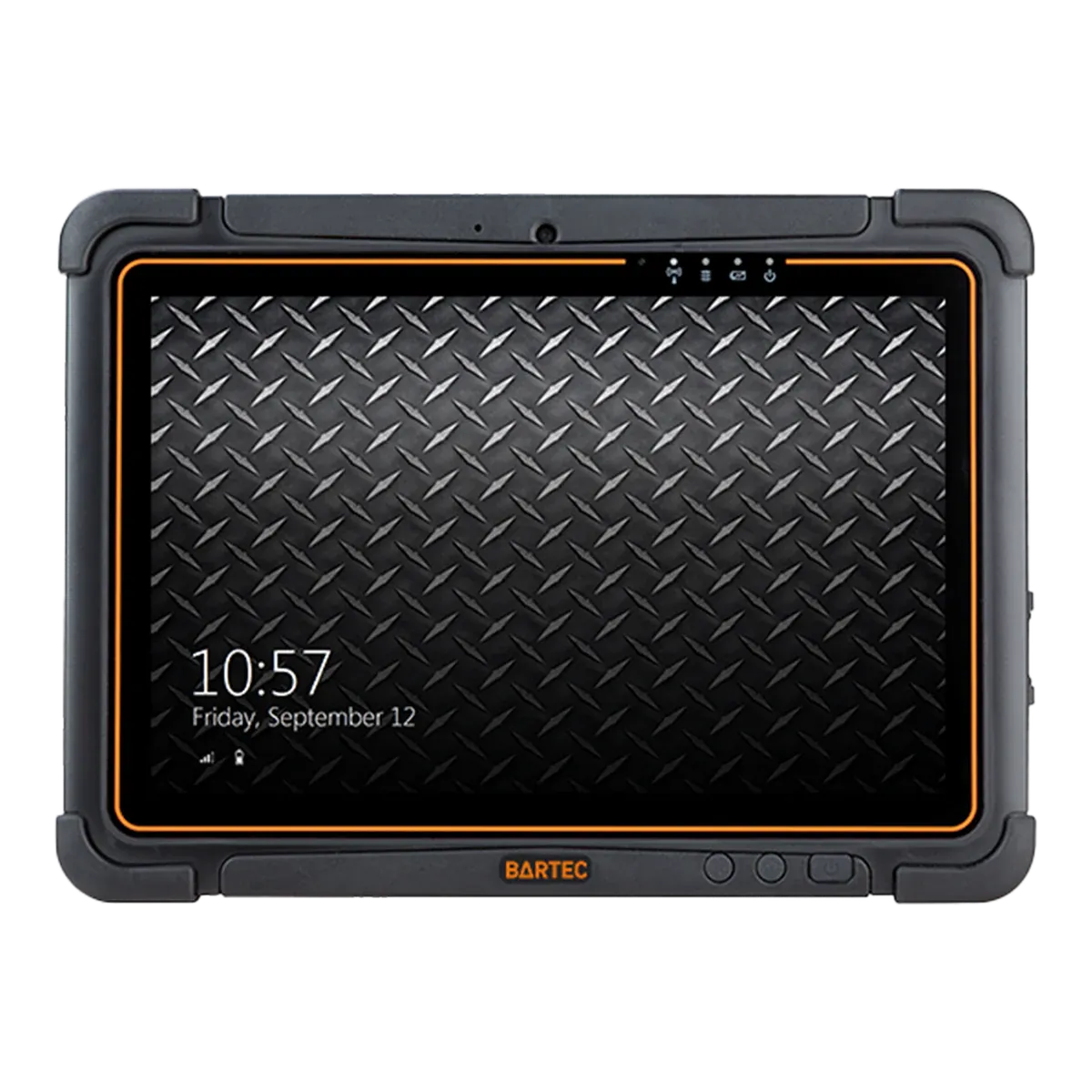
    BARTEC Agile S NI

    BARTEC · Dedicated Ex tablet

    Certified for
    Zone 2/22
    Marking
    II 3G Ex ic IIC T4 Gc
    Certification
    ATEX + IECEx + UKEX, Class I Division 2
    Operating system
    Windows 10 IoT Enterprise LTSC
    Security updates
    Until January 2032
    Weight
    1200 g

    For an operator that runs warehouses and plants in several countries, one tablet with the paperwork for all of them saves repeated approvals. The BARTEC Agile S NI is the pick for that. It carries ATEX, IECEx and UKEX certificates for Zone 2/22, a Class I Division 2 listing, and approvals including Inmetro (Brazil), KC (Korea), CCC (China) and Japan. It is the only one of the five with a UKEX certificate in our data.

    Its scanner is not a factory option: a Honeywell N6600 1D/2D imager is built in, with an HF RFID and NFC reader, and an integrated bridge battery allows a hot swap. It runs Windows 10 IoT Enterprise LTSC 2021 on an Intel Core i5-7300U with an 800-nit 10.1-inch display, and Microsoft supports that edition with security updates until January 2032.

    The limits: it is built on older technology than the other four, with a Kaby Lake processor and Windows 10, and its dust group is IIIB, so it is not rated for conductive metal dust. It is Zone 2/22 only, rated from −20 °C to +50 °C, IP64 in its marking, MIL-STD-810G rather than a stated drop height, 1,200 g, with BARTEC quoting up to 8 hours on the battery. The battery is changed outside the hazardous area.

    View full details

Method

How we ranked them

Rank 1 goes to the tablet with the strongest built-in scanning set-up: a 1D/2D scan engine inside the unit rather than a camera, a hot-swap battery, conductive dust rating (dust group IIIC), a North American Division listing and a stated drop height. The BARTEC ET60/65EX2 Android is the only one of the five with all of these, and it has a dedicated scan key. Its engine is a factory option, so the version you order matters.

No current Zone 1 tablet in our data has a scan engine built in. The ecom Tab-Ex 05 DZ1, our Zone 1 pick at position 2, scans with ecom’s Ex-rated Ident-Ex 02 wireless scanner as an accessory or with its camera and an app, so rank 1 is a Zone 2/22 tablet and Zone 1/21 areas start at position 2. Positions 3 to 5 each name the best choice for a different kind of scanning work: compact devices, Windows warehouse software and multi-country sites. Prices are on request for every brand, so cost does not affect the order.

The order follows the scanning hardware and the certificates, and it would change if a Zone 1 tablet gained a built-in scan engine or another tablet with the same certification offered all five points above.

Every figure comes from certificates, declarations of conformity and manufacturer datasheets, and the same rules apply to every brand. Read how we rate or see the disclosure.

Before you buy

What a scanning tablet must show

How a tablet scans decides how much of your work it can do, and in a hazardous area the scanner must be certified with the tablet. Check these points against the version you plan to buy.

  • Built in, accessory or camera

    A built-in engine needs no extra device. An accessory such as the ecom Ident-Ex 02 is a second device to carry. A camera with an app works on any tablet but is not a dedicated scanner. In our data no current Zone 1 tablet has an engine built in.

  • Factory option

    On the BARTEC ET60/65EX2 and the Getac ZX80-EX and F110-EX G7 the imager is a factory option, and on the ecom Pad-Ex 01 P12 DZ2 the scan engine is optional. Order the version that has it, and check its certificate.

  • Ex marking with a scan engine

    A scan engine can change the Ex marking. The BARTEC ET60/65EX2 with the SE55 is marked “op is”, for inherently safe optical radiation. The certificate covers both versions, so match the marking to the one you buy.

  • Dust group

    Metal dust is conductive and needs dust group IIIC. The BARTEC ET60/65EX2 and the Getac ZX80-EX are IIIC; the ecom Pad-Ex 01 P12 DZ2 and the BARTEC Agile S NI are IIIB.

  • Battery swaps and charging

    Scanning drains a battery. Hot swap keeps the tablet running while the battery is changed, but every pick here is changed and charged outside the hazardous area, so plan spare batteries or a charging point at the area’s edge.

  • Windows or Android software

    Check whether your warehouse or ERP software needs Windows (the ecom Pad-Ex 01 P12 DZ2 and the BARTEC Agile S NI run it on x86) or has an Android client (the BARTEC ET60/65EX2, ecom Tab-Ex 05 DZ1 and Getac ZX80-EX).

More choice

Other tablets with a barcode scanner

Filter tablets with a barcode scanner
Other current tablets with a built-in or Ex-rated barcode scanner, in alphabetical order
TabletTypeCertified forDustBarcode scanningBattery swapWeight
BARTEC ET60/65EX2 WindowsRugged tablet, Ex versionZone 2/22IIIC, Zone 22Built in (optional SE55 1D/2D Advanced Range scan engine; changes the Ex marking to 'op is')Yes1200 g
Durabook R8-EXRugged tablet, Ex versionZone 2/22IIIB, Zone 22Built in (optional 1D/2D barcode reader)Optional880 g (unconfirmed)
Durabook U11I-EXRugged tablet, Ex versionZone 2/22IIIB, Zone 22Built in (optional 1D/2D barcode reader)Optional1490 g (unconfirmed)
ecom Tab-Ex 05 DZ2Dedicated Ex tabletZone 2/22IIIC, Zone 22Via accessory (ecom Ident-Ex 02 wireless 1D/2D scanner; Ex-rated? yes) or camera-based via appNot verified595 g (unconfirmed)
Getac F110-EX G7Rugged tablet, Ex versionZone 2/22IIIC, Zone 22Built in (optional integrated 1D/2D imager, factory option)Yes1680 g
Getac K120-EX G3Rugged tablet, Ex versionZone 2/22IIIC, Zone 22Built in (optional 1D/2D imager)Not verified1700 g
Getac UX10-EX G5Rugged tablet, Ex versionZone 2/22IIIC, Zone 22Built in (optional 1D/2D imager, top slot)Not verified1150 g
Getac ZX10-EX G2Rugged tablet, Ex versionZone 2/22IIIC, Zone 22Built in (optional 1D/2D imager)Not verified1050 g
Getac ZX80W-EXRugged tablet, Ex versionZone 2/22IIIC, Zone 22Built in (optional 1D/2D imager)Headline claims high-capacity hot-swappable batteries (non-hazardous areas only)780 g
TouchStar TS3300Dedicated Ex tabletZone 2/22IIIC, Zone 22Built in (optional EM3080W-V2 imager)Not verified800 g
Winmate M101AD-EXRugged tablet, Ex versionZone 2Not in our dataBuilt in (optional 1D/2D reader)Yes1200 g
Winmate M101S-EXRugged tablet, Ex versionZone 2Not in our dataBuilt in (optional 1D/2D reader)Yes1250 g

The table lists tablets with a built-in or Ex-rated add-on scanner; most offer the scan engine as a factory option, so check the version. Discontinued models are left out; Find tablets lists them. “Not verified” in a column means we could not confirm the value from a certificate or the maker’s data.

Impartial advice

Need help matching a scanning tablet to your site?

Your area classification, dust group and the software your team runs decide which tablets qualify, and the certificate for the exact version is what counts. Tell us about your site and we will help you compare tablets impartially.

FAQ

Scanning tablet questions

What is the best tablet for barcode scanning in a hazardous area?

On our criterion, the BARTEC ET60/65EX2 Android ranks first: it can be ordered with a built-in SE55 1D/2D scan engine, has a dedicated scan key and a hot-swap battery, is rated for conductive dust (dust group IIIC) at Zone 2/22, and has a Class I Division 2 listing on its North American types and a 1.5 m drop rating. It is a Zone 2/22 tablet only.

Is there a Zone 1 tablet with a built-in barcode scanner?

Not in our data. No current Zone 1 tablet has a scan engine built in. The ecom Tab-Ex 05 DZ1 scans with the Ex-rated Ident-Ex 02 wireless 1D/2D scanner, an accessory with its own Zone 1/21 and Division 1 approval, or with its 13 MP camera and an app.

Is a camera good enough for scanning in a hazardous area?

A camera with an app can read barcodes on any tablet, and tablets such as the i.safe MOBILE IS940.1 (50 MP) and the Eaton MTL GECMA IS Tablet PC (8 MP) scan that way, with no dedicated engine. A built-in engine needs no camera app: the BARTEC Agile S NI has one built in, and the BARTEC ET60/65EX2, Getac ZX80-EX and ecom Pad-Ex 01 P12 DZ2 can be ordered with one.

Which tablet suits Windows warehouse software?

The ecom Pad-Ex 01 P12 DZ2 runs Windows 11 Pro on x86 with an optional Honeywell N670X scan engine that is Ex-certified as part of the unit, and the BARTEC Agile S NI runs Windows 10 IoT Enterprise LTSC with a built-in Honeywell N6600 imager. Both are Zone 2/22 tablets rated for dust group IIIB, not conductive dust.

Does a scan engine change a tablet’s Ex marking?

It can. The BARTEC ET60/65EX2 is certified in versions with and without the SE55 scan engine, and the version with the engine is marked “op is”, for inherently safe optical radiation, as in II 3G Ex ic op is IIC T4 Gc. Order and check the version that has the engine.

Which scanning tablet suits sites in several countries?

The BARTEC Agile S NI holds ATEX, IECEx and UKEX certificates for Zone 2/22, a Class I Division 2 listing and approvals including Inmetro (Brazil), KC (Korea), CCC (China) and Japan. The ecom Tab-Ex 05 DZ1 adds Class I Division 1 and Inmetro, KC and South Africa approvals for Zone 1/21 sites.

Facts last verified on against certificates, declarations of conformity and manufacturer data. Always check the certificate for your exact model before use. Spotted an error? Tell us.