Best for · By need

Best tablets for long shifts in 2026

A tablet that runs flat halfway through a turnaround, a night shift or a long inspection round has to leave the hazardous area to be charged, and that costs time on every trip. In a hazardous area, charging and battery changes are tightly limited by each tablet’s certificate: most must be charged and have their battery changed outside it. So what decides whether a tablet keeps up with a long shift is whether it may be charged inside the zone, whether the battery can be swapped without shutting the tablet down, and how big the battery is. These are our picks for long shifts, from the one tablet that can charge in the zone to the largest Zone 1 battery and hot-swap Windows tablets.

At a glance

The top 5 compared

The top 5 compared: Best tablets for long shifts in 2026
RankTabletBest forCharging in the zoneBattery swapBatteryCertified forSecurity updates
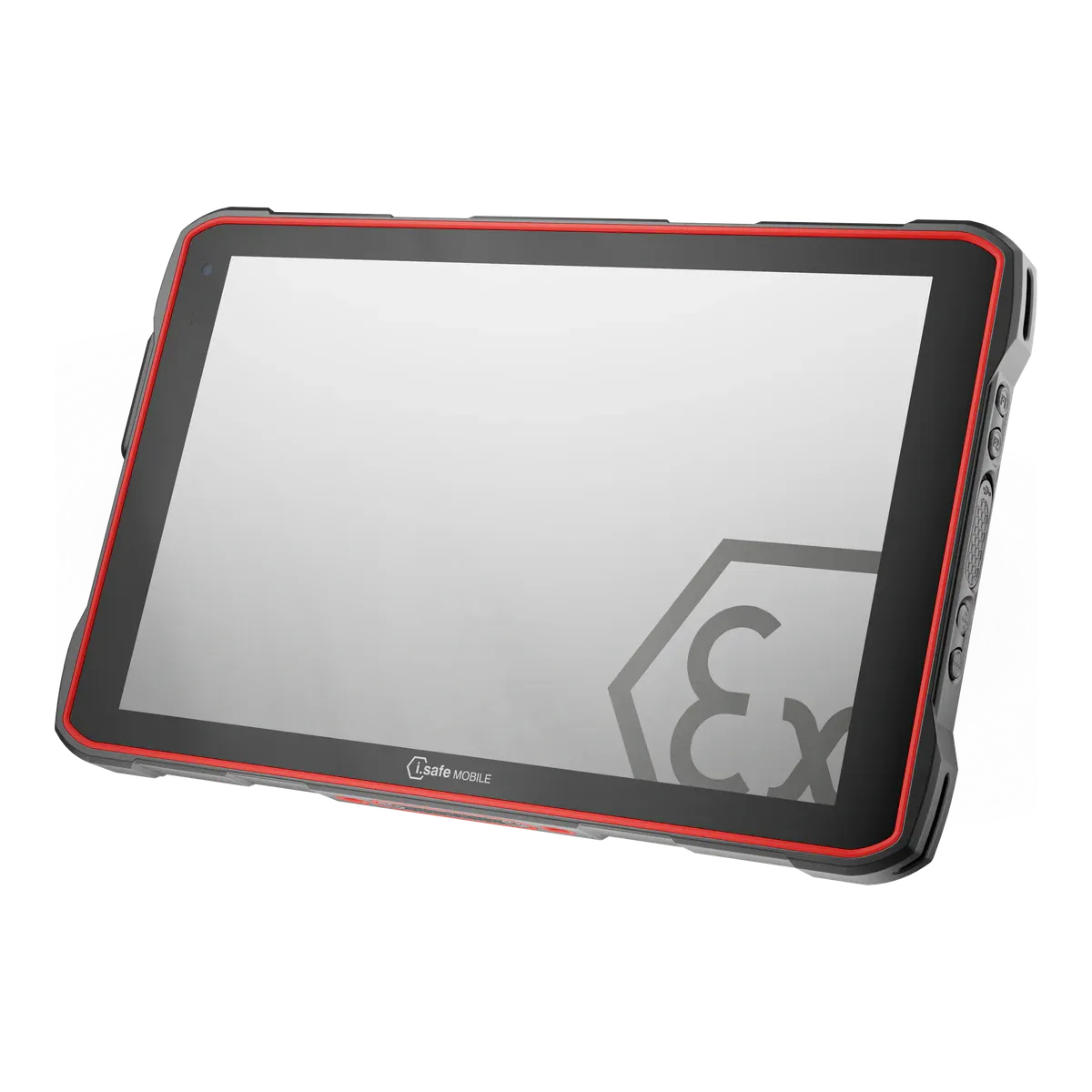
1i.safe MOBILE IS940.1Best overall for long shiftsAllowedNot verified30.2 Wh (unconfirmed)Zone 1/21Until Q4 2032
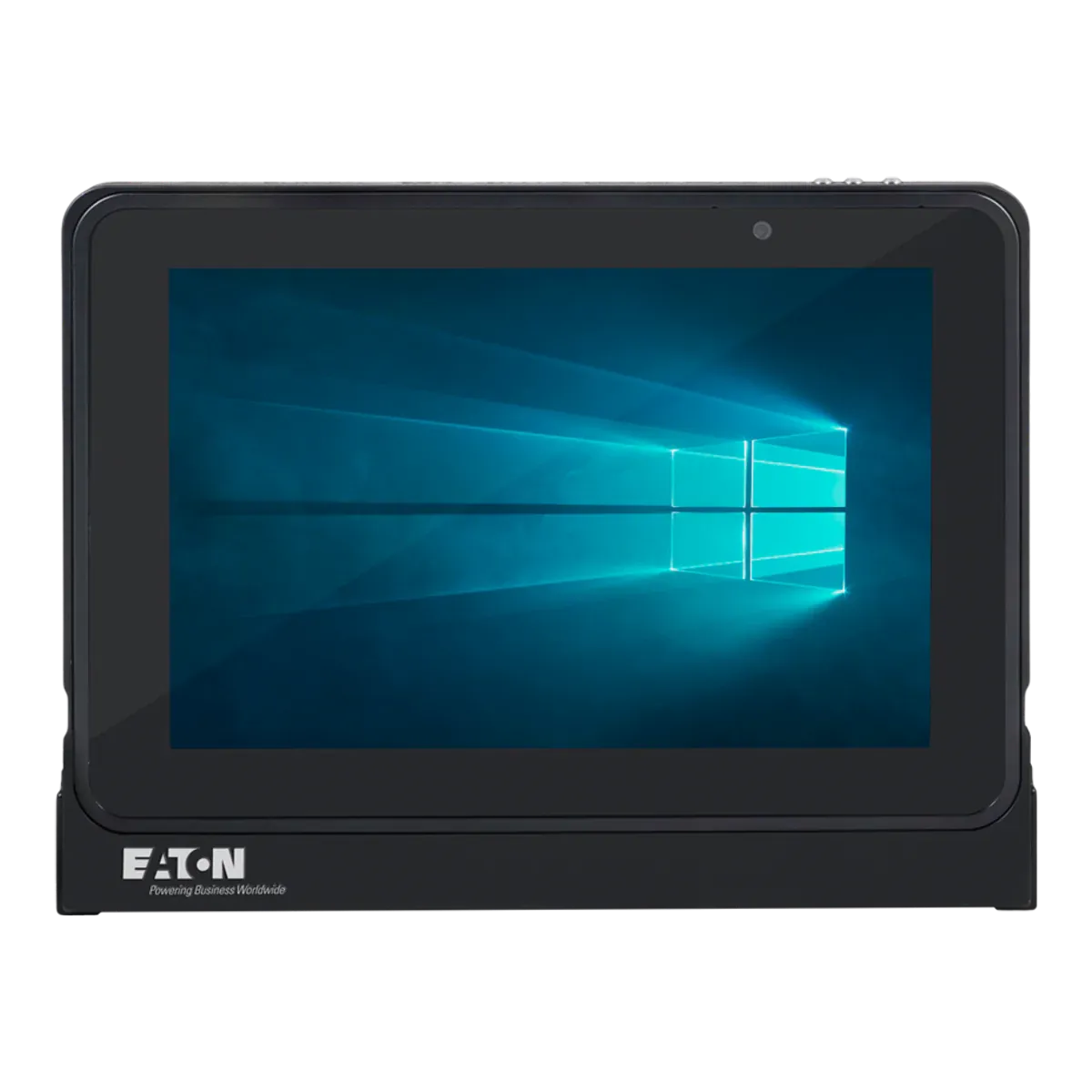
2Eaton MTL GECMA IS Tablet PCBest for the largest Zone 1 batteryOutside the zone onlyNot verified49.68 WhZone 1/21Until October 2034 (unconfirmed)
3ecom Tab-Ex 05 DZ1Best for full shifts on a Zone 1 Android tabletOutside the zone onlyNot verified18.87 (typical) WhZone 1/21Q1 2032 (maker’s statement)
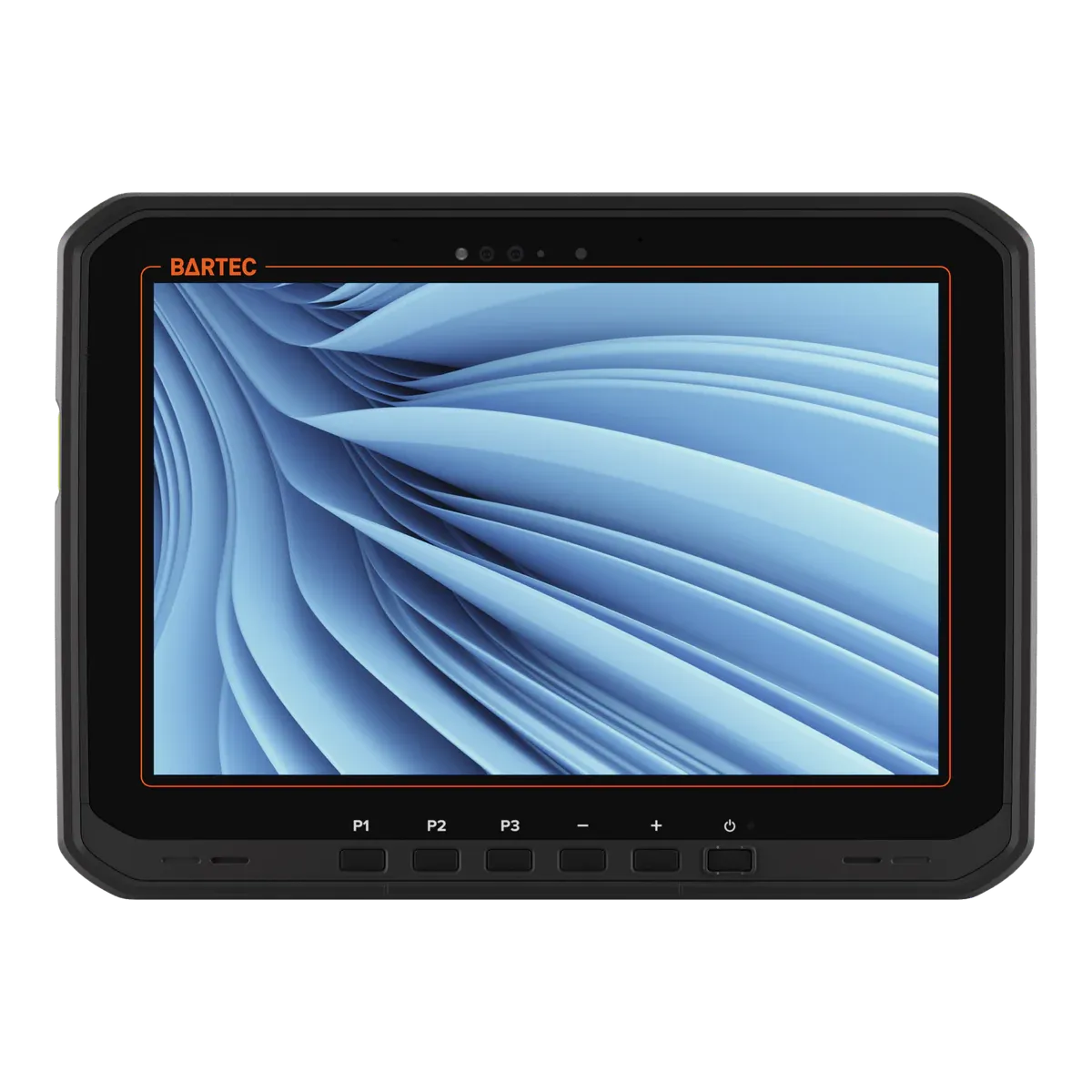
4BARTEC ET60/65EX2 WindowsBest hot-swap tablet for Windows work in Zone 2Outside the zone onlyYes33.9 WhZone 2/22Supported while kept on a current Windows 11 version
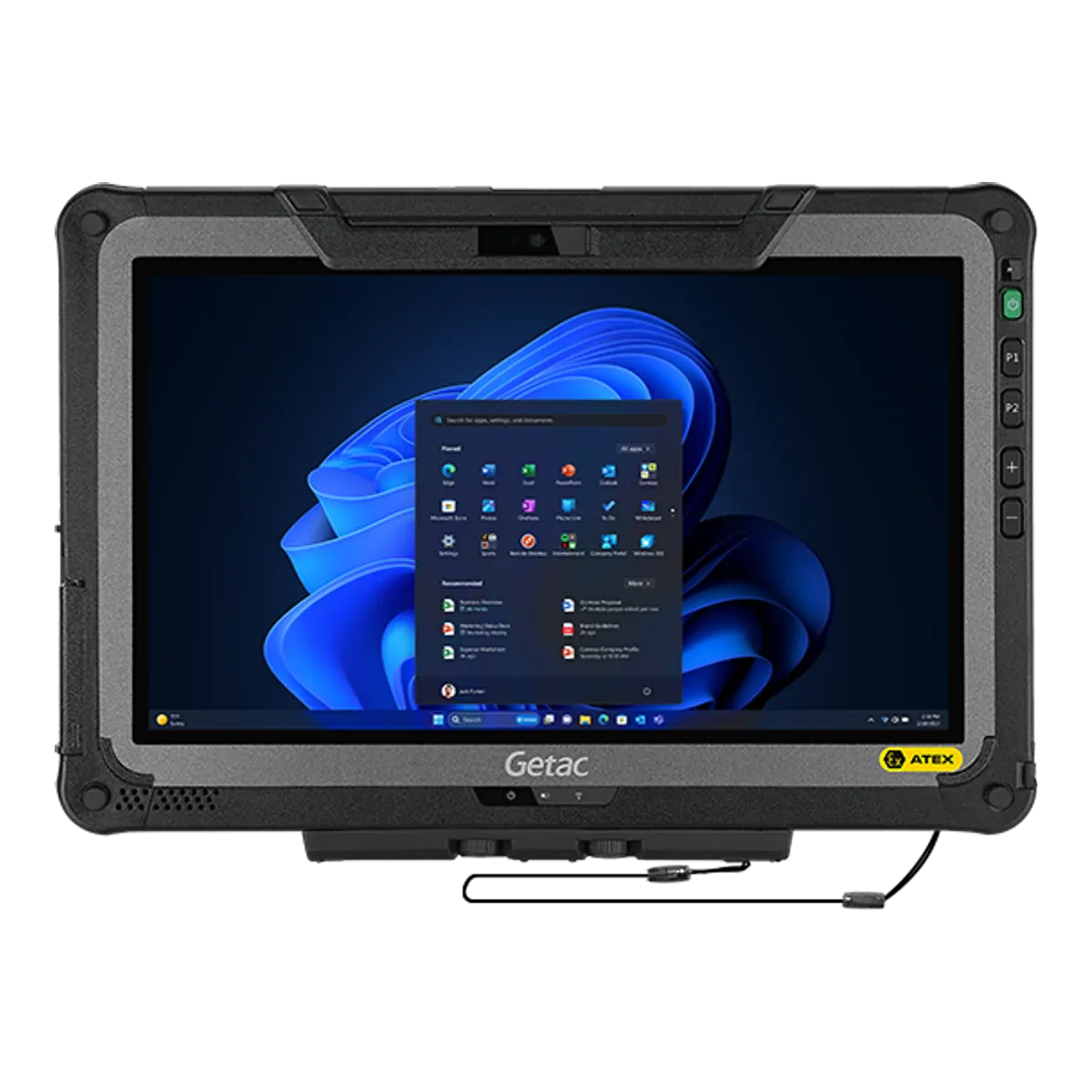
5Getac F110-EX G7Best large-screen hot-swap tabletOutside the zone onlyYes2 x 2680 typical (2 x 2640 min), 11.4 V; optional 2 x 4200 typical (4080 min), 11.1 VZone 2/22Supported while kept on a current Windows 11 version

Three of the five are certified for Zone 1/21; the BARTEC ET60/65EX2 Windows and the Getac F110-EX G7 are Zone 2/22 tablets. The battery column shows the maker’s figure where our data has no watt-hours. Prices are on request.

The ranking

Our picks for long shifts

  1. Best overall for long shifts

    i.safe MOBILE IS940.1

    i.safe MOBILE · Dedicated Ex tablet

    Certified for
    Zone 1/21
    Marking
    II 2G Ex ib IIC T4 Gb
    Certification
    ATEX + IECEx, Class I Division 1
    Operating system
    Android 14
    Security updates
    Until Q4 2032
    Weight
    1059 g

    If the battery is what ends your shift, the tablet that can be charged where it is used wins the argument. The i.safe MOBILE IS940.1 may be charged inside the hazardous area, and its IECEx certificate also covers the IS-DS940.1 docking station (VESA 100) that i.safe lists for charging there, so a crew can dock it at the work area between tasks instead of walking out to a charging point. That makes it one of only two current Zone 1 tablets that may be charged in the zone, and it has the Android model’s confirmed update date, a user-replaceable 8,160 mAh battery and IP68. A docked operator-panel version, the IS-MOP1A.1 (which needs a separate Ex enclosure for its connectivity module), is also offered for fixed positions.

    It is intrinsically safe to Ex ib IIC T4 for Zone 1/21 with dust group IIIC under ATEX and IECEx, with a Class I Division 1 listing for North America. It is a 10.1-inch Android 14 tablet with 5G and Wi-Fi 6, and security updates until Q4 2032.

    The limits are the certificate’s conditions, and they matter for long shifts. Charging is limited to a temperature of 0 °C to +45 °C, the USB-C interface under its IP cover may only be opened outside hazardous areas (so in-zone charging is on the dock, not by USB-C cable), the 16-pin ISM interface must stay covered, and the battery may be replaced outside the hazardous area only. Our data has no battery-life figure for it, and its 30.2 Wh capacity is calculated from the maker’s capacity and voltage, so ask i.safe for a runtime trial. It is T4, not certified for Zone 0, and weighs 1,059 g.
    View full details
  2. Best for the largest Zone 1 battery

    Eaton MTL GECMA IS Tablet PC

    Eaton · Dedicated Ex tablet

    Certified for
    Zone 1/21
    Marking
    II 1GD Ex ia IIC T4 Ga
    Certification
    ATEX + IECEx, Class I Division 1
    Operating system
    Windows 11 IoT Enterprise
    Security updates
    Until October 2034 (unconfirmed)
    Weight
    1430 g

    When a tablet has to be charged outside the zone anyway, the next best thing is a battery that makes that trip rare. The Eaton MTL GECMA IS Tablet PC has the largest battery of any current Zone 1 tablet in our data, 49.68 Wh from two 3,450 mAh cells, against 18.87 to 31.29 Wh for the others (some of those figures are calculated from the maker’s capacity and voltage), and Eaton quotes a typical 12 hours. It runs Windows 11 IoT Enterprise on x86 with a 10.1-inch 2560 × 1600 display, and it is intrinsically safe to Ex ia IIC T4 Ga for Zone 0 and Zone 1 under ATEX and IECEx, with Class I Division 1 (Groups C and D) listed for North America.

    Zone 0 rating applies only inside the case the maker supplies. It also has NFC and a camera-free version. IP67 appears in the ATEX marking printed in Eaton’s manual but not in the IECEx certificate, and the October 2034 security-update date is Microsoft’s end date for Windows 11 IoT Enterprise LTSC 2024, an edition Eaton does not confirm.

    Our data does not list the battery as user-replaceable, so plan on no swapping to extend a shift: the certificate says not to remove or replace the battery pack in hazardous areas, to charge it only with Eaton’s charger and not to charge or connect it in hazardous areas, and the docking station is for safe areas only. The tablet has to last the shift or go back to charge. It weighs 1,430 g, second only to the Getac F110-EX G7 among the five, and has a 540-nit display on an Intel quad-core Atom.

    View full details
  3. Best for full shifts on a Zone 1 Android tablet

    ecom Tab-Ex 05 DZ1

    ecom (Pepperl+Fuchs) · Dedicated Ex tablet

    Certified for
    Zone 1/21
    Marking
    II 2G Ex db ia IIC T6 Gb
    Certification
    ATEX + IECEx, Class I Division 1
    Operating system
    Android 16
    Security updates
    Q1 2032 (maker’s statement)
    Weight
    1122 g

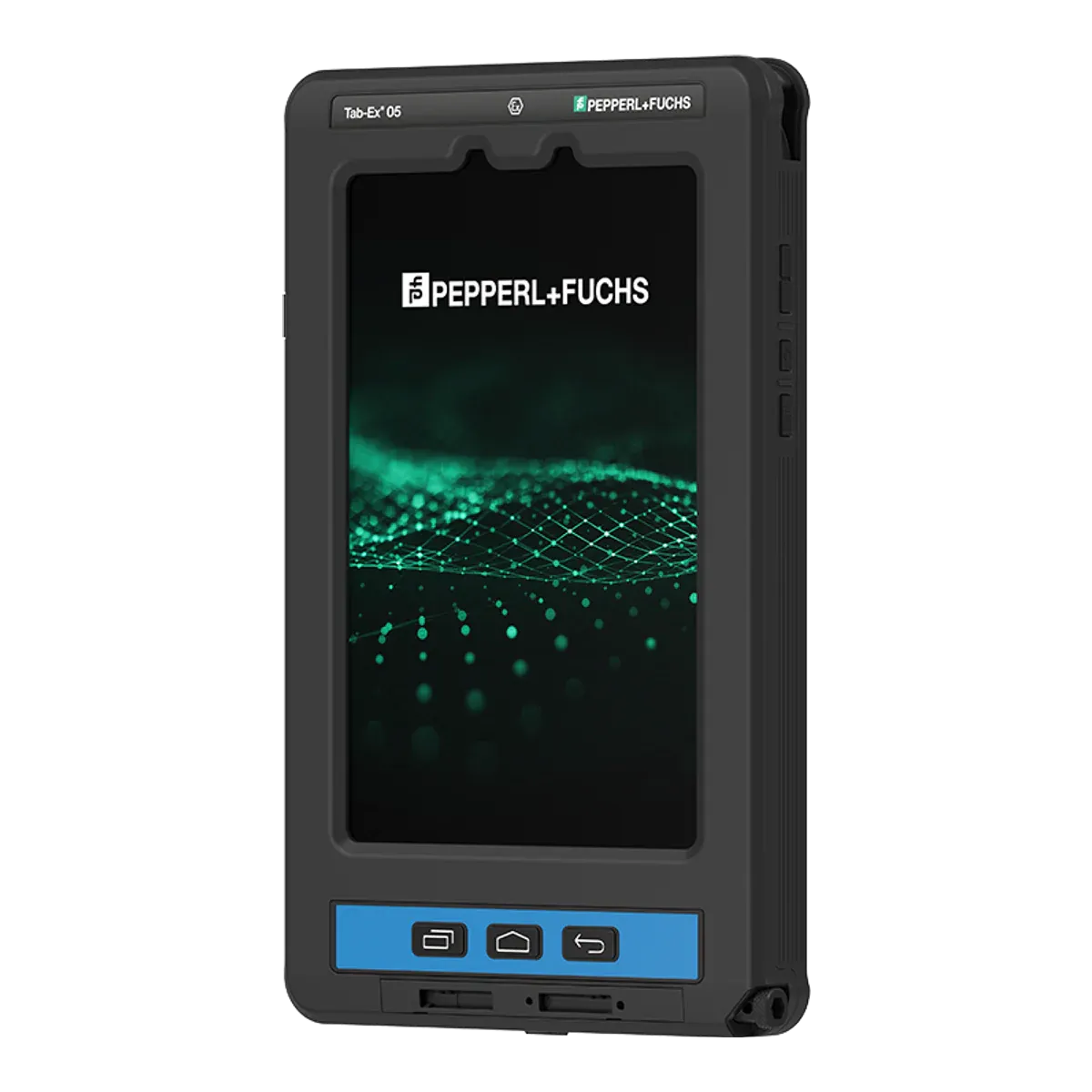
    For crews who want a Zone 1 Android tablet with a quoted full-shift runtime and a Division 1 listing, the ecom Tab-Ex 05 DZ1 is the pick. ecom quotes up to 14 hours of battery life, a maker’s figure that depends on how the tablet is used (Atexxo lists up to 14 hours of Wi-Fi use for its Zone 1 Galaxy Tab Active5 too, so it is not alone here). It pairs that with a flameproof (Ex db ia) certificate for IIC T6 with dust group IIIC under ATEX and IECEx, Class I and II Division 1 and Class III listings, IP68 and MIL-STD-810H.

    It runs Android on an 8-inch, 600-nit display with glove and wet-hand touch, a programmable function key and an S Pen, and ecom states security updates until 2032, a date our data flags as unconfirmed.

    The limits: its battery is 18.87 Wh (typical), the smallest on this page, and it is not user-replaceable, so there is no swapping to extend a shift. Charging is outside the hazardous area only, between −5 °C and +55 °C, and although the USB-C port may be used for wired data in the hazardous area within its entity parameters, charging through it may not. It weighs 1,122 g.

    View full details
  4. Best hot-swap tablet for Windows work in Zone 2

    BARTEC ET60/65EX2 Windows

    BARTEC · Rugged tablet, Ex version

    Certified for
    Zone 2/22
    Marking
    II 3G Ex ic op is IIC T4 Gc
    Certification
    ATEX + IECEx
    Operating system
    Windows 11 Professional
    Security updates
    Supported while kept on a current Windows 11 version
    Weight
    1200 g

    For Windows work in Zone 2/22 where a shift cannot stop for a battery change, the BARTEC ET60/65EX2 Windows is the hot-swap tablet we would look at. BARTEC describes it as a “true hot swap, minimum 60 seconds” (the maker’s wording; ask BARTEC how long the tablet runs without its battery), so the tablet stays running while the battery is changed, and the 4,460 mAh pack (33.9 Wh) is user-replaceable. It runs Windows 11 Pro on an Intel Core Ultra 5 125U with 16 GB of memory, a 10.1-inch 1,000-nit display and a stylus, and it survives a 1.5 m drop to concrete.

    It is intrinsically safe to Ex ic op is IIC T4 with dust group IIIC for Zone 2/22 under ATEX and IECEx. An SE55 scan engine is a factory option, and it has built-in NFC.

    The limits: it is a Zone 2/22 tablet only, our data holds no North American listing for it, and the swap itself happens outside the hazardous area, with only the certified battery type B7-T2Z0-0002 allowed. Our data holds no battery-life figure for it. It weighs 1,200 g and its Ex marking carries IP64, against IP66 in its specification.

    View full details
  5. Best large-screen hot-swap tablet

    Getac F110-EX G7

    Getac · Rugged tablet, Ex version

    Certified for
    Zone 2/22
    Marking
    II 3G Ex ic op is IIC T4 Gc
    Certification
    ATEX + IECEx
    Operating system
    Windows 11 Pro
    Security updates
    Supported while kept on a current Windows 11 version
    Weight
    1680 g

    For long shifts that also need a big screen, such as drawings, procedures and MES screens, the Getac F110-EX G7 puts an 11.6-inch, 1,200-nit display on a tablet with Getac’s LifeSupport battery-swap technology, so a battery can be changed without shutting down. Getac lists the battery as two 2,680 mAh packs (typical) at 11.4 V as standard, with two 4,200 mAh packs (typical) at 11.1 V as an option; our data has no watt-hour or runtime figure for it. It runs Windows 11 Pro on a 13th-generation Intel Core processor with 16 GB of memory, and has IP66 and a 1.2 m drop rating in use.

    It is intrinsically safe to Ex ic op is IIC T4 with dust group IIIC (T130 °C) for Zone 2/22 under IECEx, with an ambient range of −21 °C to +60 °C.

    The limits: it is certified for Zone 2/22 only, and our data holds an IECEx certificate but no published ATEX certificate and no North American listing. The swap and any charging happen outside the hazardous area, with only the battery types named in the certificate, and every interface (USB, Thunderbolt, DC-in, docking, LAN) is barred from hazardous areas. At 1,680 g it is the heaviest of the five, and the IECEx certificate names the model with a “c” suffix, so we matched it to this version ourselves and that match is unconfirmed.

    View full details

Method

How we ranked them

Rank 1 goes to the Zone 1 tablet whose battery never has to limit a shift: one whose certificate allows charging inside the hazardous area, so it can sit on a docking station between tasks. The i.safe MOBILE IS940.1 is one of only two current Zone 1 tablets in our data that may be charged in the zone, the other being the IS945.1, which shares the certificate. The Android IS940.1 ranks first because its security-update date to Q4 2032 is confirmed, where the IS945.1’s date is Microsoft’s and unconfirmed. It is also IP68 and has a docking station and an operator-panel version.

Our data holds no battery-life figure for the IS940.1, so it does not win on stated runtime. Positions 2 to 5 each name the best choice for a different kind of long-shift work: the largest Zone 1 battery, a Zone 1 Android tablet with a quoted full-shift runtime, hot-swap Windows work in Zone 2, and a large screen with a hot-swap battery. None of them may be charged inside the hazardous area, and every battery swap on this page happens outside it. Prices are on request for every brand, so cost does not affect the order.

The order follows the charging rules in the certificates and the battery data, and it would change if another current Zone 1 tablet’s certificate allowed charging in the zone, or if a maker confirmed a battery figure we could not.

Every figure comes from certificates, declarations of conformity and manufacturer datasheets, and the same rules apply to every brand. Read how we rate or see the disclosure.

Before you buy

What a long-shift tablet must show

Charging and battery rules come from each tablet’s certificate, not from its spec sheet, so read the conditions for the exact model before you plan a shift around them.

  • Charging inside the zone

    Only a tablet whose certificate allows it may be charged in the hazardous area. Of our picks, only the i.safe MOBILE IS940.1 may, on its IS-DS940.1 docking station. Every other pick must be charged outside.

  • The certificate’s charging conditions

    Check the temperature window and the port. The IS940.1 may be charged only between 0 °C and +45 °C, and its USB-C cover opens only outside hazardous areas. The ecom Tab-Ex 05 DZ1 charges only between −5 °C and +55 °C, outside the zone.

  • Where the battery is swapped

    Every tablet on this page has its battery changed outside the hazardous area. Hot swap, as on the BARTEC ET60/65EX2 Windows and the Getac F110-EX G7, keeps the tablet running during the swap, but the swap is still done outside, with the battery types the certificate names.

  • Capacity and runtime

    Compare watt-hours, not milliamp-hours, and treat runtime hours as the maker’s figures: Eaton quotes a typical 12 hours for 49.68 Wh and ecom up to 14 hours for 18.87 Wh. Ask for a trial with your own apps and screen brightness.

  • Docks and accessories

    Most docks and chargers are for safe areas only. The IS-DS940.1 is the dock listed for use in the Ex area, while Eaton’s and Getac’s docking stations are not.

  • Weight

    A bigger battery adds weight: the Eaton MTL GECMA IS Tablet PC is 1,430 g and the Getac F110-EX G7 1,680 g, against 1,059 g for the i.safe MOBILE IS940.1.

More choice

Other tablets that charge in the zone or hot swap

Filter tablets that charge in the zone
Other current tablets that charge in the zone or hot swap, in alphabetical order
TabletTypeCertified forCharging in the zoneBattery swapBatteryWeight
BARTEC Agile S NIDedicated Ex tabletZone 2/22Outside the zone onlyYes38.04 Wh1200 g
BARTEC ET60/65EX2 AndroidRugged tablet, Ex versionZone 2/22Outside the zone onlyYes36 Wh (unconfirmed)1074 g
i.safe MOBILE IS940.2Dedicated Ex tabletZone 2/22AllowedNot verified30.2 Wh (unconfirmed)1059 g
i.safe MOBILE IS945.1Dedicated Ex tabletZone 1/21AllowedNot verified30.2 Wh (unconfirmed)1059 g
i.safe MOBILE IS945.2Dedicated Ex tabletZone 2/22AllowedNot verified30.2 Wh (unconfirmed)1059 g
Winmate M101AD-EXRugged tablet, Ex versionZone 2Outside the zone onlyYes52.6 Wh (unconfirmed)1200 g
Winmate M101S-EXRugged tablet, Ex versionZone 2Outside the zone onlyYes38.0 Wh (unconfirmed)1250 g

The table lists tablets whose certificate allows charging in the hazardous area or that have a hot-swap battery. The button opens Find tablets filtered for charging in the zone only; to see hot-swap tablets, tick “Hot-swap battery” there instead. Discontinued models are left out. “Not verified” in a column means we could not confirm the value from a certificate or the maker’s data.

Impartial advice

Planning charging for a long-shift fleet?

Where your crews can charge, how long their shifts run and your area classification decide which tablets qualify, and the certificate for your exact model is what counts. Tell us about your site and we will help you compare tablets impartially.

FAQ

Long-shift tablet questions

What is the best tablet for long shifts in a hazardous area?

On our criterion, the i.safe MOBILE IS940.1 ranks first: its certificate allows it to be charged inside the hazardous area on the IS-DS940.1 docking station, so it never has to leave the zone to recharge. It is certified for Zone 1/21 at IIC T4, is IP68 and has security updates until Q4 2032. Charging is limited to 0 °C to +45 °C.

Can a tablet be charged in a Zone 1 area?

Only if its certificate allows it. Of the current Zone 1 tablets in our data, only the i.safe MOBILE IS940.1 and IS945.1 may be charged in the zone, within the certificate’s conditions. The ecom Tab-Ex 05 DZ1 and the Eaton MTL GECMA IS Tablet PC must be charged outside it, and our data does not list in-zone charging for the Xshielder iPad Pro 11-inch.

Can I swap a tablet battery in a hazardous area?

No. The certificates for the BARTEC ET60/65EX2 Windows, the Getac F110-EX G7 and the i.safe MOBILE IS940.1 all say the battery is changed outside the hazardous area. Hot swap, as on the BARTEC ET60/65EX2 Windows, only means the tablet keeps running while you change it outside.

Which Zone 1 tablet has the biggest battery?

The Eaton MTL GECMA IS Tablet PC, at 49.68 Wh with a typical runtime of 12 hours (Eaton’s figure). The other current Zone 1 tablets in our data have between 18.87 and 31.29 Wh, some of those figures calculated from capacity and voltage. Our data does not list the Eaton’s battery as user-replaceable, and it must be charged outside the hazardous area.

How long does the ecom Tab-Ex 05 DZ1 battery last?

ecom quotes up to 14 hours, a maker’s figure that depends on use. The battery is 18.87 Wh (typical), not user-replaceable, and charged outside the hazardous area only, between −5 °C and +55 °C.

Which tablet is best for hot swapping batteries?

The BARTEC ET60/65EX2 Windows has a hot-swap battery that BARTEC describes as a “true hot swap, minimum 60 seconds”, with a user-replaceable 33.9 Wh pack, and the Getac F110-EX G7 uses Getac’s LifeSupport battery-swap technology. Both are Zone 2/22 tablets, and both swap batteries outside the hazardous area.

Facts last verified on against certificates, declarations of conformity and manufacturer data. Always check the certificate for your exact model before use. Spotted an error? Tell us.