Best for · By need

Best large-screen tablets for hazardous areas in 2026

Drawings, P&IDs, permits and 3D models are easier to read on a big screen, but in a hazardous area a bigger screen only helps if the tablet is certified for the zone you work in. Beyond the certificate, what matters is screen size, how bright the screen is in daylight, and whether the chip and memory can open heavy PDFs and models. These are our picks for large-screen work, from the largest screen certified for Zone 1 to the largest screen on any current tablet, which is certified for Zone 2 only.

At a glance

The top 5 compared

The top 5 compared: Best large-screen tablets for hazardous areas in 2026
RankTabletBest forScreenBrightnessProcessorCertified forWeight
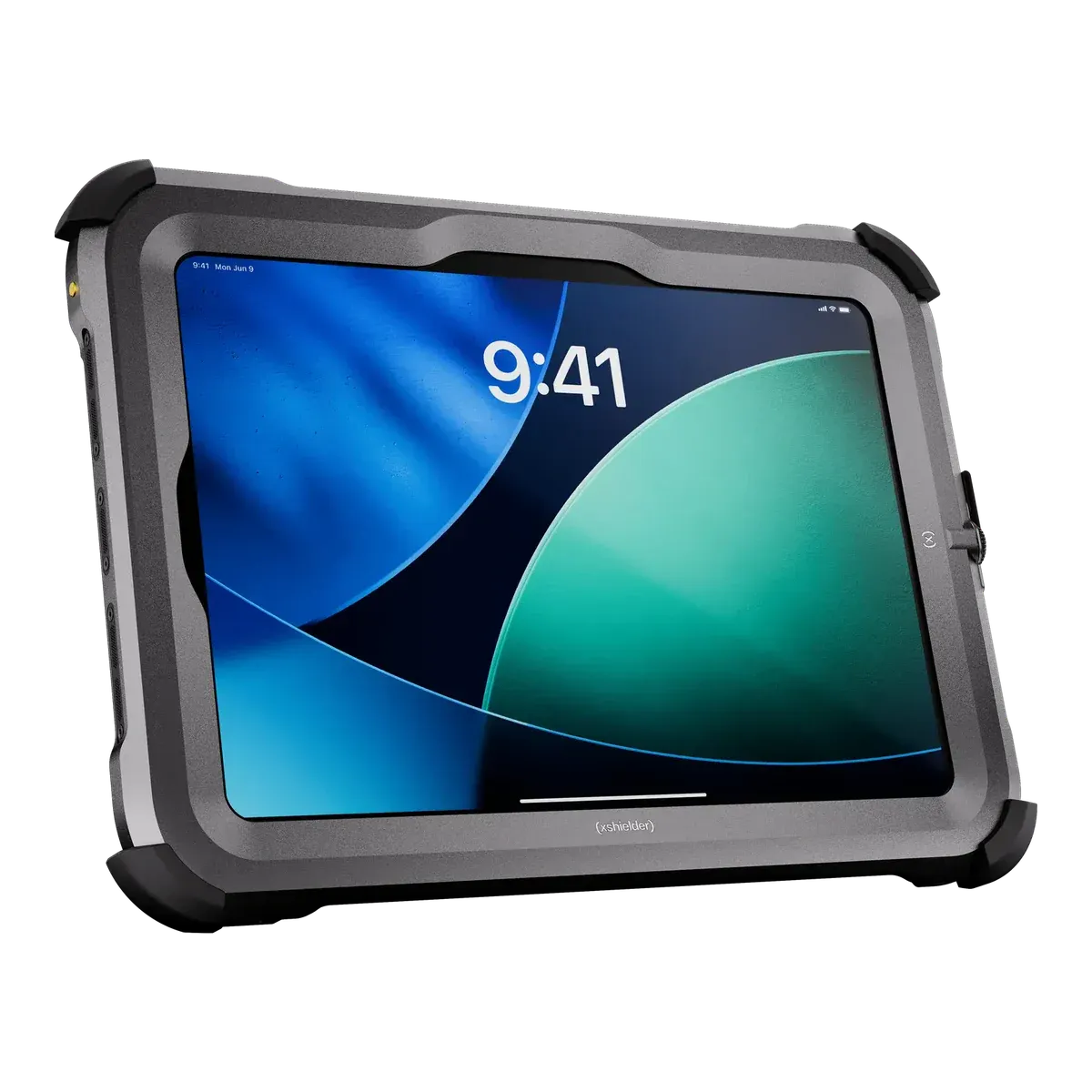
1Xshielder iPad Pro 11-inchBest large screen for Zone 111 inch1000 nits (SDR max)Apple M5 (up to 10-core CPU)Zone 1/211350 g
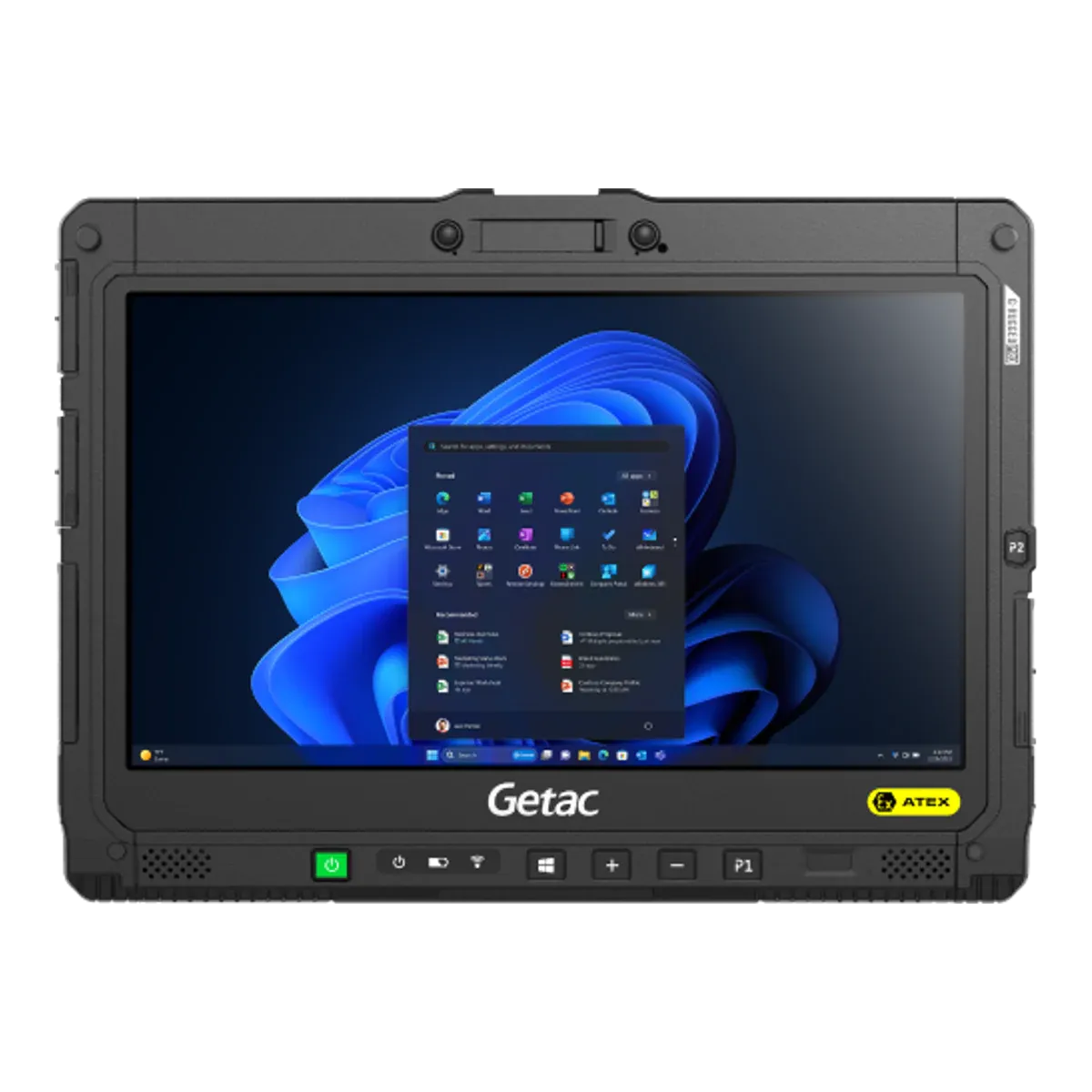
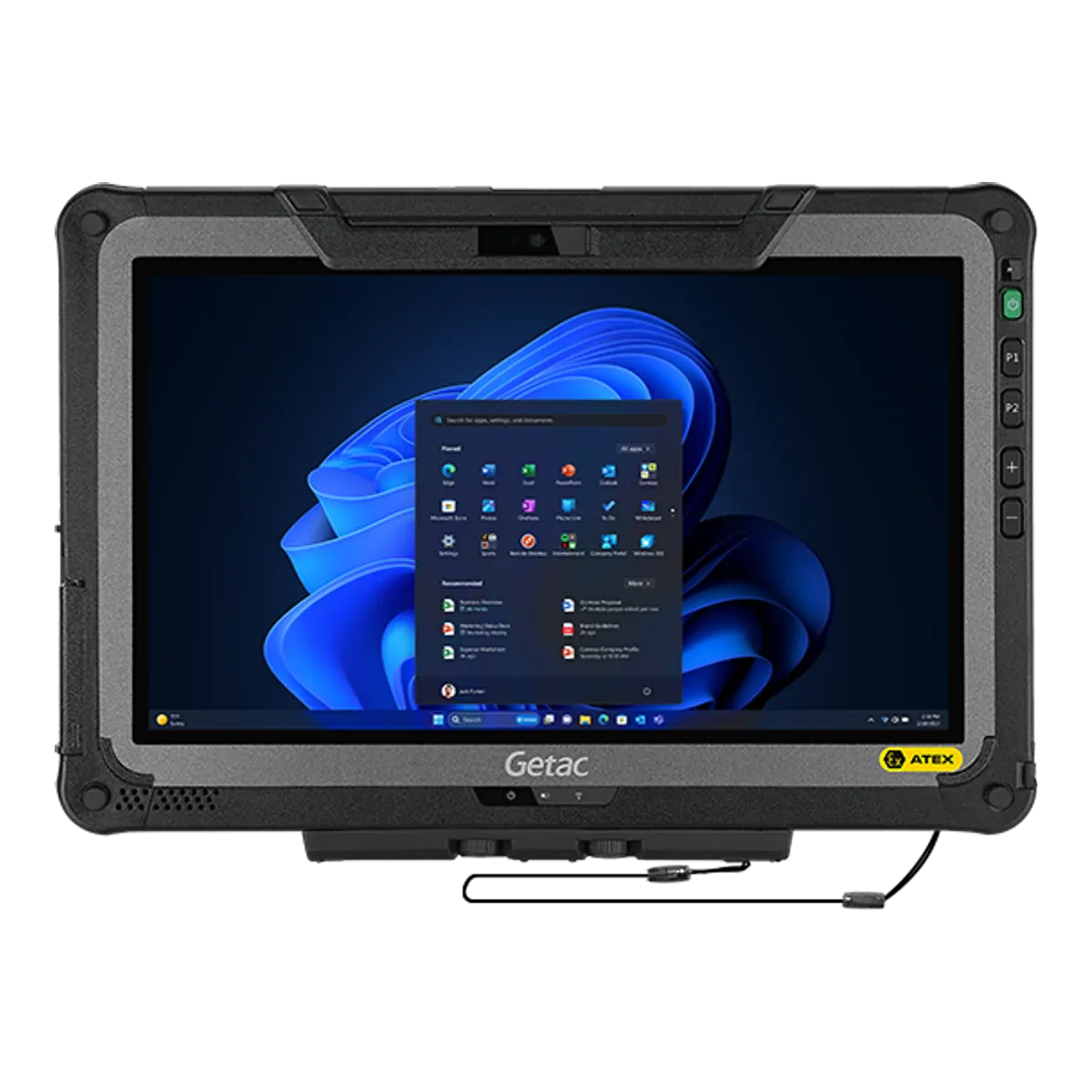
2Getac K120-EX G3Largest screen of any current tablet12.5 inch120 nits0 nitsIntel Core i5-1335U / i5-1345U vPro / i7-1355U / i7-1365U vPro (13th gen)Zone 2/221700 g
3Getac F110-EX G7Best 11.6-inch Windows tablet for Zone 211.6 inch120 nits0 nitsIntel Core i5-1335U / i5-1345U vPro / i7-1355U / i7-1365U vPro (13th gen)Zone 2/221680 g
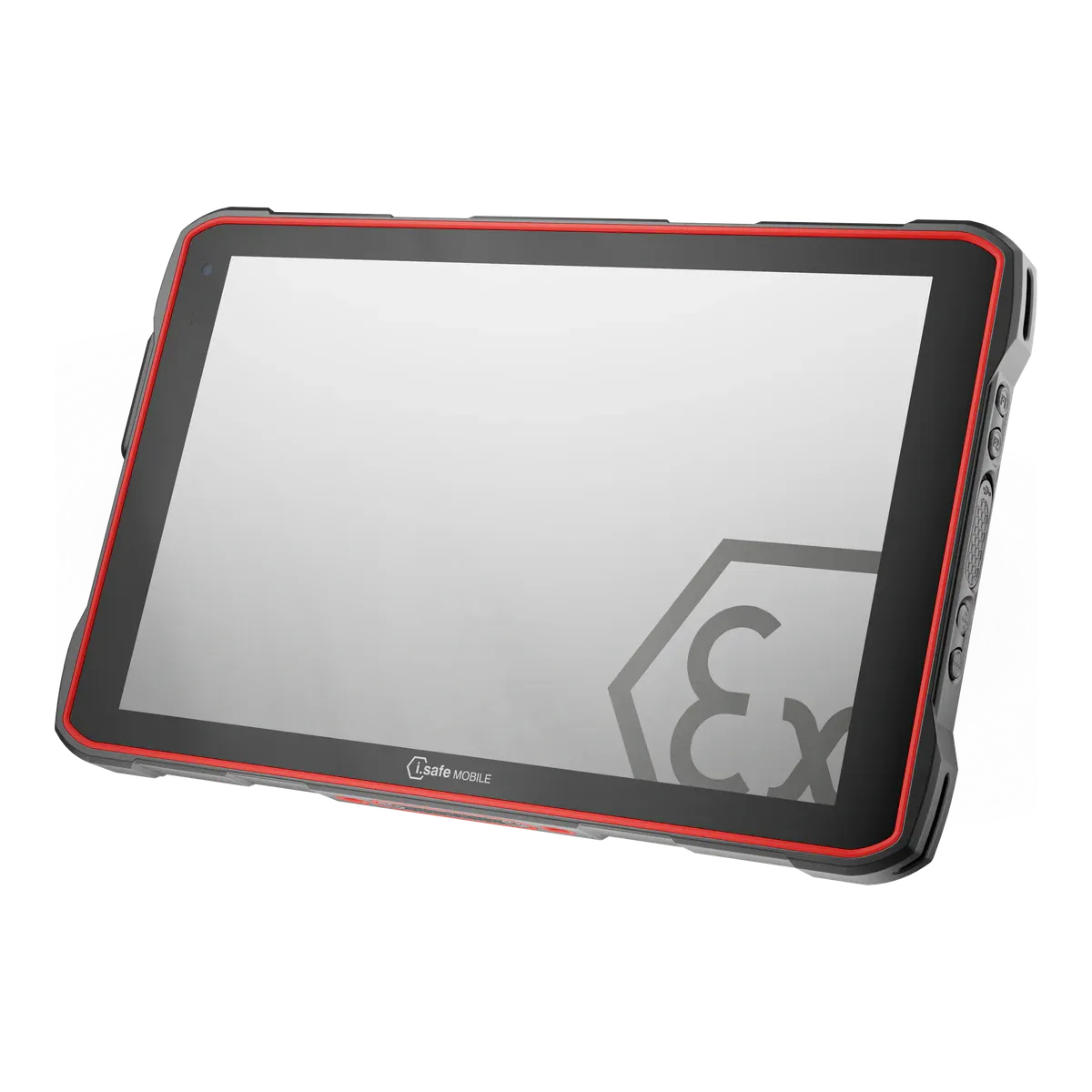
4i.safe MOBILE IS940.1Best 10-inch Zone 1 Android tablet10.1 inchNot verifiedQualcomm QCM6490 octa-core (long-term support chipset)Zone 1/211059 g
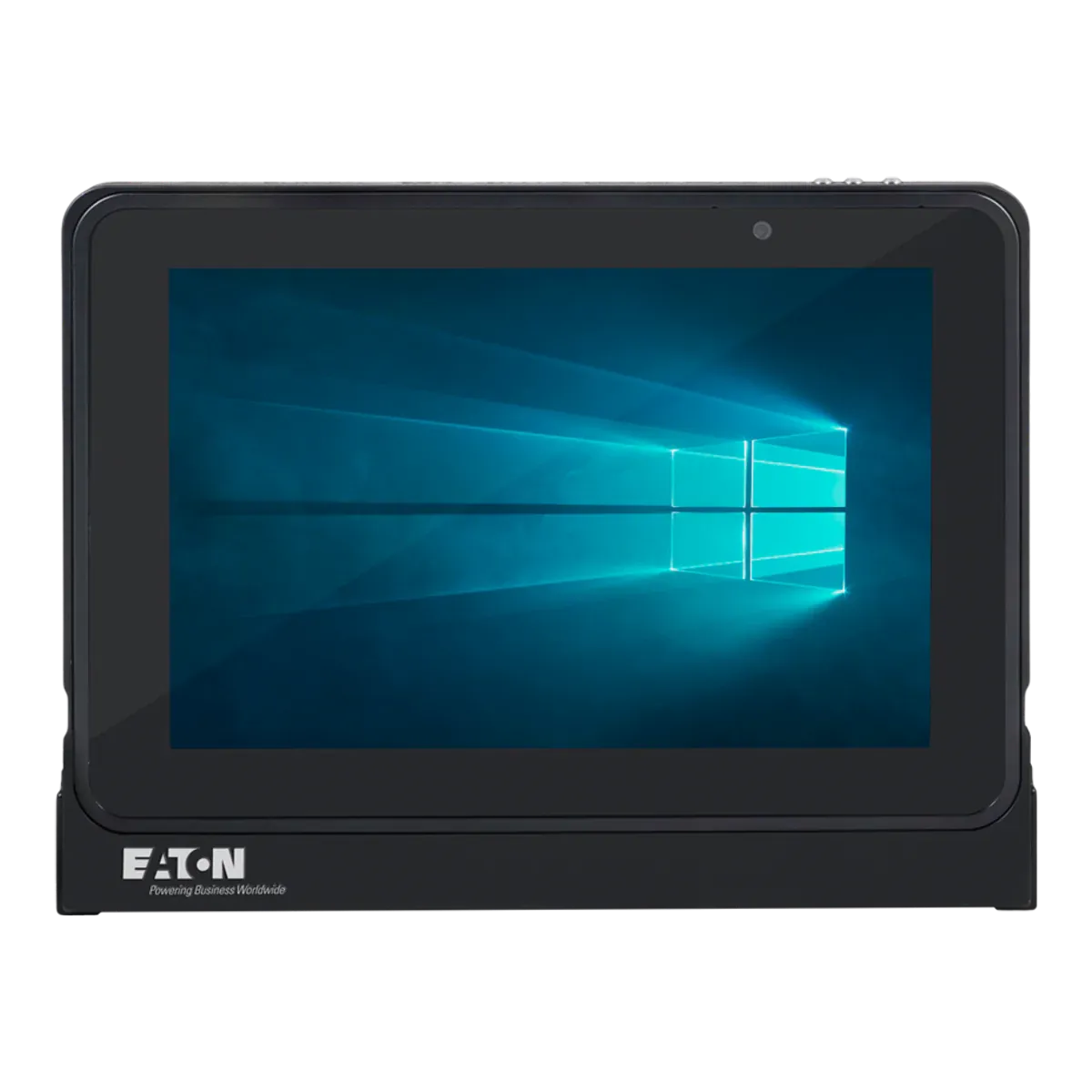
5Eaton MTL GECMA IS Tablet PCBest for desktop Windows software in Zone 110.1 inch54 nits0 nitsIntel quad-core Atom (Apollo Lake) 1.6 GHz base, 1.8 GHz burstZone 1/211430 g

All five are certified for gas group IIC. Picks 1, 4 and 5 are certified for Zone 1 and can also be used in Zone 2; picks 2 and 3, the two Getac tablets, are certified for Zone 2 only. Prices are on request.

The ranking

Our picks for large screens

  1. Best large screen for Zone 1

    Xshielder iPad Pro 11-inch

    Xshielder · Certified Ex case for the iPad Pro 11-inch (M5)

    Certified for
    Zone 1/21
    Marking
    II 2G Ex db IIC T6 Gb
    Certification
    ATEX
    Operating system
    iPadOS 27
    Security updates
    7–8 years (based on previous iPad Pro support)
    Weight
    1350 g (including the tablet)

    If your team works from drawings, P&IDs and work packs, the Xshielder iPad Pro 11-inch gives you the largest screen certified for Zone 1 in our data, and the brightest of those whose maker states a figure. The 11-inch Ultra Retina XDR display runs at 1,000 nits (SDR maximum) with a 2420 × 1668 resolution and an antireflective coating, against 7.9 to 10.1 inches, and 600 nits or less where a brightness is stated, for the other Zone 1 tablets.

    Chip and memory matter for heavy files. The M5 comes with 12 GB of memory on the 256 and 512 GB models and 16 GB on the 1 and 2 TB models, against 8 GB or less on the other Zone 1 tablets, and a standard iPad Pro is inside, so your team keeps its iPadOS apps and device management. Stylus input is confirmed through the cover for marking up drawings. Xshielder offers a capacitive stylus, but its Ex rating is not stated, so check it before using the stylus in the zone.

    It is a flameproof (Ex db) cover, certified IIC T6 with dust group IIIC for Zone 1/21 under ATEX. The limits are worth planning around: ATEX only, with no IECEx or North American listing yet; rated to +45 °C; 1,350 g including the tablet, which is a lot to hold for long; and IP65 pending testing. The battery is not user-replaceable.
    View full details Request a price
  2. Largest screen of any current tablet

    Getac K120-EX G3

    Getac · Rugged tablet, Ex version

    Certified for
    Zone 2/22
    Marking
    II 3G Ex ic op is IIC T4 Gc
    Certification
    ATEX + IECEx
    Operating system
    Windows 11 Pro
    Security updates
    Supported while kept on a current Windows 11 version
    Weight
    1700 g

    For Zone 2 sites that want the biggest screen available, the Getac K120-EX G3 has a 12.5-inch display at 1,200 nits, the largest of any current tablet in our data. It is a full Windows 11 Pro tablet with a 13th-generation Intel Core i5 or i7 and 16 GB of memory, with options up to 64 GB, so it runs x86 desktop software, and it supports a digitiser pen.

    It is certified for Zone 2/22 only, as intrinsically safe (Ex ic) with optical radiation protection (“op is”) to IIC T4 with dust group IIIC, and rated to +55 °C, so it is not for Zone 1. Its IECEx certificate (issued December 2025) names the K120-Exc but not the generation, which we matched to the G3 by its batteries and ratings; we found no published ATEX certificate, so check what your site needs. Windows 11 Pro is supported while it is kept on a current version.

    At 1,700 g it is the heaviest of the five picks. It is rated IP66, the battery is user-replaceable outside the hazardous area, and the certificate bars its USB, Thunderbolt, LAN and docking interfaces from hazardous areas. No Ex-listed keyboard is offered.

    View full details
  3. Best 11.6-inch Windows tablet for Zone 2

    Getac F110-EX G7

    Getac · Rugged tablet, Ex version

    Certified for
    Zone 2/22
    Marking
    II 3G Ex ic op is IIC T4 Gc
    Certification
    ATEX + IECEx
    Operating system
    Windows 11 Pro
    Security updates
    Supported while kept on a current Windows 11 version
    Weight
    1680 g

    The Getac F110-EX G7 has an 11.6-inch display at 1,200 nits, a step smaller than the K120-EX G3 and 20 g lighter, at 1,680 g. It runs Windows 11 Pro on a 13th-generation Intel Core i5 or i7 with 16 GB of memory (32 GB optional), and its dual-battery swapping keeps a long session going, with the swap done outside the hazardous area. A digitiser pen with a tether is supported.

    It is certified for Zone 2/22 only, as intrinsically safe (Ex ic) with optical radiation protection (“op is”) to IIC T4 with dust group IIIC. Its IECEx certificate (issue 2, January 2025) names the F110-Exc but not the generation, which we matched to the G7 by its batteries and ratings; we found no published ATEX certificate. It is rated to +60 °C, the highest ambient rating of the five picks, and IP66.

    It cannot be used in Zone 1, and Getac offers no keyboard for the Ex model. T4 means checking gases that ignite below 135 °C.

    View full details
  4. Best 10-inch Zone 1 Android tablet

    i.safe MOBILE IS940.1

    i.safe MOBILE · Dedicated Ex tablet

    Certified for
    Zone 1/21
    Marking
    II 2G Ex ib IIC T4 Gb
    Certification
    ATEX + IECEx, Class I Division 1
    Operating system
    Android 14
    Security updates
    Until Q4 2032
    Weight
    1059 g

    For Zone 1 teams that want a 10.1-inch Android tablet rather than iPadOS or Windows, the IS940.1 has a glove-usable Gorilla Glass display, a Qualcomm QCM6490 chip with 8 GB of memory, a 50 MP autofocus camera and 5G. i.safe lists a passive stylus accessory for operating the touch screen; it is not in the box.

    It is intrinsically safe (Ex ib) to IIC T4 with dust group IIIC for Zone 1/21 under ATEX and IECEx, with Class I Division 1 for North America, IP68 and a rating to +55 °C. i.safe states security updates until Q4 2032, and it may be charged in the hazardous area within the certificate’s limits. At 1,059 g it is 291 g lighter than rank 1.

    i.safe states no screen brightness for it in our data, so we cannot compare it with rank 1’s 1,000 nits for reading in daylight; check a demo unit outdoors. T4 means checking gases that ignite below 135 °C.

    View full details
  5. Best for desktop Windows software in Zone 1

    Eaton MTL GECMA IS Tablet PC

    Eaton · Dedicated Ex tablet

    Certified for
    Zone 1/21
    Marking
    II 1GD Ex ia IIC T4 Ga
    Certification
    ATEX + IECEx, Class I Division 1
    Operating system
    Windows 11 IoT Enterprise
    Security updates
    Until October 2034 (unconfirmed)
    Weight
    1430 g

    Where Zone 1 work needs full x86 Windows, the Eaton MTL GECMA IS Tablet PC runs Windows 11 IoT Enterprise on a 10.1-inch screen, so desktop Windows viewers and plant software run natively rather than through emulation. A stylus is supplied, and its 49.7 Wh battery gives a typical 12 hours on Eaton’s datasheet.

    It is intrinsically safe (Ex ia) to IIC T4 with dust group IIIC for Zone 1/21 under ATEX and IECEx, with Class I Division 1 for North America and a rating to +55 °C. Eaton lists security updates until October 2034, which is Microsoft’s date for the LTSC 2024 edition; Eaton does not state the edition year, so treat that date as unconfirmed.

    The screen is 540 nits and the processor is an Intel Atom (Apollo Lake) quad-core at 1.6 GHz, so heavy PDFs and 3D models suit the picks with newer chips better. It weighs 1,430 g and the battery is not user-replaceable.

    View full details

Method

How we ranked them

Rank 1 goes to the tablet with the largest screen certified for Zone 1, with brightness and then chip and memory as the points that matter for drawings and heavy PDFs. The Xshielder iPad Pro 11-inch has an 11-inch screen at 1,000 nits (SDR maximum), an M5 chip with 12 to 16 GB of memory and stylus input confirmed through the cover. The next-largest Zone 1 tablets have 10.1-inch screens, and the Zone 1 tablets that state a brightness give 600 nits or less; i.safe states none for its Zone 1 tablets, including the IS940.1.

The Getac K120-EX G3 has the largest screen of any current tablet in our data, at 12.5 inches, but it is certified for Zone 2 only, so it cannot be used in a Zone 1 area. Positions 2 to 5 then follow screen size, each the best choice for a different kind of work: two Zone 2 Windows tablets, then two 10.1-inch Zone 1 tablets, with the IS940.1 ahead of the Eaton because it is 371 g lighter. Prices are on request for every brand, so cost does not affect the order.

The order follows the data, and it would change if another maker certified a larger Zone 1 screen or published a brightness figure for a tablet that does not state one.

Every figure comes from certificates, declarations of conformity and manufacturer datasheets, and the same rules apply to every brand. Read how we rate or see the disclosure.

Before you buy

What to check on a large-screen tablet

Your site’s hazardous area classification comes first, because a large Zone 2 screen cannot serve a Zone 1 area. Then compare the screen and what it has to run.

  • Zone before screen size

    The largest screens, such as the 12.5-inch Getac K120-EX G3 and the 11.6-inch Getac F110-EX G7, are certified for Zone 2 only. If any area is Zone 1, start from the Zone 1 picks.

  • Brightness

    A bright screen matters for drawings read outdoors. Compare the makers’ figures, and treat a tablet with no stated brightness as unverified, not dim. Ask for a demo unit and read it in daylight.

  • Chip, memory and operating system

    Heavy PDFs and 3D models need memory and a recent chip, and your software decides the operating system: iPadOS, Android or x86 Windows. Windows on Arm, as on the i.safe MOBILE IS945.1, runs x86 apps through emulation.

  • Weight

    A bigger screen means a heavier tablet: among these picks, from 1,059 g for the i.safe MOBILE IS940.1 to 1,700 g for the Getac K120-EX G3. Check how long your people hold the tablet.

  • Pen and stylus use

    Markup is a reason to buy a large screen. Check that the stylus is supported on the exact model and, for use in the zone, that its Ex status is stated.

More choice

Other tablets with a 10-inch or larger screen

Filter tablets with 10-inch and larger screens
Other current tablets with a screen of 10 inches or more, in alphabetical order
TabletScreenBrightnessPen / stylusCertified forCertificationWeight
Armadex Ex UniCaseCheck availability11 inch50 nits0 nitsNot confirmedZone 2/22ATEX + IECEx—
Atexxo Zone 2 Galaxy Tab Active5 ProCheck availability10.1 inch60 nits0 nitsYesZone 2/22ATEX1200 g (unconfirmed)
Atexxo Zone 2 Galaxy Tab S10 FECheck availability10.9 inch60 nits0 nitsYesZone 2/22ATEX1090 g
Atexxo Zone 2 Galaxy Tab S9 FECheck availability10.9 inch60 nits0 nitsYesZone 2/22ATEX1090 g
Atexxo Zone 2 iPad (A16)11 inch50 nits0 nitsYesZone 2/22ATEX1050 g
Atexxo Zone 2 iPad 10.9-inch10.9 inch50 nits0 nitsYesZone 2/22ATEX1050 g
Atexxo Zone 2 iPad Pro 11-inch11 inch1000 nits (SDR max)Not confirmedZone 2/22ATEX1040 g
BARTEC Agile S NI10.1 inch80 nits0 nitsYesZone 2/22ATEX + IECEx + UKEX1200 g
BARTEC ET60/65EX2 Android10.1 inch100 nits0 nitsYesZone 2/22ATEX + IECEx1074 g
BARTEC ET60/65EX2 Windows10.1 inch100 nits0 nitsYesZone 2/22ATEX + IECEx1200 g
Durabook U11I-EX11.6 inch1000 nits (optional sunlight-readable DynaVue)YesZone 2/22ATEX1490 g (unconfirmed)
ecom Pad-Ex 01 P12 DZ211.6 inch100 nits0 nitsYesZone 2/22ATEX + IECEx1200 g
Getac UX10-EX G510.1 inch100 nits0 nitsYesZone 2/22ATEX + IECEx1150 g
Getac ZX10-EX G210.1 inch100 nits0 nitsYesZone 2/22ATEX + IECEx1050 g
i.safe MOBILE IS940.210.1 inchNot verifiedYesZone 2/22ATEX + IECEx1059 g
i.safe MOBILE IS945.110.1 inchNot verifiedNot verifiedZone 1/21ATEX + IECEx1059 g
i.safe MOBILE IS945.210.1 inchNot verifiedNot verifiedZone 2/22ATEX + IECEx1059 g
Winmate M101AD-EX10.1 inch80 nits0 nitsYesZone 2ATEX + IECEx1200 g
Winmate M101S-EX10.1 inch80 nits0 nitsYesZone 2ATEX + IECEx1250 g
Xciel XCRiPad 11-inch11 inch50 nits0 nitsYesZone 2ATEX656 g (unconfirmed)
Xciel XCRiPad Air 11-inch11 inch50 nits0 nitsYesZone 2ATEX642 g (unconfirmed)
Xciel XCRiPad Pro 11-inch11 inch1000 nits (SDR max)YesZone 2ATEX—

Discontinued models are left out; Find tablets lists them. Brightness is the maker’s figure, and “Not verified” means the maker states none in our data, not that the screen is dim.

Xshielder

The largest Zone 1 screen for drawings and work packs

Xshielder’s flameproof (Ex db) cover fits the iPad Pro 11-inch (M5), with an 11-inch, 1,000-nit screen and certification for Zone 1/21 under ATEX. It is ATEX only for now and rated to +45 °C, with IP65 pending testing. Tell the team about your site and fleet size to get a quote. See the iPad Pro 11-inch cover.

FAQ

Large-screen tablet questions

What is the largest screen on a hazardous-area tablet?

The Getac K120-EX G3 has the largest screen of any current tablet in our data, 12.5 inches at 1,200 nits. It is certified for Zone 2/22 only, as intrinsically safe (Ex ic) to IIC T4, so it cannot be used in a Zone 1 area. The next largest are 11.6 inches: the Getac F110-EX G7, the ecom Pad-Ex 01 P12 DZ2 and the Durabook U11I-EX, all certified for Zone 2 only.

What is the largest screen certified for Zone 1?

The Xshielder iPad Pro 11-inch, with an 11-inch screen at 1,000 nits (SDR maximum), certified IIC T6 for Zone 1/21 under ATEX only. It is rated to +45 °C, weighs 1,350 g and has IP65 pending testing. The next-largest Zone 1 tablets, the i.safe MOBILE IS940.1, IS945.1 and the Eaton MTL GECMA IS Tablet PC, have 10.1-inch screens.

Which large-screen hazardous-area tablet runs full Windows?

For Zone 1, the Eaton MTL GECMA IS Tablet PC runs x86 Windows 11 IoT Enterprise on a 10.1-inch screen. For Zone 2, the Getac K120-EX G3 and F110-EX G7 run Windows 11 Pro on Intel Core processors. The i.safe MOBILE IS945.1 runs Windows 11 IoT Enterprise LTSC on an Arm chip, so x86 apps run through emulation.

Are large-screen tablets bright enough to read outdoors?

Makers’ figures differ: the Getac K120-EX G3 and F110-EX G7 are 1,200 nits, the BARTEC ET60/65EX2 Android is 1,000 nits, the Xshielder iPad Pro 11-inch is 1,000 nits (SDR maximum) and the Eaton MTL GECMA IS Tablet PC is 540 nits. i.safe states no brightness for the IS940.1, so check one outdoors before buying.

Do bigger hazardous-area tablets weigh much more?

Yes. Among our picks the i.safe MOBILE IS940.1 weighs 1,059 g with a 10.1-inch screen, the Xshielder iPad Pro 11-inch 1,350 g with 11 inches, the Eaton MTL GECMA IS Tablet PC 1,430 g, and the Getac K120-EX G3 1,700 g with 12.5 inches. The lightest Zone 1 tablet, the 890 g i.safe MOBILE IS930.1, has an 8-inch screen.

Can I use a Zone 2 tablet in a Zone 1 area?

No. A Zone 2-only tablet such as the Getac K120-EX G3 is certified to protection level Gc, and Zone 1 needs Gb or higher. If any of your areas is Zone 1, choose the Xshielder iPad Pro 11-inch, the i.safe MOBILE IS940.1 or the Eaton MTL GECMA IS Tablet PC.

Facts last verified on against certificates, declarations of conformity and manufacturer data. Always check the certificate for your exact model before use. Spotted an error? Tell us.