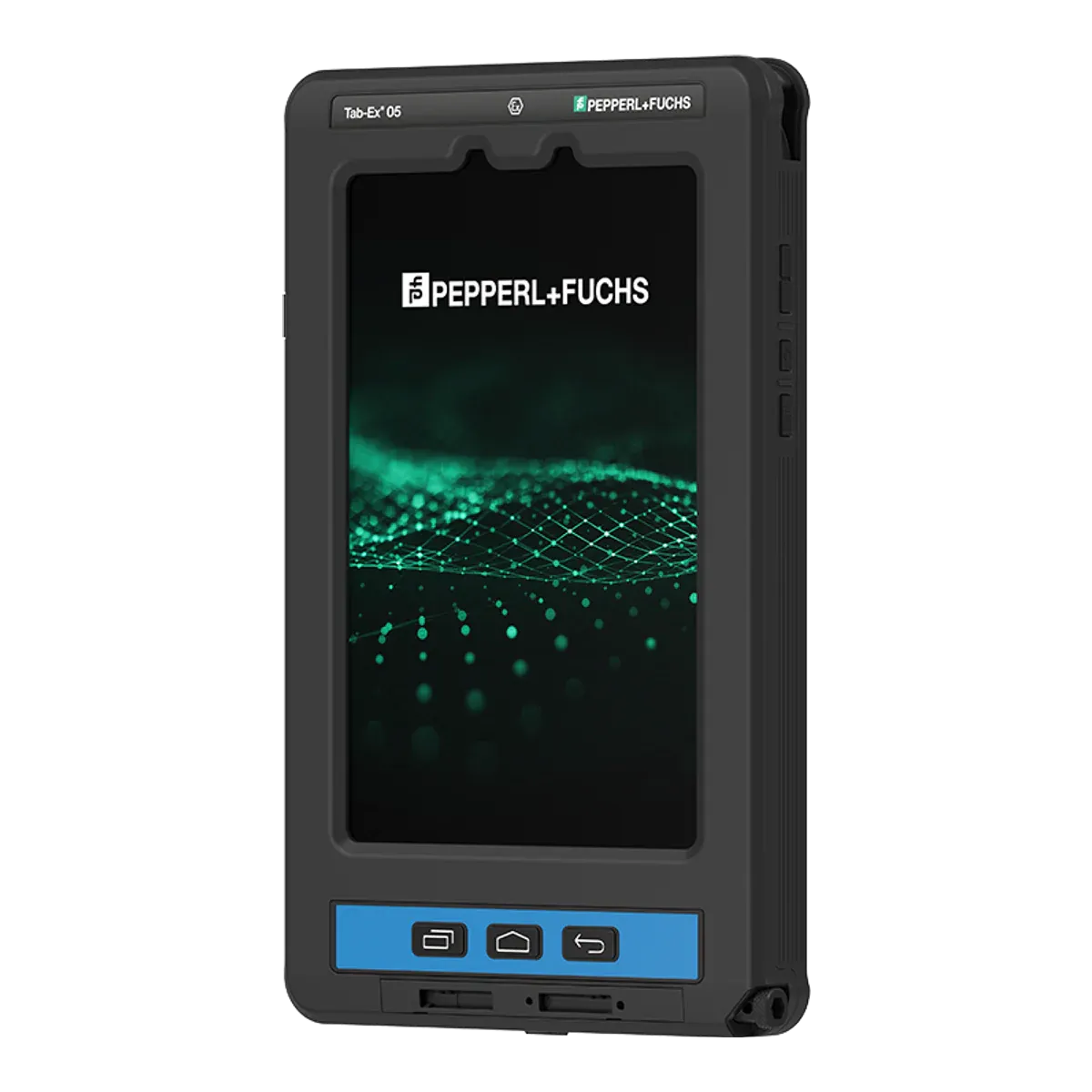
ecom (Pepperl+Fuchs) · Dedicated Ex tablet
ecom Tab-Ex 05 DZ1
- Zone 1/21
- ATEX
- IECEx
- IIC
- T6
- Class I Division 1
The ecom Tab-Ex 05 DZ1 is a flameproof (Ex d) 8-inch Android tablet from ecom (Pepperl+Fuchs), certified for Zone 1/21 under ATEX and IECEx. It runs Android 16.
- Certified for
- Zone 1/21
- Protection
- Flameproof enclosure (Ex db) with an intrinsically safe circuit (Ex ia)
- Screen
- 8-inch
- Temperature class
- T6 (≤ 85 °C)
- Ambient temperature
- −20 °C to +55 °C
- Operating system
- Android 16Unconfirmed, see note 1
- Security updates
- Until Q1 2032Unconfirmed, see note 2
- Weight
- 1122 g
- Price
- On request
Overview
Strengths and limitations
Strengths
- USB-C can be used for data in the zone
- ATEX and IECEx certified, with published certificate numbers
- Also certified for Class I Division 1 in North America
- T6 temperature class, the strictest rating
- Ex-rated barcode scanner available as an accessory
Limitations
- Battery isn't user-replaceable
- Not certified for Zone 0
Certification
Where you can use it
Gas
- Zone 0not certified.Explosive gas present continuously or for long periods
- Zone 1certified.Explosive gas likely in normal operation
- Zone 2certified.Explosive gas unlikely, and only briefly
Dust
- Zone 20not certified.Combustible dust present continuously or for long periods
- Zone 21certified.Combustible dust likely in normal operation
- Zone 22certified.Combustible dust unlikely, and only briefly
The Ex marking, decoded
Gas atmospheresZones 1 and 2
II2GExdbiaIICT6Gb
IIEquipment group- Group II: equipment for surface industries (not mining).
2GATEX category- Category 2 for gas: suitable down to Zone 1.
ExExplosion protected- Certified to the IEC 60079 / EN 60079 series.
dbProtection type- Flameproof enclosure: the housing is built to contain an ignition inside it and stop the flame reaching the atmosphere outside.
iaProtection type- Intrinsic safety, level "ia": stays safe with two faults. The highest level, required for Zone 0.
IICGas group- Gas group IIC, e.g. hydrogen and acetylene. The most demanding group; also covers IIA and IIB.
T6Temperature class- Surface stays below 85 °C. T6 is the strictest class.
GbProtection level- Equipment protection level Gb (high): suitable for Zone 1 and 2.
Dust atmospheresZones 21 and 22
II2DExtbiaIIICT80°CDb
2DATEX category- Category 2 for dust: suitable down to Zone 21.
tbProtection type- Protection by enclosure for dust: the enclosure keeps dust out and its surface stays below the stated temperature.
IIICDust group- Dust group IIIC: conductive dust. The most demanding group; also covers IIIA and IIIB.
T80°CMax surface temperature- Surface stays below 80°C in dust.
DbProtection level- Equipment protection level Db (high): suitable for Zone 21 and 22.
IIExia as above.
Gas atmospheresZones 1 and 2
ExdbiaIICT6Gb
ExExplosion protected- Certified to the IEC 60079 / EN 60079 series.
dbProtection type- Flameproof enclosure: the housing is built to contain an ignition inside it and stop the flame reaching the atmosphere outside.
iaProtection type- Intrinsic safety, level "ia": stays safe with two faults. The highest level, required for Zone 0.
IICGas group- Gas group IIC, e.g. hydrogen and acetylene. The most demanding group; also covers IIA and IIB.
T6Temperature class- Surface stays below 85 °C. T6 is the strictest class.
GbProtection level- Equipment protection level Gb (high): suitable for Zone 1 and 2.
Dust atmospheresZones 21 and 22
ExtbiaIIICT80°CDb
tbProtection type- Protection by enclosure for dust: the enclosure keeps dust out and its surface stays below the stated temperature.
IIICDust group- Dust group IIIC: conductive dust. The most demanding group; also covers IIIA and IIIB.
T80°CMax surface temperature- Surface stays below 80°C in dust.
DbProtection level- Equipment protection level Db (high): suitable for Zone 21 and 22.
Exia as above.
Safe use
Rules for the hazardous area
- Ambient temperature (Ta)
- −20 °C to +55 °C
- Charging
- Outside the hazardous area only
- Battery swap
- Outside the hazardous area only
- Ports and accessories in the zone
- SIM and microSD are reachable only in non-hazardous areas (flameproof cover). The USB-C port is intrinsically safe and may be used for wired data connections in the hazardous area within its entity parameters (Uo 5.6 V, Io 500 mA, Po 600 mW, Co 1 µF, Lo 1 µH); charging via USB-C only in non-hazardous areas. The S Pen is intrinsically safe and may be used in the hazardous area. Wireless peripherals (Bluetooth, DeX) are not restricted by the certificate text.
- Certified accessories
- Named in the certificate: S Pen ST T05 X2, leather case LC T05 X1, chest harness CH T05 X1, belt clip BC T01, carrying strap CS T05, stylus tether ST 01. The Ident-Ex 02 wireless 1D/2D scanner carries its own Ex approval (Zone 1/21, Div 1). Chargers, docks and holders on the ecom page are for use outside the hazardous area only.
- Operating temperature
- −20 °C to +55 °C
Conditions of use
IECEx X conditions: flameproof joints shall not be repaired; protect against high-energy impacts; do not use near processes producing high electrostatic charges; charging and SIM/SD-card replacement only in ordinary (non-hazardous) locations; charge only at −5 °C to +55 °C; charging and wired data via USB-C limited to Um 30 V (and the certificate's current limit) and from a SELV/PELV/ES1 supply; user may replace only the USB-C cover; repairs by the manufacturer or an authorised service centre.
Specifications
Full specifications
Certification
- ATEX marking
- II 2G Ex db ia IIC T6 Gb / II 2D Ex tb ia IIIC T80°C Db
- ATEX certificate
- EPS 24 ATEX 1 228 X
- IECEx marking
- Ex db ia IIC T6 Gb / Ex tb ia IIIC T80°C Db
- IECEx certificate
- IECEx EPS 24.0082X (issue 1, 2025-08-05
- Other approvals
- KC Korea 25-KA4BO-0326X (gas) and 25-KA4BO-0327X (dust) (ecom files CERT-7928/7929); Inmetro Brazil TÜV 25.0140 X (CERT-7842; marking adds IP64); IA/MASC South Africa MASC S/25-8018X; Common Criteria portal listing for the Tab-Ex family
- North America
- SGS certificate SGSNA/25/CA/00003X (ecom file CERT-7841): Class I Division 1, Group A, B, C, D, T6; Class II Division 1, Group E, F, G T80C; Class III T80C; Ex db ia IIC T6 Gb; Class I, Zone 1, AEx db ia IIC T6 Gb; Zone 21, Group IIIC T80C; Ta −20 °C to +55 °C
- Protection level (EPL)
- Gb / Db
- Dust group
- IIIC
- Max surface temperature (dust)
- 80 °C
Device
- Type
- Dedicated Ex tablet
- Launched
- 2025
- Part numbers
- TAB-EX05-DZ1-* (datasheet 480996; WiFi and WWAN types)
- Operating system
- Android 16Unconfirmed, see note 1
- Edition
- Android (Samsung One UI); Android Enterprise Recommended, Samsung Knox 3.10
- OS at launch
- Android 14
- OS upgrades
- Android 22 (ecom claim)Unconfirmed, see note 1
- Security updates
- Until Q1 2032Unconfirmed, see note 2
- Processor
- Samsung Exynos 1380 (S5E8835) octa-core, 4 x 2.4 GHz + 4 x 2.0 GHz, 5 nm
- Processor architecture
- Arm
- Memory (RAM)
- 6 GB
- Storage
- 128 GB, microSD up to 1 TB
Field capabilities
- Push-to-talk
- Via app (programmable function key assignable to PTT, per ecom)
- Emergency / SOS
- Built in (freely programmable function key, e.g. emergency call or alarm)
- Lone worker
- Via app (key assigned to alarm/emergency; third-party or ecom lone-worker solution)
- Barcode scanning
- Via accessory (ecom Ident-Ex 02 wireless 1D/2D scanner; Ex-rated? yes) or camera-based via app
- NFC reading
- Built in (NFC)
- 3D scanning / LiDAR
- Not possible (no depth sensor listed)
- Remote expert / video calls
- Via app (front and rear cameras, Google ARCore ready; ecom promotes remote-support use)
- Windows desktop software
- Not possible (Android; Samsung DeX gives a desktop-style Android UI)
Display and camera
- Display
- 8-inch TFT, capacitive multitouch, 60 Hz / adaptive up to 120 Hz; Corning Gorilla Glass 3 (DZ1/DZ2), Gorilla Glass 5 (D2)
- Resolution
- 1920 × 1200 (WUXGA), 283 ppi, 16:10
- Brightness
- 600 nits
- Outdoor readability
- Maker claims optimum readability in direct sunlight (600 nits max)
- Touch
- Yes: glove touch and wet-hands operation (maker)
- Pen / stylus
- Samsung S Pen included (pressure sensitive), with Tab-Ex S Pen holder
- Rear camera
- 13 MP autofocus, 8x digital zoom (camera-free version available)
- Front camera
- 5 MP
- Video
- UHD 4K (3840 x 2160) at 30 fps
Connectivity
- Network
- 5G Sub-6 and 4G LTE; Wi-Fi-only version also available
- Wi-Fi
- Wi-Fi 6 (802.11 a/b/g, Wi-Fi 4/5/6 2.4 + 5 GHz)
- Bluetooth
- Bluetooth 5.3
- NFC
- Yes
- Satellite positioning
- GPS, Glonass, Beidou, Galileo
- SIM
- Nano-SIM and eSIM (optional)
Physical and power
- Weight
- 1122 g
- Dimensions
- 161.5 × 262.75 × 25.75 (W × H × D) mm
- Ingress protection
- IP68
- Ruggedness
- MIL-STD-810H
- Battery
- 5050 (typical)
- Battery energy
- 18.87 (typical)
- Battery life
- Up to 14 h
- Replaceable battery
- No
- Ports and expansion
- USB 2.0 Type-C; 3.5 mm audio jack and POGO pins on DZ2; microSD; nano-SIM / eSIM
- Docking
- DZ2: Lite Cradle, DC T01 X2 desktop charger, passive holder with tilt/swivel (ordinary areas)
- Keyboard
- No keyboard; wireless DeX with Bluetooth keyboard/mouse; POGO keyboard-dock port on DZ2 (ordinary areas only)
Controls & Accessibility
- Keys
- Function key (programmable: PTT, emergency call, alarm) and Active button
- Push-to-talk key
- Yes
- Glove touch
- Yes
- Biometrics
- Face recognition; fingerprint only on the D2 model
Fleet and support
- Manufacturer
- ecom instruments (Pepperl+Fuchs), Germany
Only specifications we could check are listed. A numbered marker next to a value means it is unconfirmed: it comes from a single or secondary source, or sources disagree. The matching note at the foot of the page explains each one. See the ecom instruments (Pepperl+Fuchs) website for the full data sheet.
Compare
How it compares
Best in this comparison
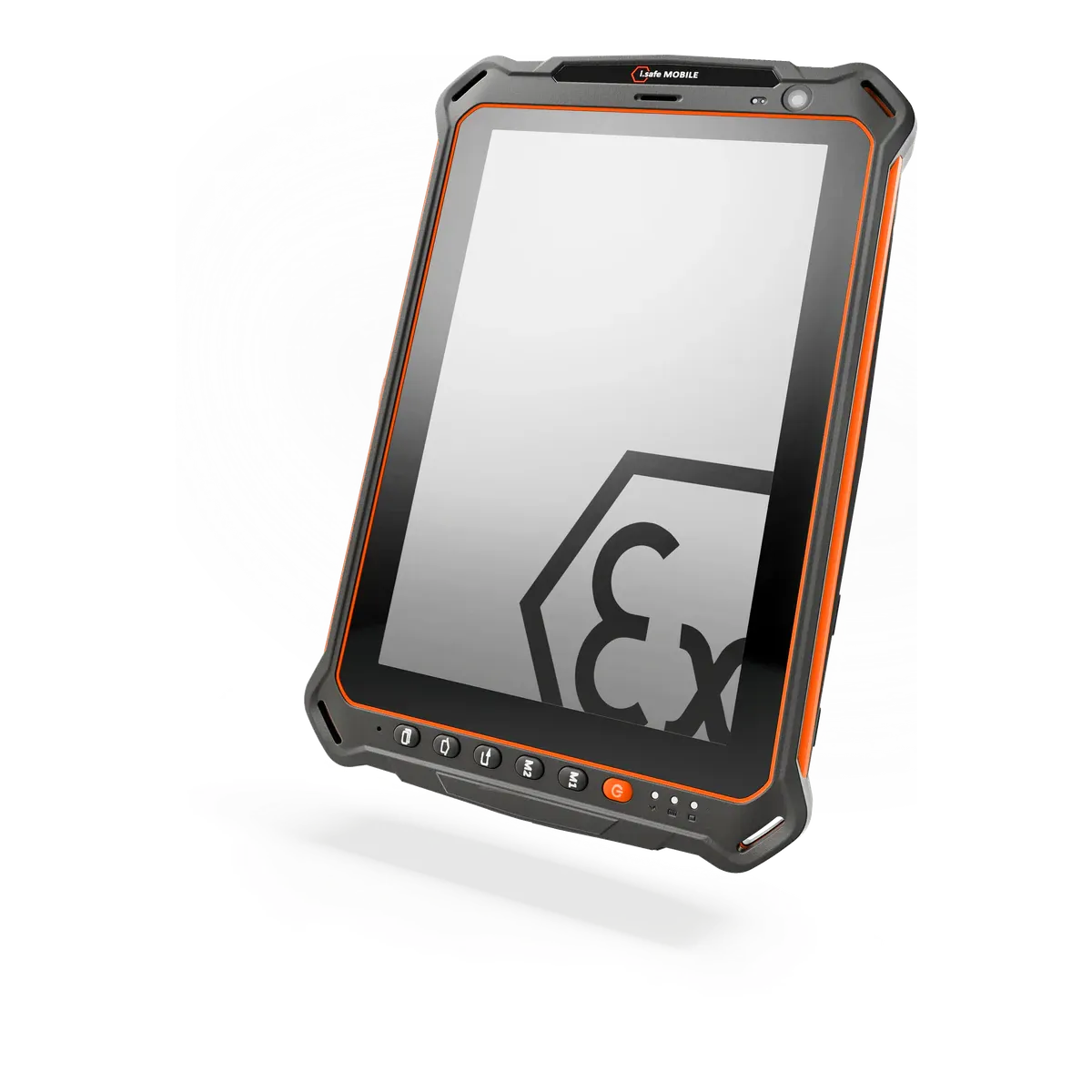
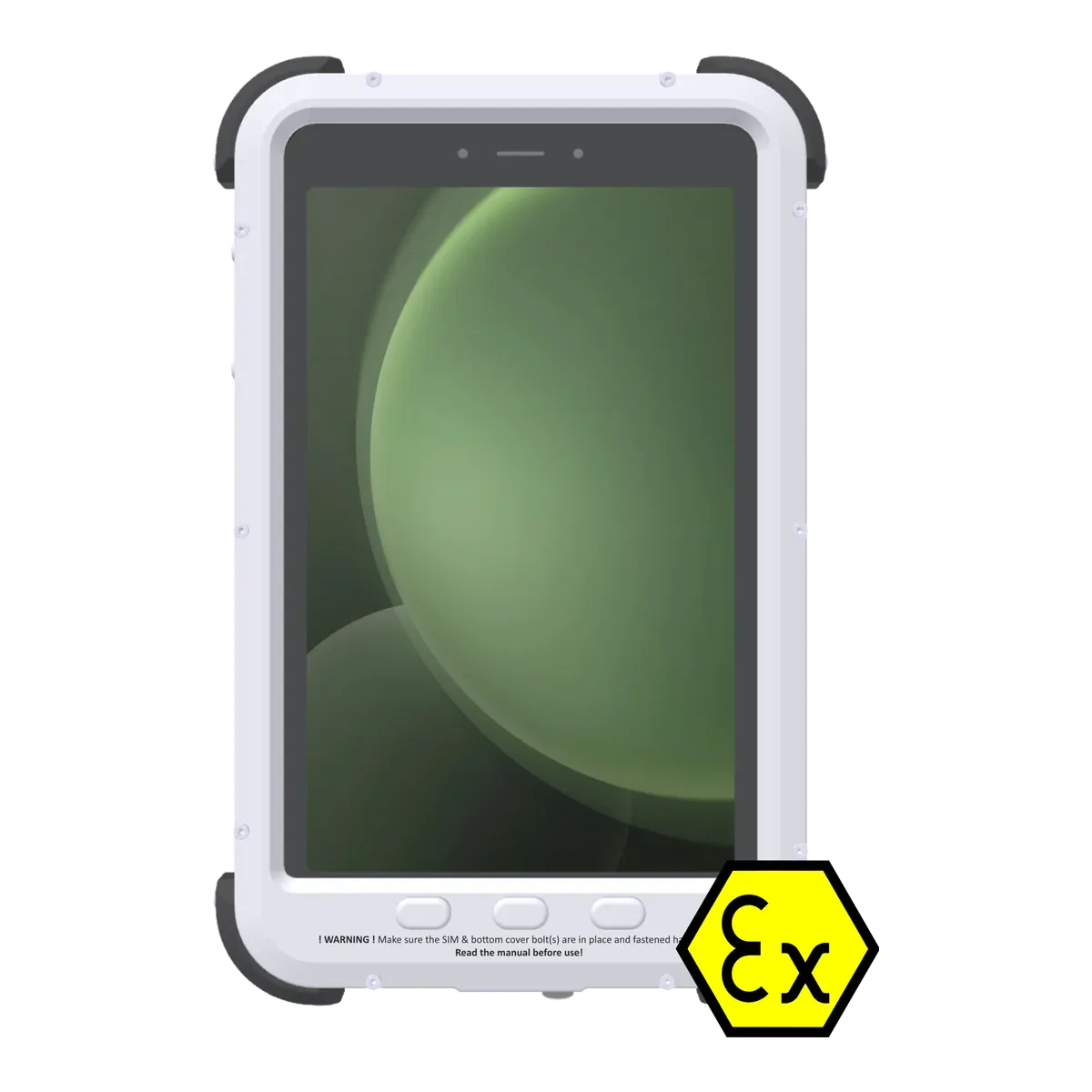
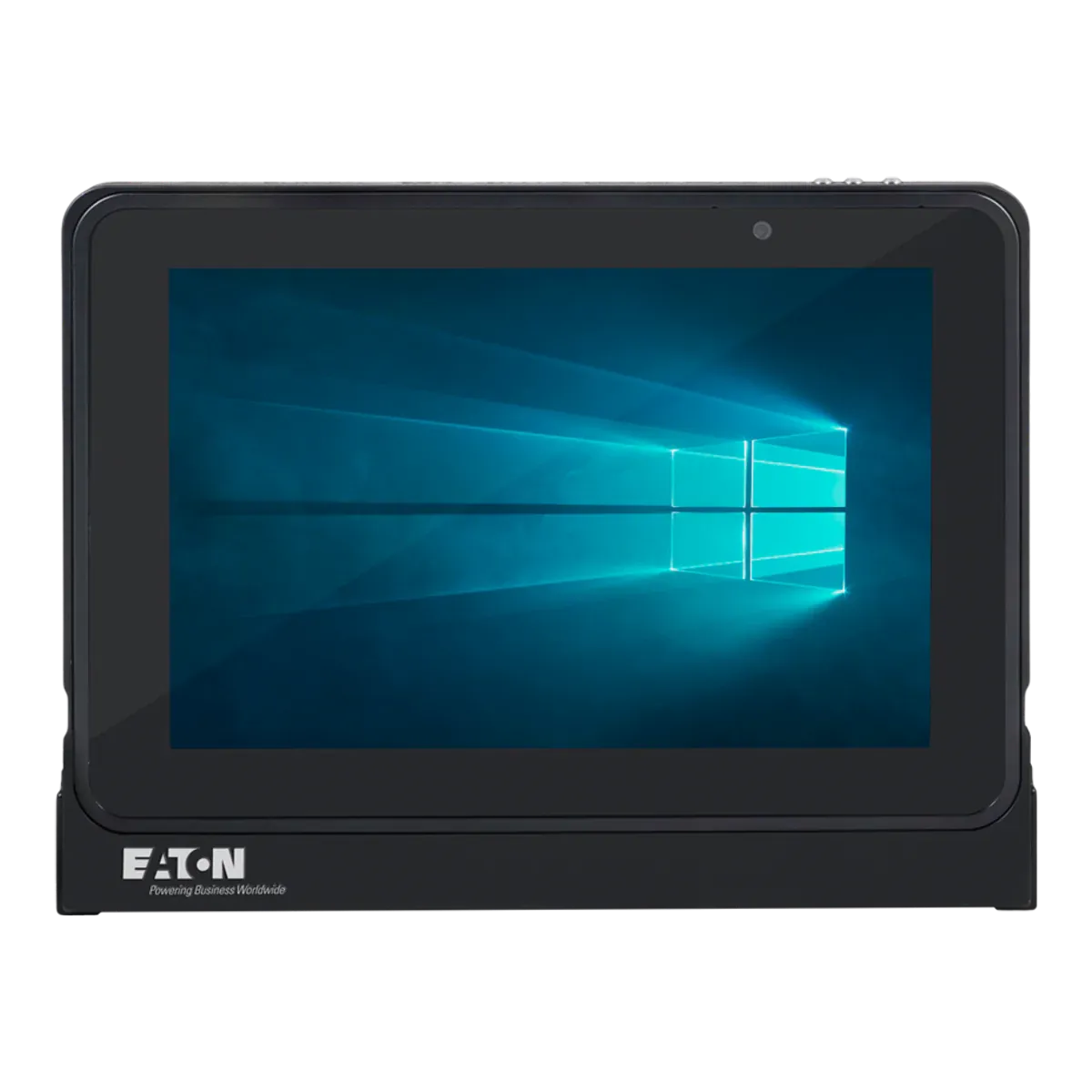
| ecom (Pepperl+Fuchs)ecom Tab-Ex 05 DZ1This tablet | ||||
|---|---|---|---|---|
| Type | Dedicated Ex tablet | Dedicated Ex tablet | Converted tablet | Dedicated Ex tablet |
| Screen size | 8-inch | 8-inch | 8-inch | 10.1-inch |
| Availability | Current | Current | Current | Current |
| Gas zones | Zone 1, Zone 2 | Zone 1, Zone 2 | Zone 1, Zone 2 | Zone 0, Zone 1, Zone 2 (best in this comparison) |
| Dust zones | Zone 21, Zone 22 | Zone 21, Zone 22 | Zone 21, Zone 22 | Zone 20, Zone 21, Zone 22 |
| Protection | Flameproof enclosure (Ex db) with an intrinsically safe circuit (Ex ia) | Intrinsic safety (Ex ib) | Flameproof enclosure (Ex db) | Intrinsic safety (Ex ia) |
| Gas group | IIC | IIC | IIC | IIC |
| Temperature class | T6 (best in this comparison) | T4 | T6 (best in this comparison) | T4 |
| Certification | ATEX + IECEx | ATEX + IECEx + UKEX | ATEX + IECEx | ATEX + IECEx |
| North America | Class I Division 1 | Class I Division 1 | — | Class I Division 1 |
| Ambient temperature | −20 °C to +55 °C | −20 °C to +60 °C | −20 °C to +50 °C | −20 °C to +55 °C |
| Charging in the Ex area | Not allowed | Not allowed | Not allowed | Not allowed |
| Operating system | Android 16 | Android 14 | Android 16 | Windows 11 IoT Enterprise |
| Security updates | Until Q1 2032 | Until Q1 2027 | Until January 2029 | Until October 2034 (best in this comparison) |
| Weight | 1122 g | 890 g (best in this comparison) | 940 g | 1430 g |
| Display | 8-inch TFT, capacitive multitouch, 60 Hz / adaptive up to 120 Hz; Corning Gorilla Glass 3 (DZ1/DZ2), Gorilla Glass 5 (D2) | 8-inch Glove-usable touch display; Corning Gorilla Glass V3 stated on the IS930.M1 page (not on the IS930.1 page) | 8-inch TFT LCD, 120 Hz adaptive; Corning Gorilla Glass 5 | 10.1-inch AHVA (IPS-type), 1000:1 contrast, 170 degree viewing angle |
| 5G | Yes | No | Yes | No |
| Pen / stylus | Samsung S Pen included (pressure sensitive), with Tab-Ex S Pen holder | — | S Pen supported (IP68 S Pen in the box on the UK page) | Stylus supplied (type not stated) |
| Replaceable battery | No | No | — | No |
| Hot-swap battery | — | No | — | — |
| Price | On request | On request | On request | On request |
FAQ
Common questions
Is the ecom Tab-Ex 05 DZ1 certified for Zone 1?
Yes. The ecom Tab-Ex 05 DZ1 is certified for Zone 1/21 with the marking II 2G Ex db ia IIC T6 Gb. Equipment certified for Zone 1 can also be used in Zone 2.
Can the ecom Tab-Ex 05 DZ1 be used in Zone 0?
No. It is not certified for Zone 0. Zone 0 needs equipment with protection level Ga, such as Ex ia intrinsic safety.
What type of explosion protection does the ecom Tab-Ex 05 DZ1 use?
It uses a flameproof enclosure (Ex db), a form of explosion-proof protection. The housing is built to contain an ignition inside it and stop the flame reaching the surrounding atmosphere.
What does T6 mean for the ecom Tab-Ex 05 DZ1?
Its surface stays below 85 °C, so it is suitable for gases that only ignite above that temperature. Check the ignition temperature of the substances on your site.
Can you charge the ecom Tab-Ex 05 DZ1 in a hazardous area?
No. The certificate only allows charging outside the hazardous area.
Which ports and accessories can be used with the ecom Tab-Ex 05 DZ1 in the hazardous area?
SIM and microSD are reachable only in non-hazardous areas (flameproof cover). The USB-C port is intrinsically safe and may be used for wired data connections in the hazardous area within its entity parameters (Uo 5.6 V, Io 500 mA, Po 600 mW, Co 1 µF, Lo 1 µH); charging via USB-C only in non-hazardous areas. The S Pen is intrinsically safe and may be used in the hazardous area. Wireless peripherals (Bluetooth, DeX) are not restricted by the certificate text.
What operating system does the ecom Tab-Ex 05 DZ1 run?
Android 16. Security updates until Q1 2032.
How much does the ecom Tab-Ex 05 DZ1 cost?
Prices for certified hazardous-area tablets depend on volume, configuration and region, so they are on request. Contact us for a price.
Notes on unconfirmed values
- From a single or secondary source; the maker doesn't state it for this model. Return to note 1
- ecom states security updates until 2032, which matches Samsung's Enterprise Edition commitment. Return to note 2
Sources and verification
Facts last verified on against:
- ecom instruments GmbH / Pepperl+Fuchs SE: ATEX certificate EPS 24 ATEX 1 228 X, Rev 0 (2024-12-17), Tab-Ex 05 DZ1 (ecom CERT-7560)
- IECEx online certificate database (certifying body: Bureau Veritas CPS Germany; SIR certificates: Sira): IECEx EPS 24.0082X issue 1 (2025-08-05), Tab-Ex 05 DZ1
- IECEx online certificate database (certifying body: Bureau Veritas CPS Germany; SIR certificates: Sira): IECEx EPS 24.0090X issue 0 (2025-02-06), Tab-Ex 05 DZ2
- ecom instruments GmbH / Pepperl+Fuchs SE: Tab-Ex 05 DZ1 product page (Zone 1/21 & Div 1)
- ecom instruments GmbH / Pepperl+Fuchs SE: Tab-Ex 05 DZ2 product page (Zone 2/22 & Div 2)
- ecom instruments GmbH / Pepperl+Fuchs SE: ecom FAQ: Release Plans of Major Products (OS and security patch plan; last updated 2025-11-18)
- ecom instruments GmbH / Pepperl+Fuchs SE: Blog 2025-01-16: Tab-Ex 05, the latest 8-inch tablet from Pepperl+Fuchs, now with 5G
- Pepperl+Fuchs: News: 8-inch Tab-Ex 05 tablet sets new standards in 5G communication (Android updates up to Android 22, security updates up to 2032)
- Android Authority: This Galaxy device gets 8 years of OS updates from Samsung, but it's not for you (Tab Active5 Enterprise Edition vs standard: 8 years vs 4 OS updates / 5 years of patches)
Always check the certificate for your exact model before use. Spotted an error? Tell us.